One feature per video, filmed on the real app with real game film. Every page also writes the steps out in full, so you can follow along without sound.
Football (US English)
 0:32
0:32Import a football game film and let it find every play
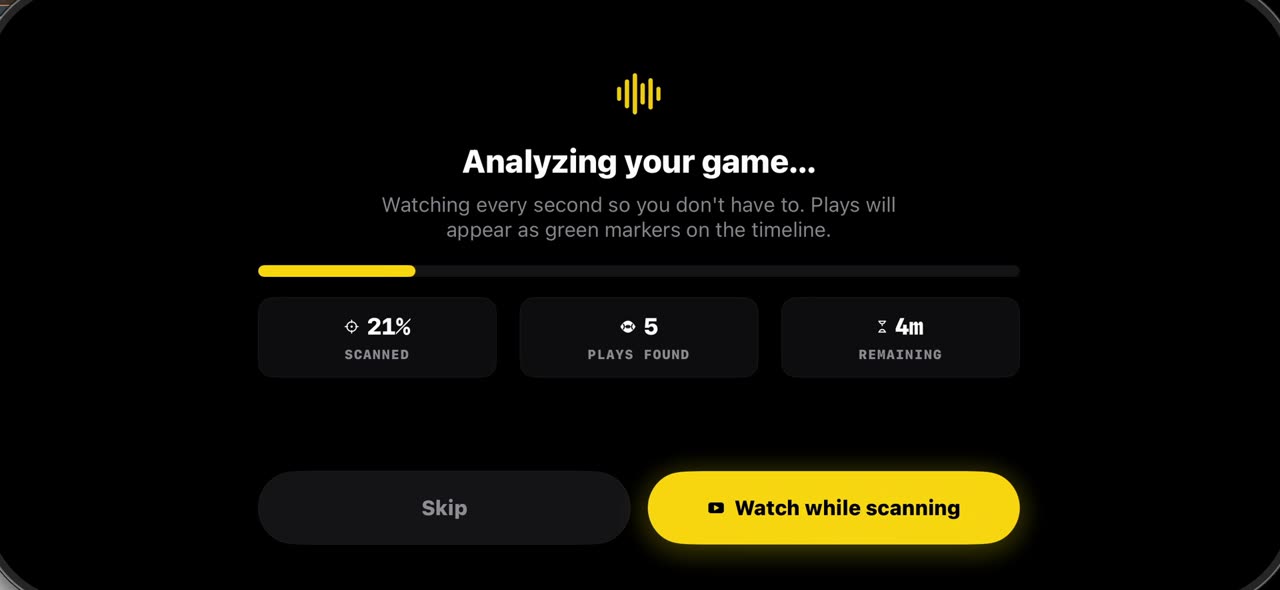
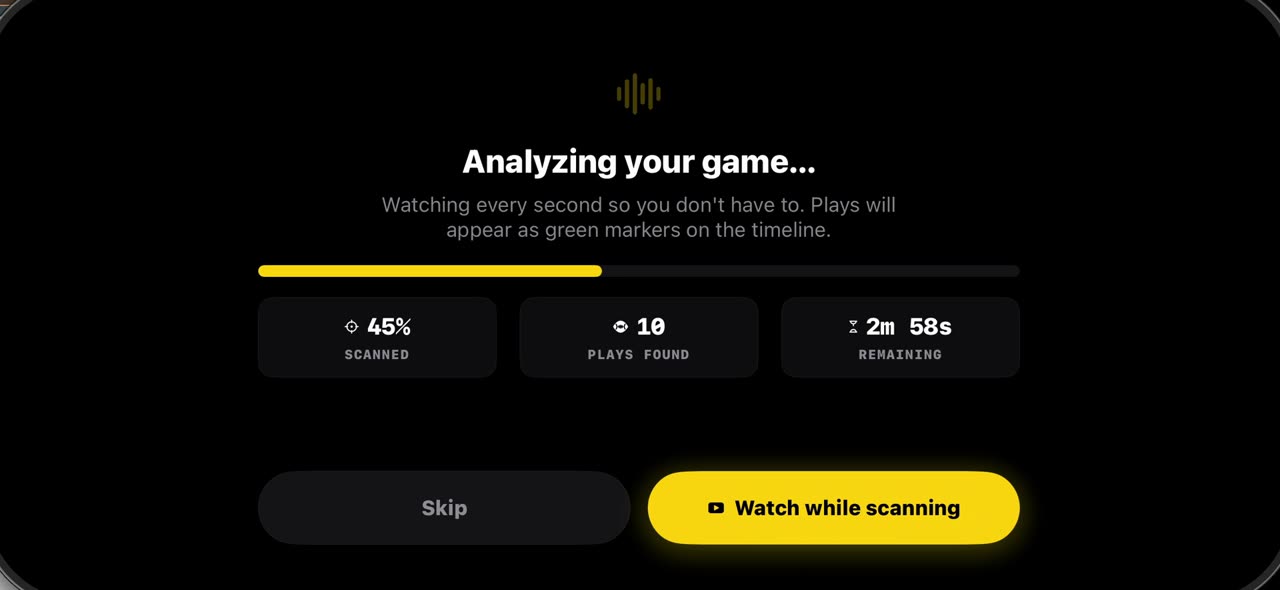
Pick the game film from Photos and the pre-scan watches every second, marking each play on the timeline: snaps in green, big plays in purple.
 0:31
0:31Freeze a snap and see every player, offense and defense
Open the timeline under your game film: green markers are snaps, purple ones big plays.
 0:30
0:30Record a play breakdown with your voice on the frozen snap
Freeze the snap and draw the plan first: from the palette pick the arrow and draw the blocks, and everything on the frame opens your video.
 0:36
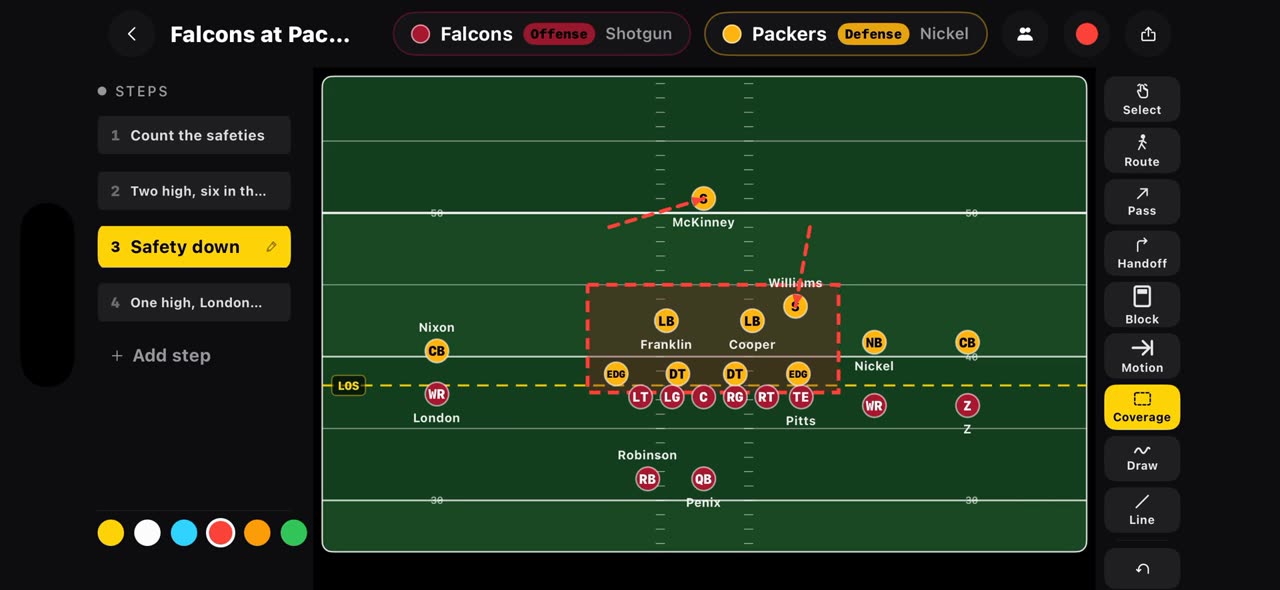
0:36Build a football game plan step by step and record it
On a football board every step is a snap.
 0:36
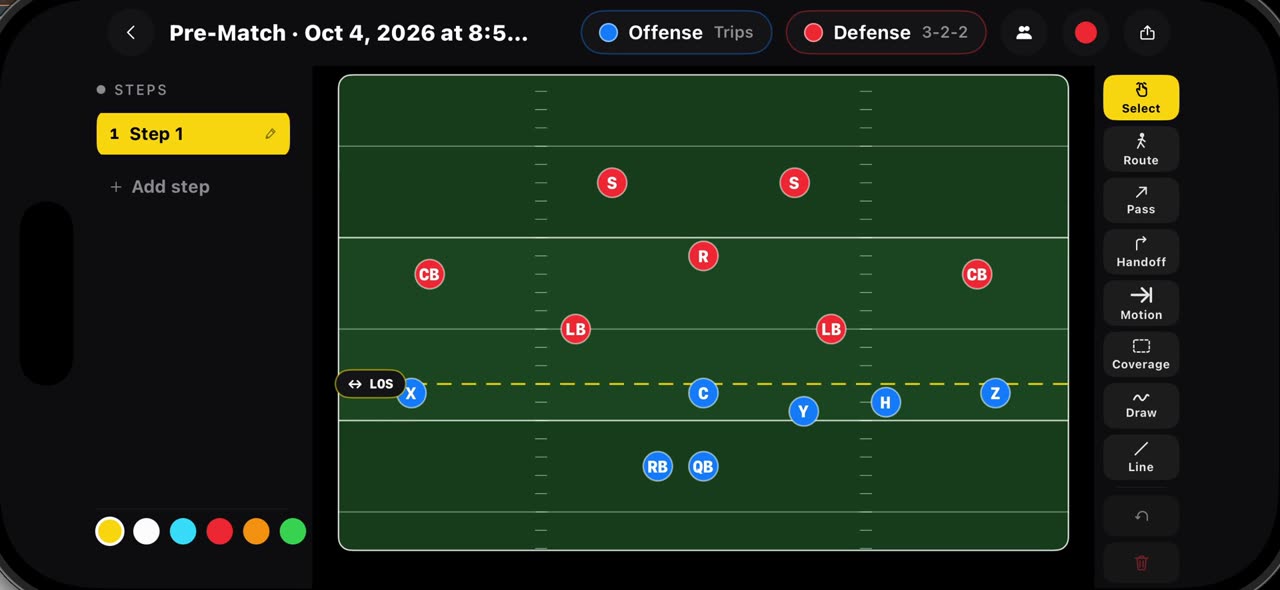
0:36Draw flag football plays on a real flag field, 7v7 and 5v5
Hold your finger on Pre-Match and pick a flag board: seven on seven starts with Trips against a three, two, two, five on five with Trips against a…
 0:35
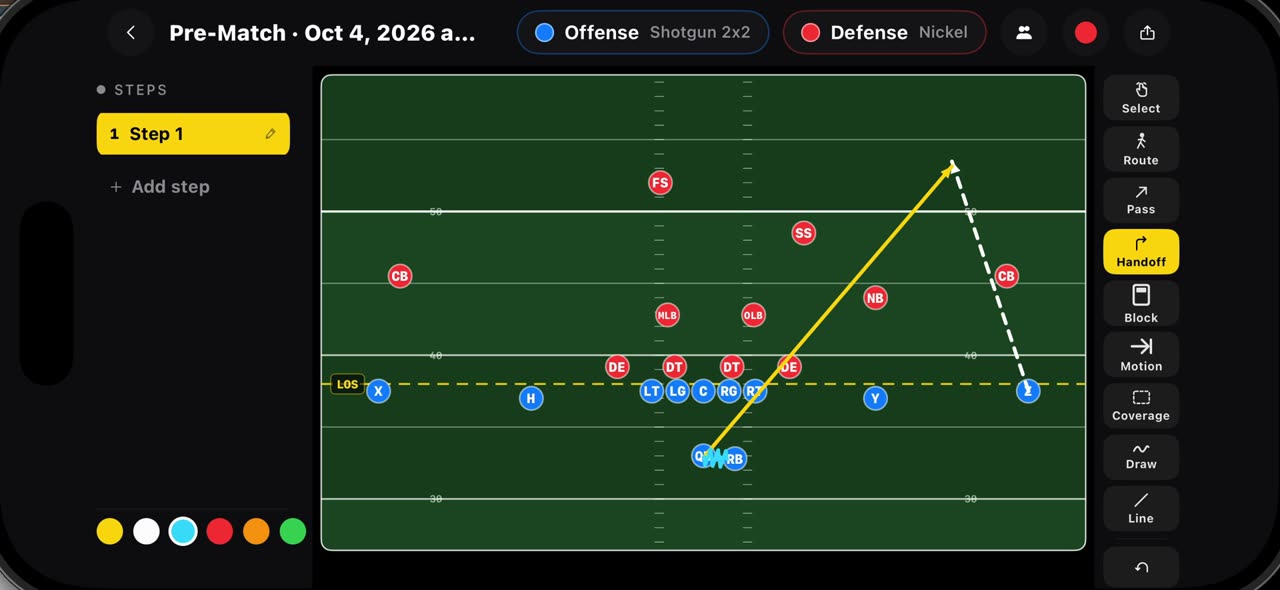
0:35Draw routes, passes, handoffs, blocks, motion and coverage
Every mark on the football board has its own tool.
 0:35
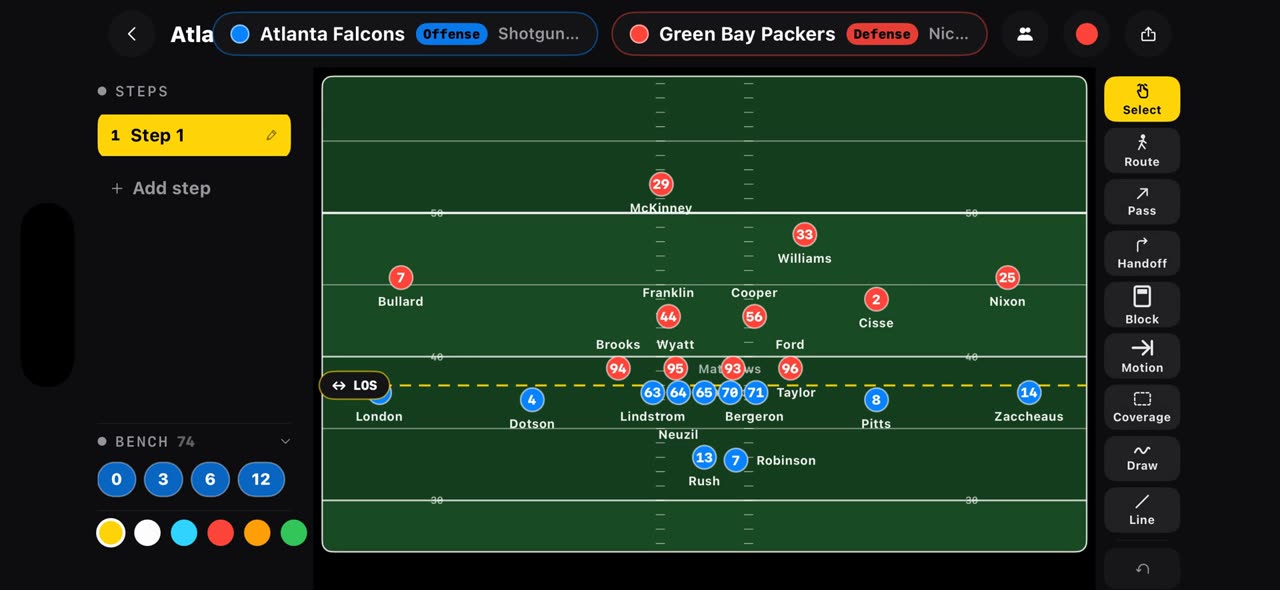
0:35Open any NFL matchup on a play board from one link
Put the offense and the defense in one link, tactikalsnap.com/prematch?offense=ATL&defense=GB, and the app opens the board on an NFL field: the…
 0:37
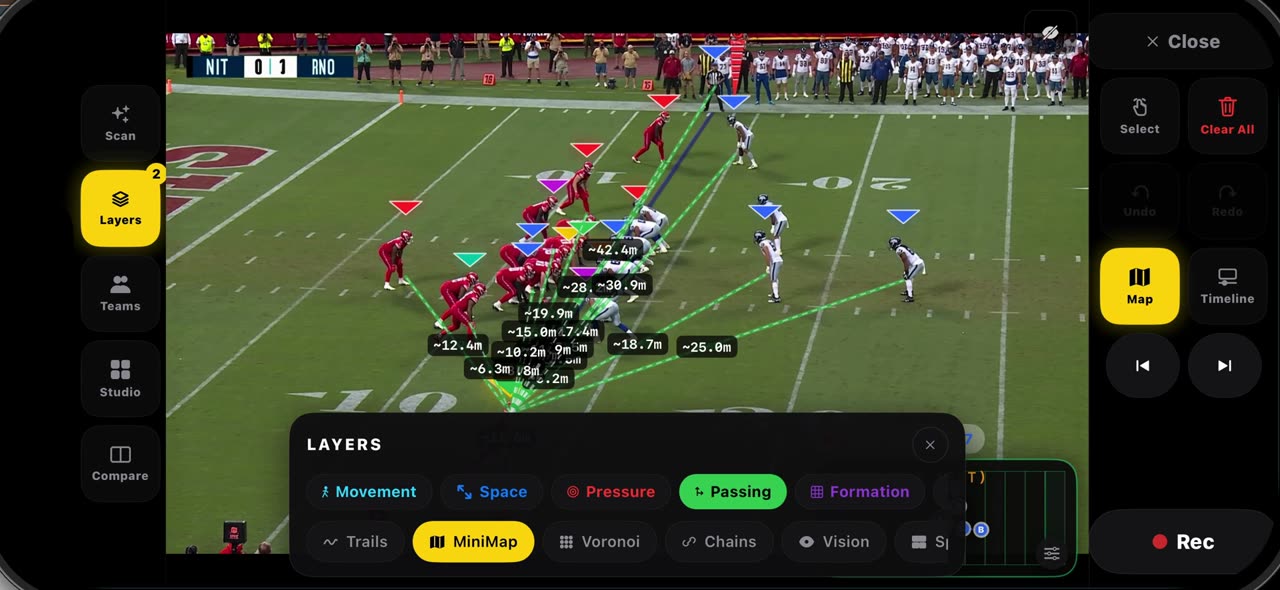
0:37Read a frozen snap with layers, then check the game report
Freeze a snap and open Layers: Formation connects each side's players so the shape at the snap is clear, and Passing draws every lane from the…
 0:36
0:36Export your play breakdowns and join them into one reel
The export button on the watch screen opens every recording of the game.
 0:44
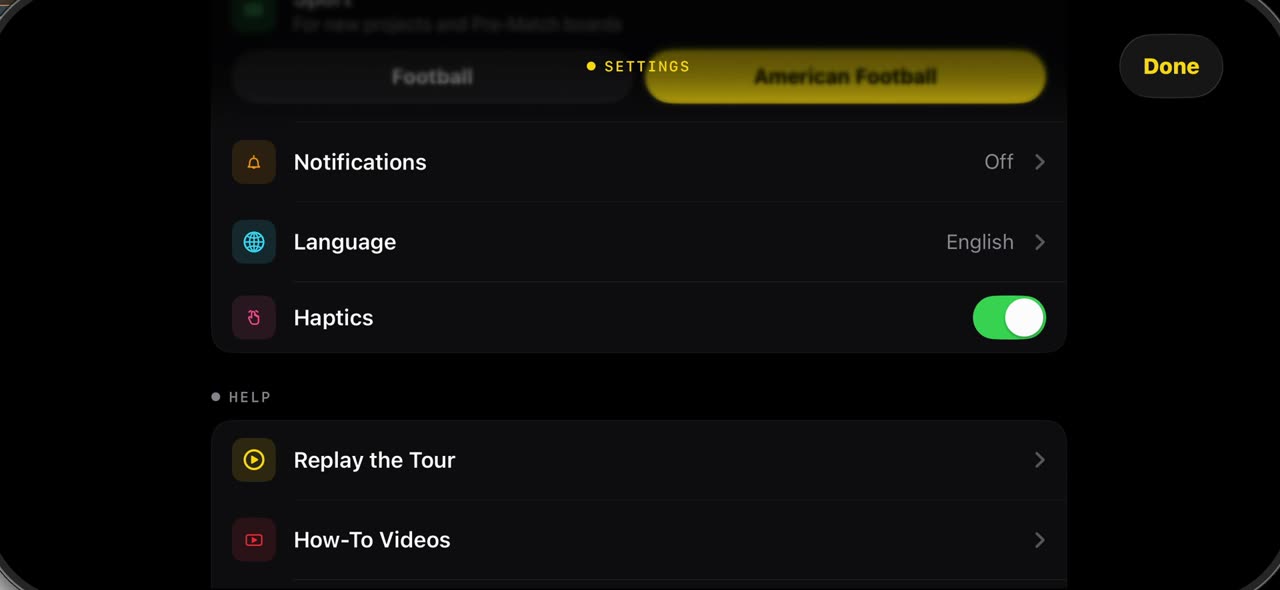
0:44What is in Settings when the sport is American Football
The gear in the library opens Settings.
Soccer · Getting started
 0:43
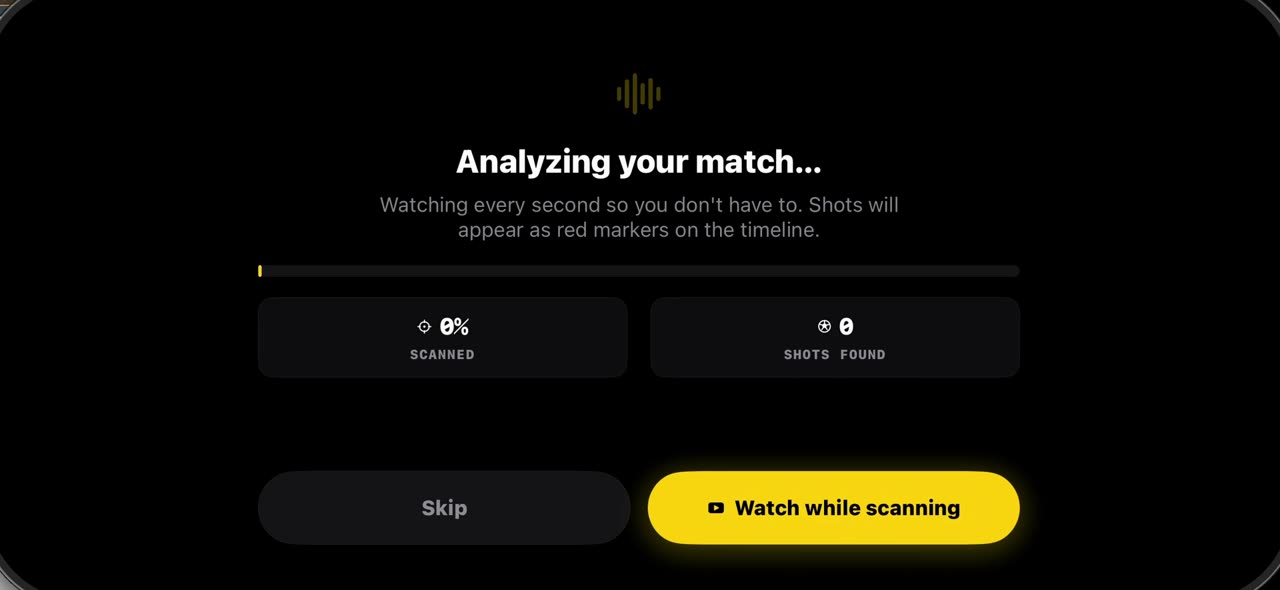
0:43How to import a match into TacticalSnap (and what the first scan finds)
Match analysis starts with your own film, not a broadcast.
 0:35
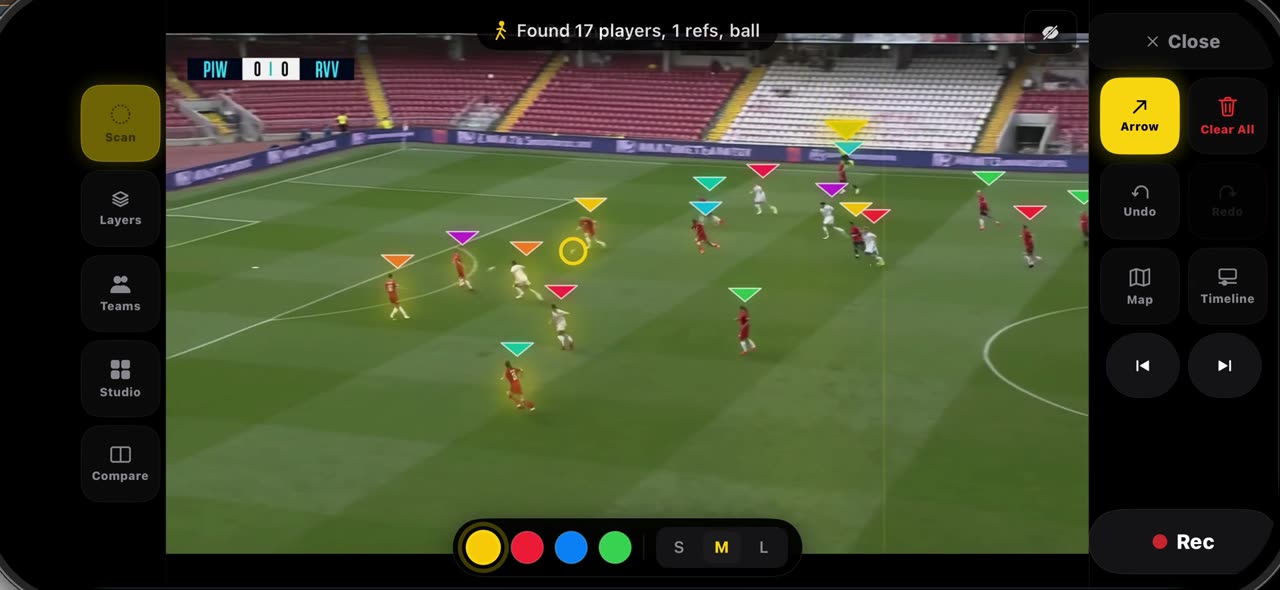
0:35How to freeze a moment and scan the players in TacticalSnap
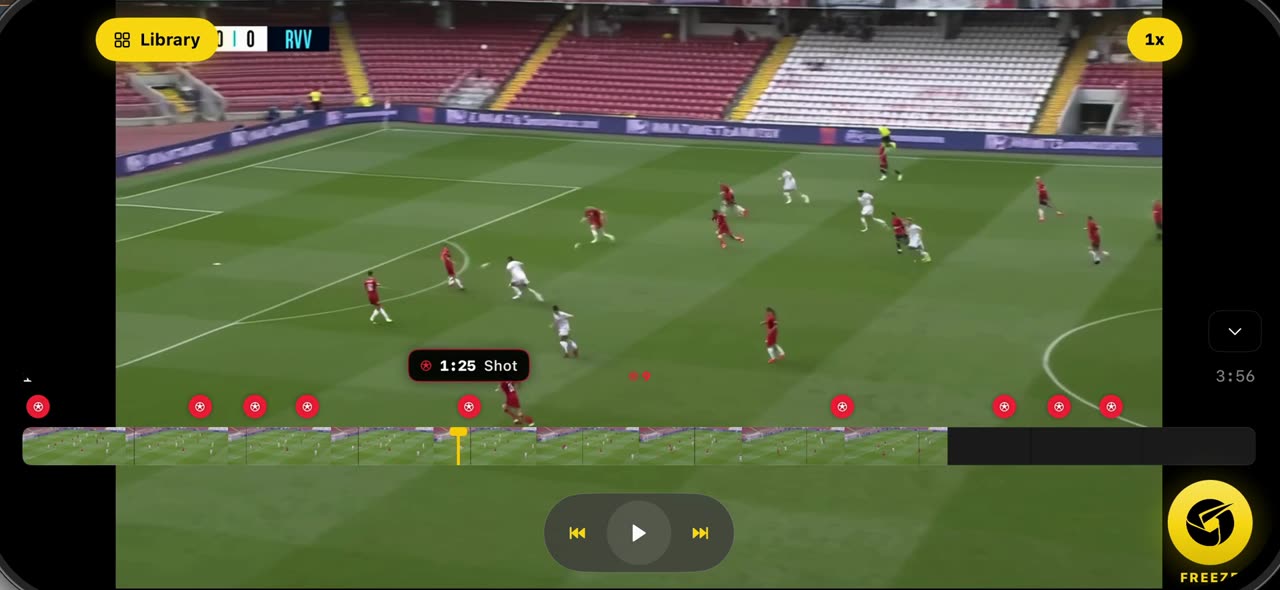
Open the match you imported: the scan has already marked every shot as a red dot on the timeline.
 0:42
0:42How to fix the teams on a frozen frame in TacticalSnap
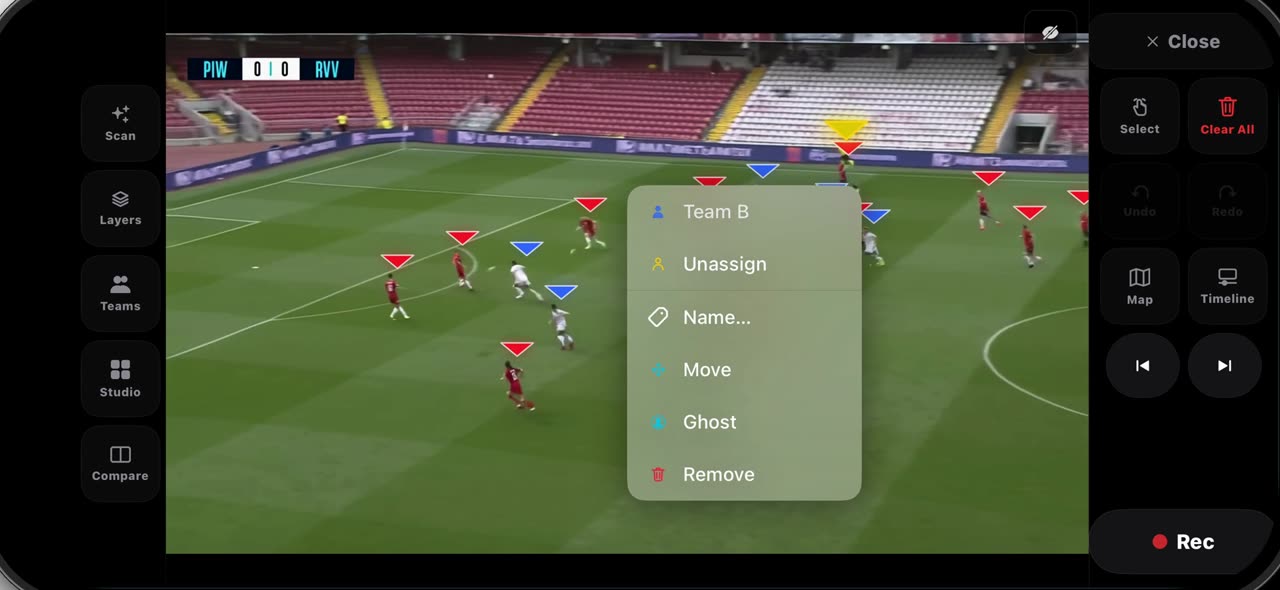
After Freeze every player wears a triangle — red for Team A, blue for Team B — and on a crowded frame one player can land on the wrong side.
 0:40
0:40How to draw on a frozen frame in TacticalSnap (arrow, line, circle, zone, freehand)
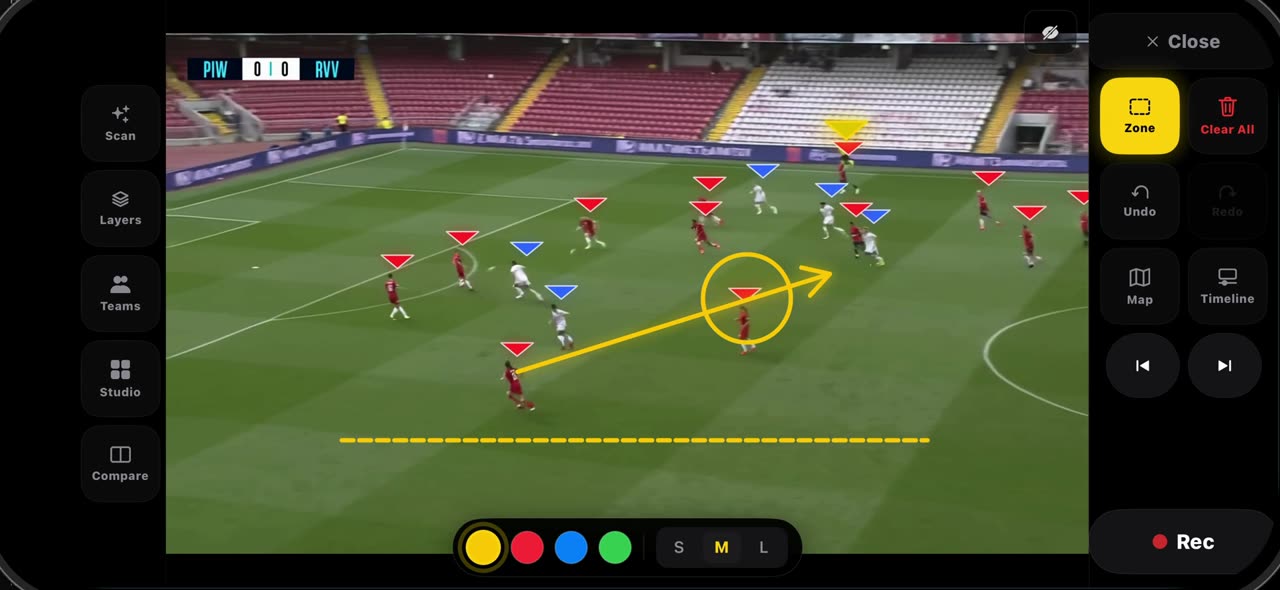
Hold the Select tile and the palette opens.
 0:32
0:32How to label a frozen frame and point with the laser in TacticalSnap
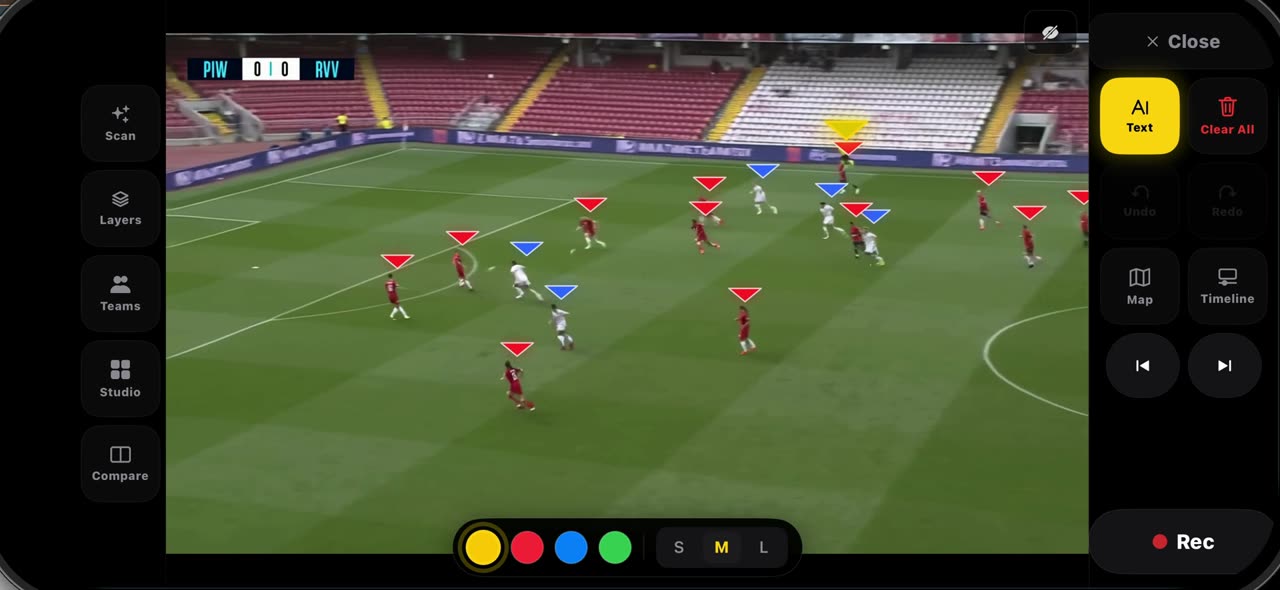
Pick Text from the palette and tap where the note belongs — a name, a distance, a reminder — then tap Add: the label is anchored to that spot on the…
 0:33
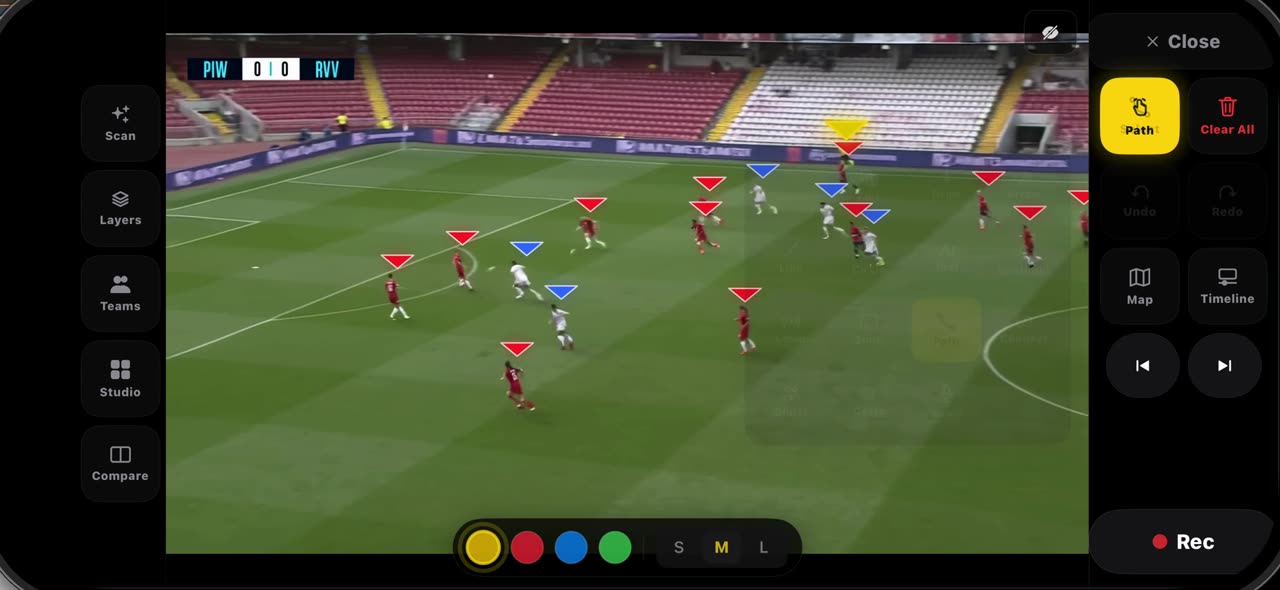
0:33How to spotlight a player and draw his run in TacticalSnap
Pick Spotlight from the palette: the frame dims, the ball carrier gets the ring and the other players keep their team letters — pick it again and…
 0:30
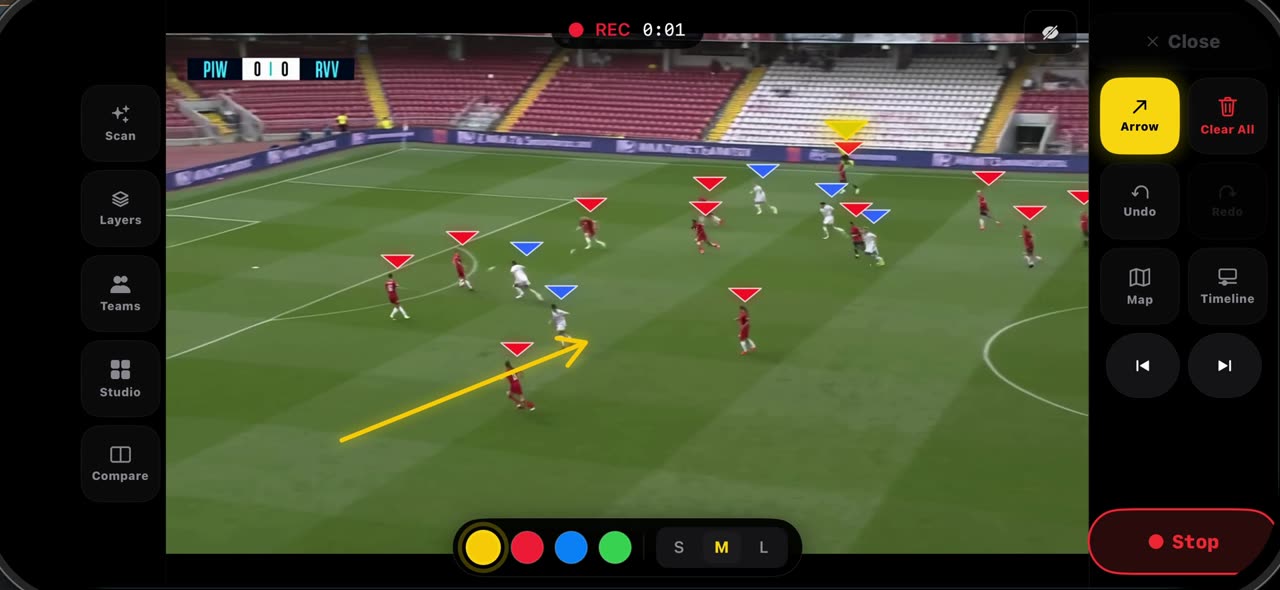
0:30How to record a take on a frozen frame in TacticalSnap
Set the frame up before you record — the line, the space, the first arrow — because whatever is on the frame when you press Rec opens the clip.
 0:45
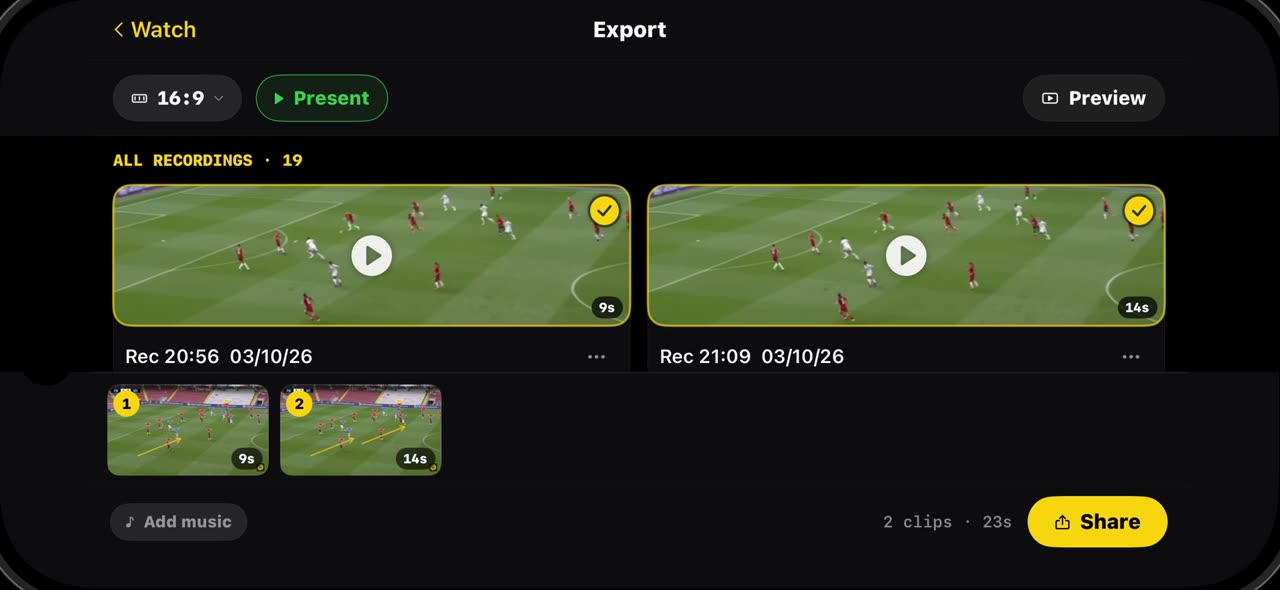
0:45How to export your clips and build a reel in TacticalSnap
Every take you record lands in Export, with its length, ready to play, share or delete.
 0:32
0:32How to clear a frame and step through it frame by frame in TacticalSnap
When a frame gets busy, Clear All wipes it in one tap — drawings, labels and the player markers together — so the next idea starts on a clean picture.
Soccer · Pre-Match board
 0:48
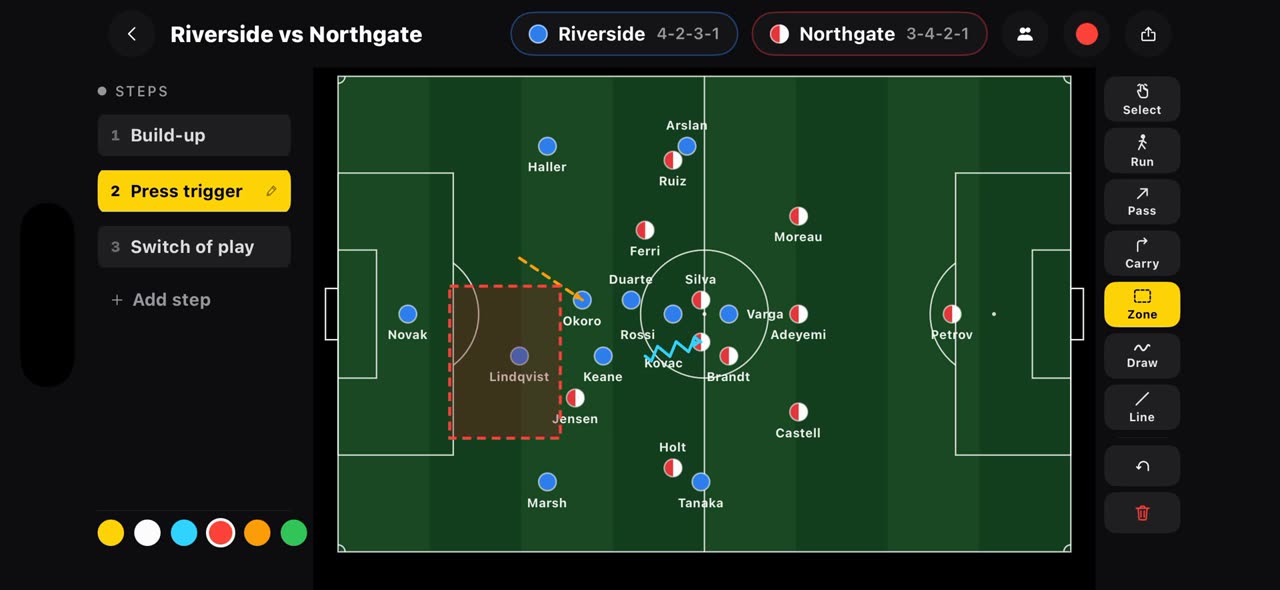
0:48How to draw a plan before kick-off on the TacticalSnap Pre-Match board
Most tactics apps start when the film ends.
 0:46
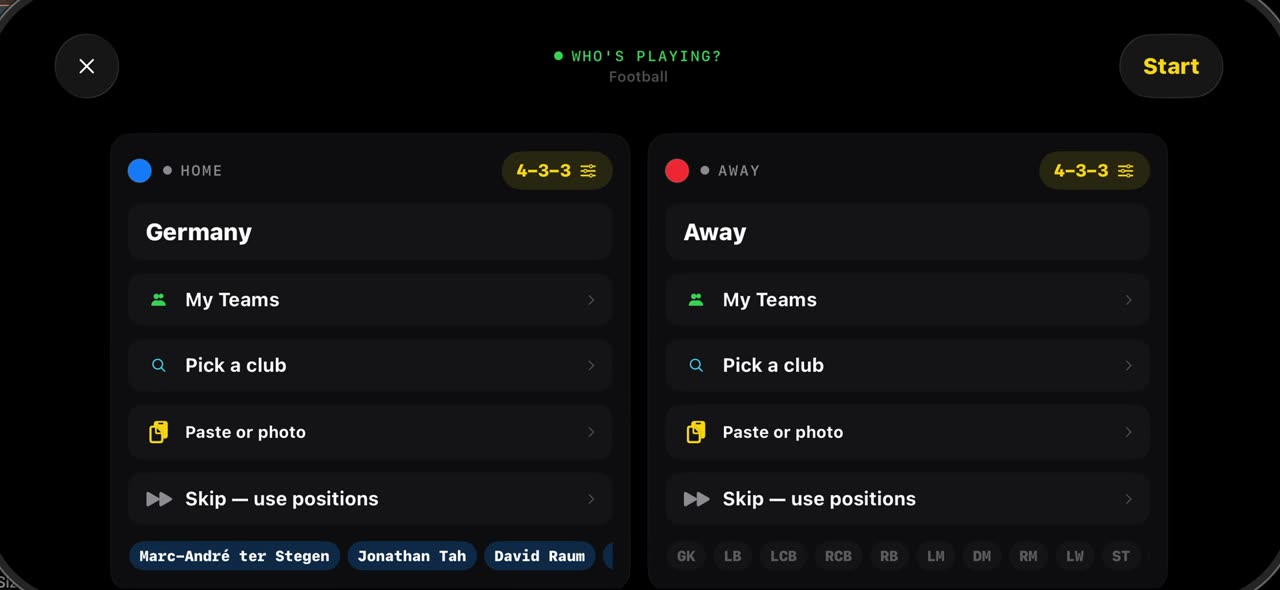
0:46How to line up both squads in seconds on the TacticalSnap Pre-Match board
 0:47
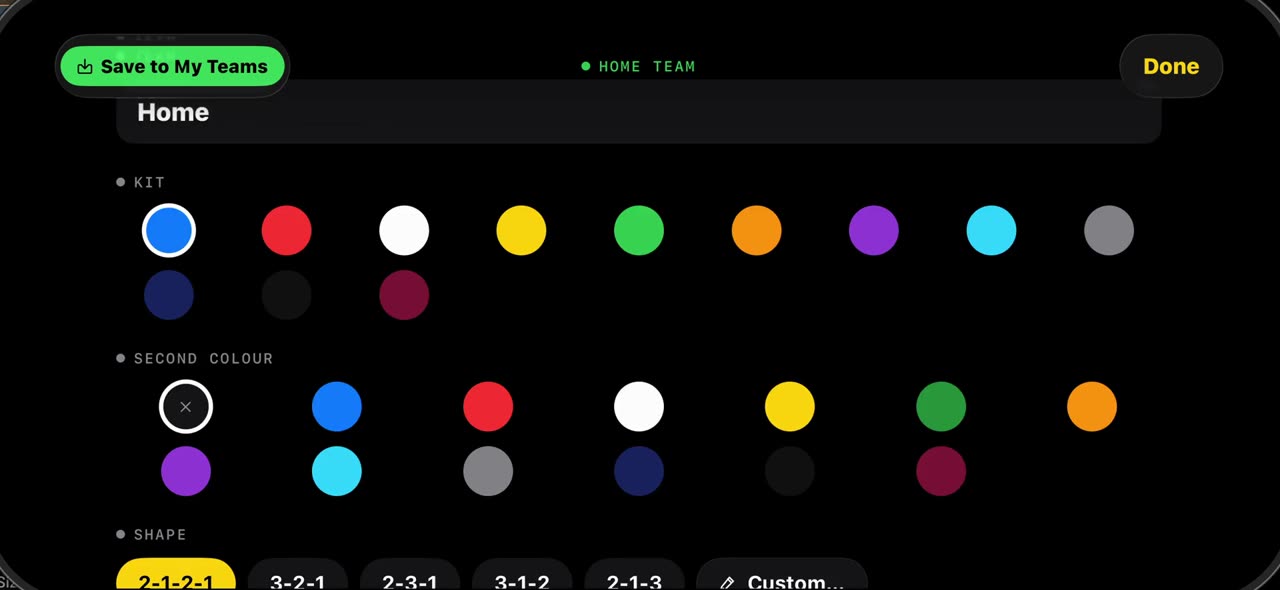
0:47How to set up a 7v7, 9v9 or 5v5 board in TacticalSnap
Grassroots football is not always eleven a side.
 0:35
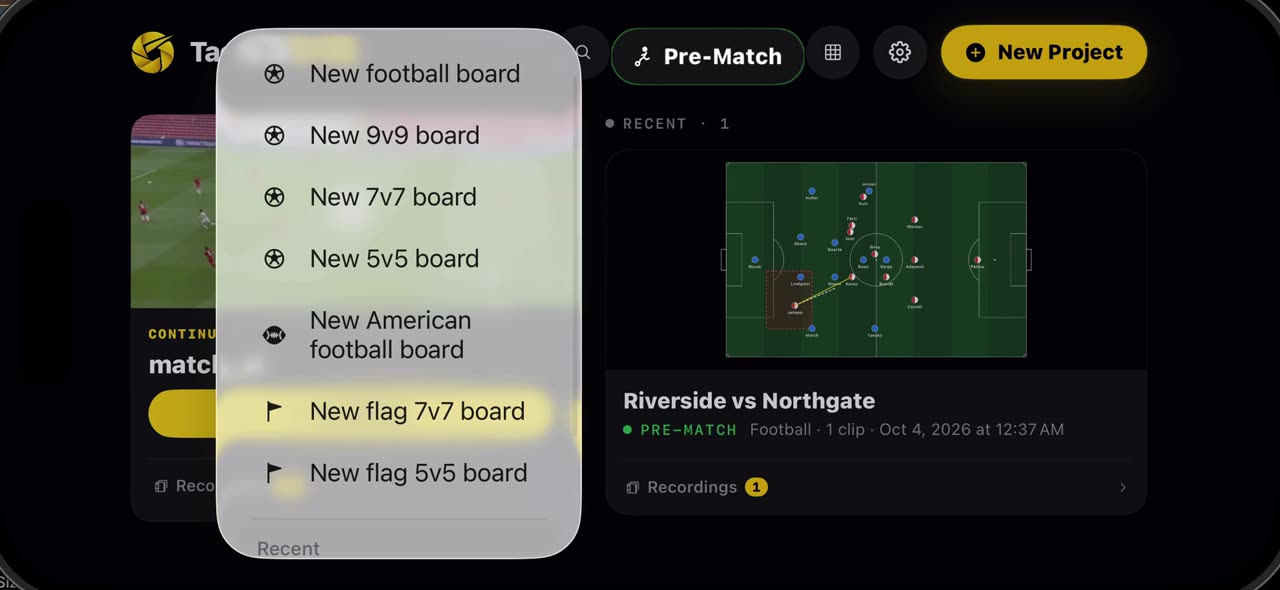
0:35How to save your team and use it on any board in TacticalSnap
Once a squad is on a board — from the catalogue or typed in by hand — open the team and tap Save to My Teams: names, numbers, kit and shape are kept…
 0:34
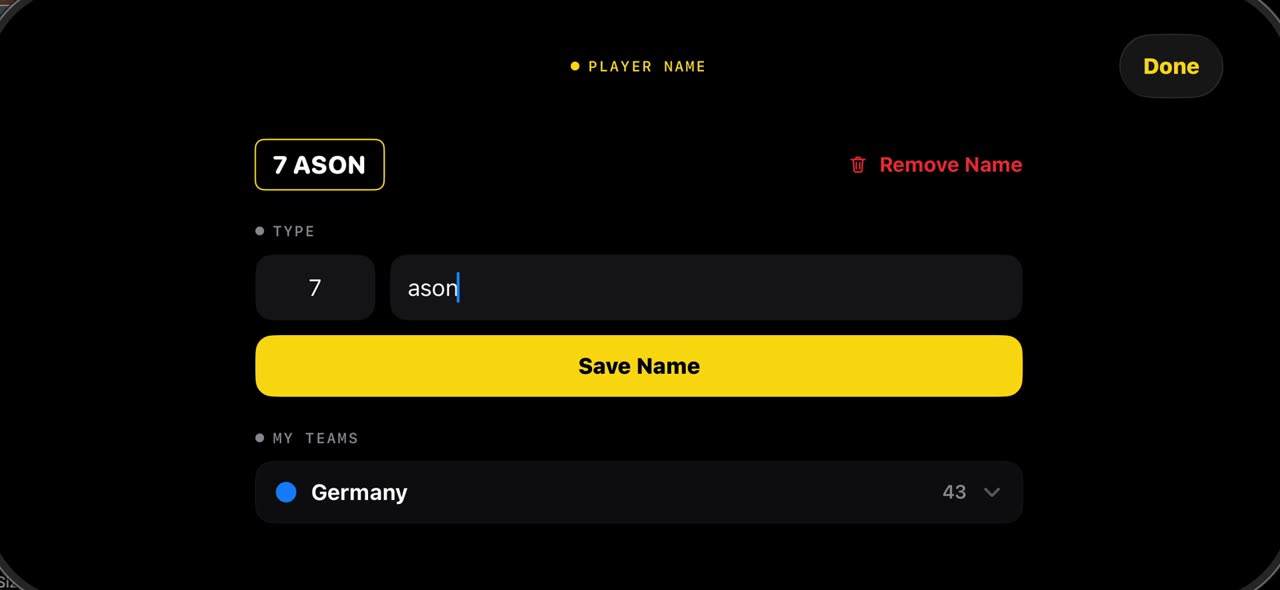
0:34How to put names on the players in a match video with TacticalSnap
Hold your finger on a player in a frozen frame and tap Name: type the number and the name, save it, and the label sits under his feet on every frame…
Soccer · Analysis tools
 0:40
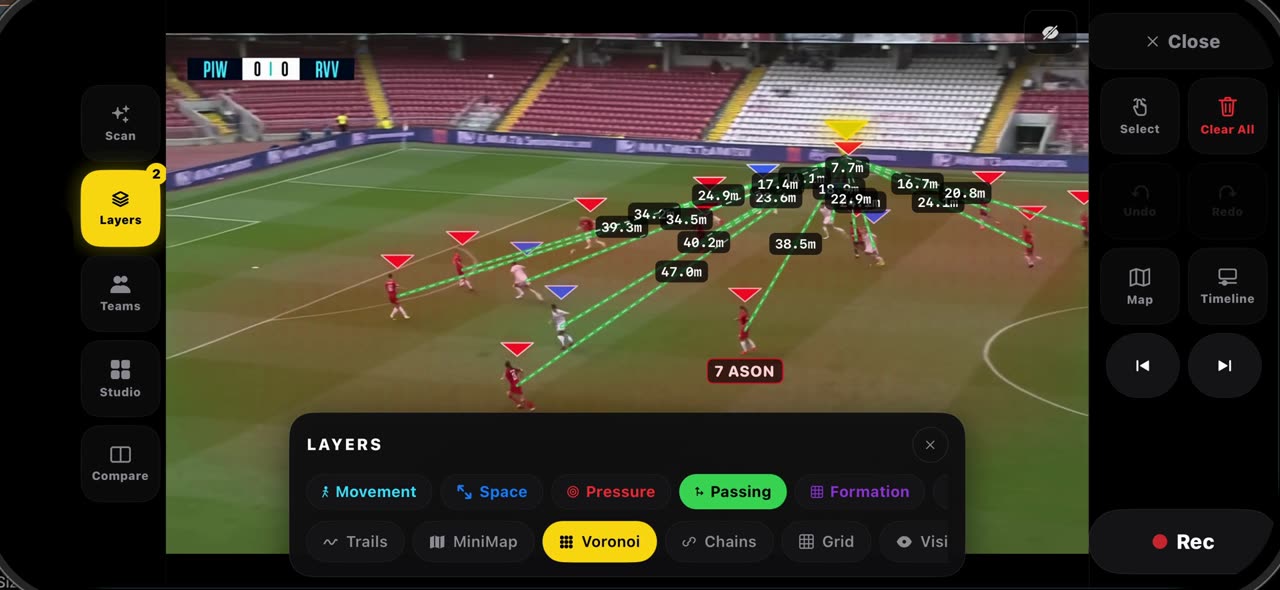
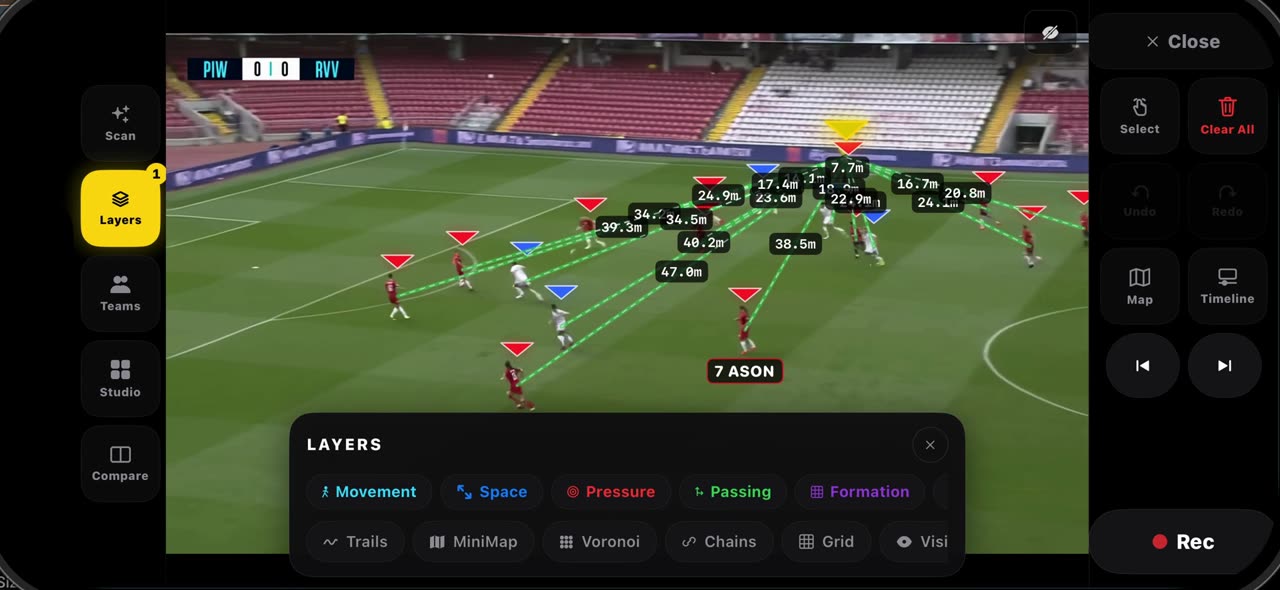
0:40How to read a frozen frame with the layers in TacticalSnap
Open Layers on a frozen frame.
 0:34
0:34How the pitch is calibrated in TacticalSnap, and what it gives you
When you freeze a frame, the lines of the pitch are read and the frame is calibrated by itself — no corners to tap; the badge at the top says when…
 0:34
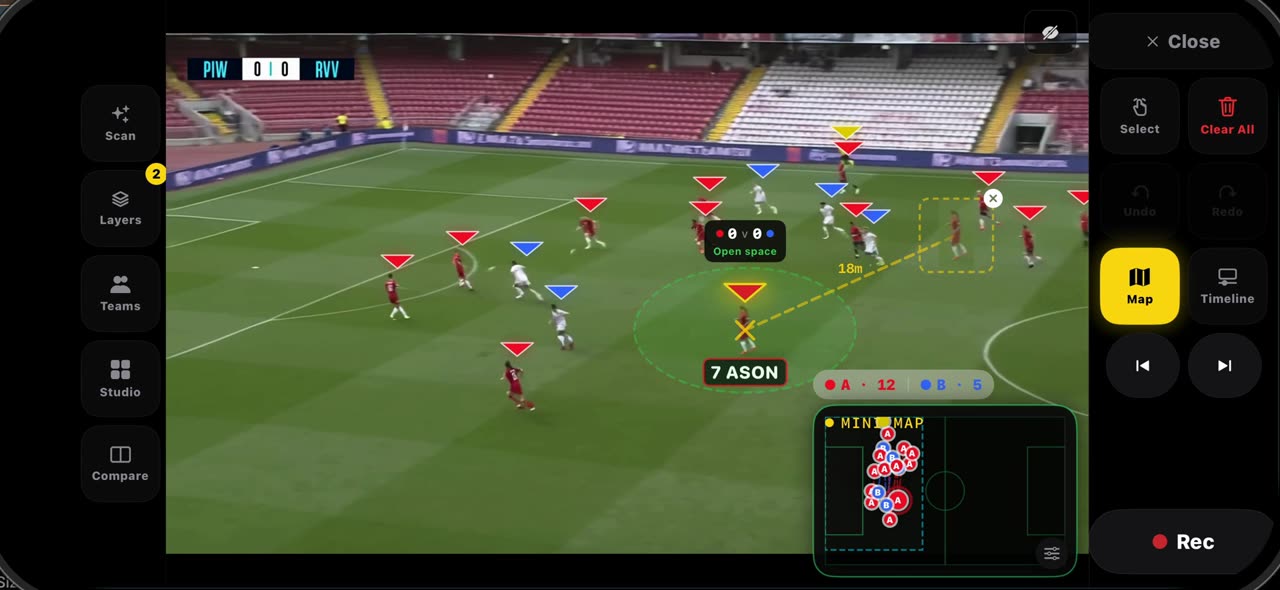
0:34How to use ghost players and Connect in TacticalSnap
Hold your finger on a player on a frozen frame and pick Ghost: a translucent copy of him, cut from the frame, appears next to the real one with a…
 0:33
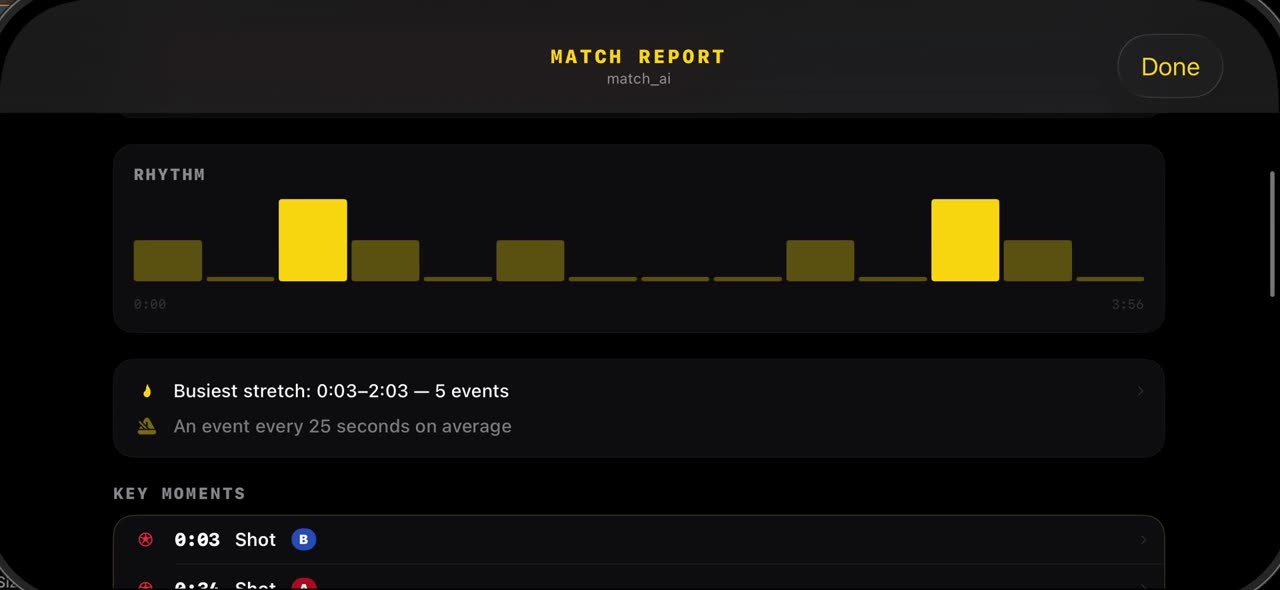
0:33How to read the match report in TacticalSnap
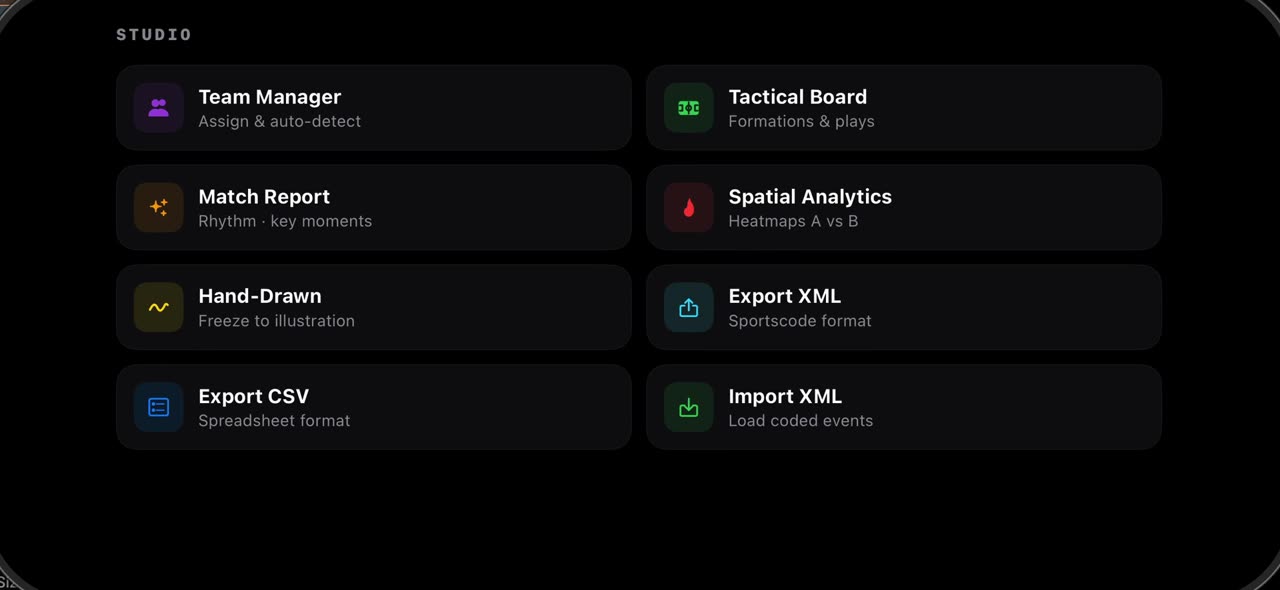
After the scan, open Studio and tap Match Report: the shots the scan found, the possession split and the rhythm of the game are already there, from…
 0:33
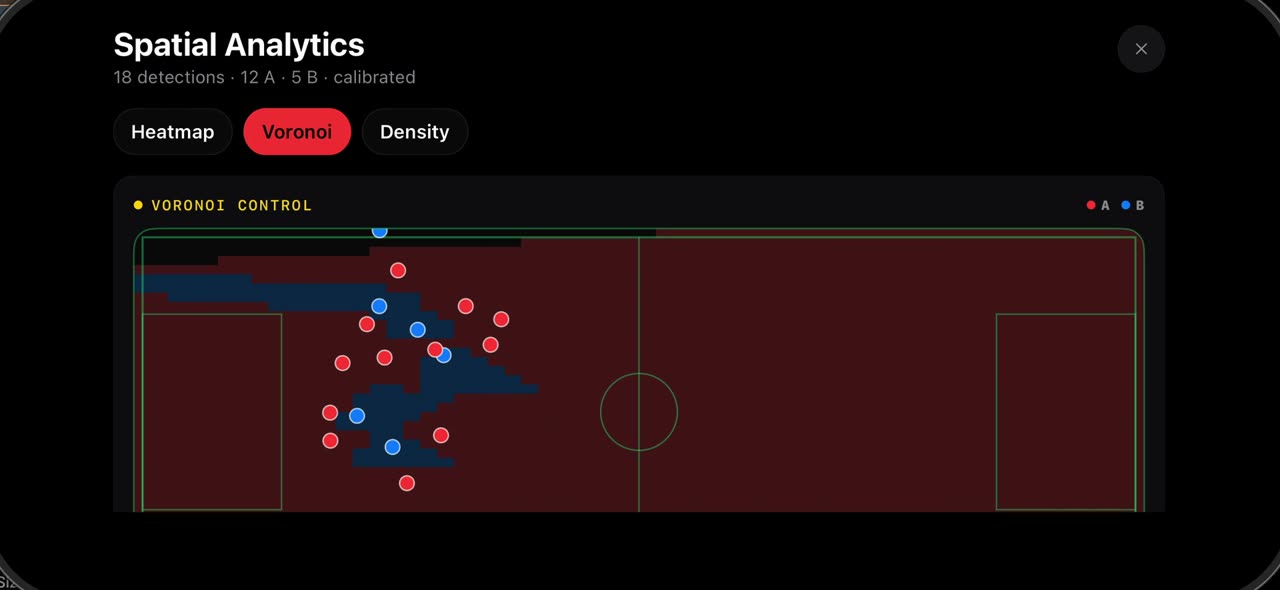
0:33How to see where your team played: heatmap, Voronoi and density in TacticalSnap
Open Studio and tap Spatial Analytics.
 0:38
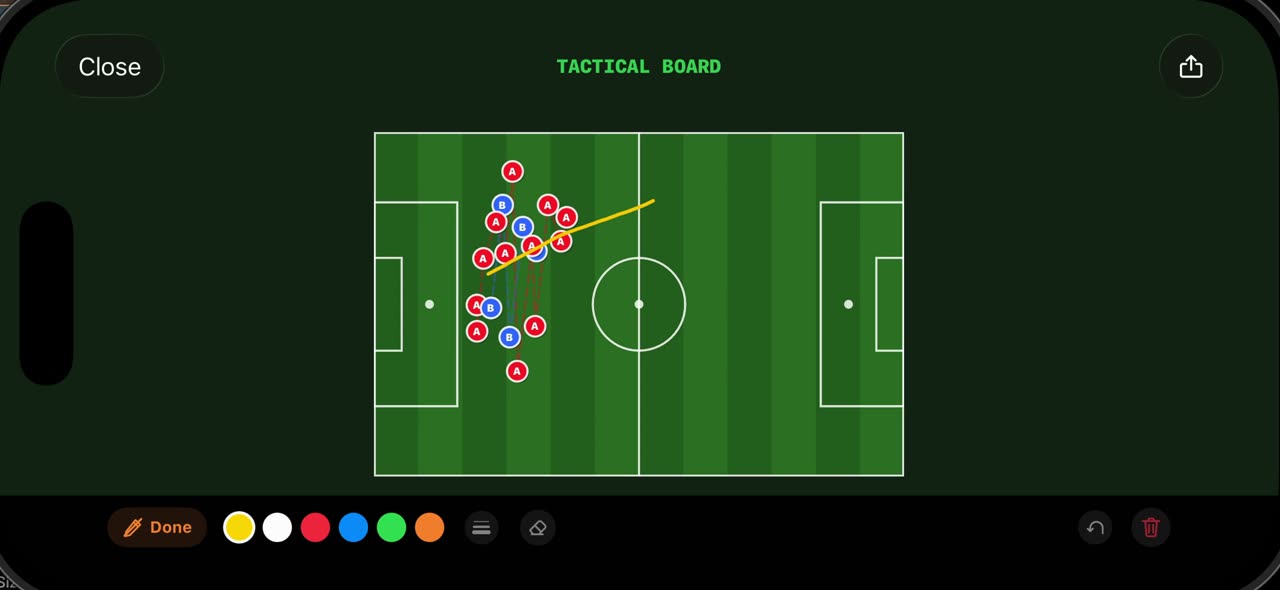
0:38How to use the Tactical Board and Hand-Drawn mode in TacticalSnap
Open Studio on a frozen frame and tap Tactical Board: the frame is redrawn as a 2D board from above, with every player the scan found placed where…
 0:38
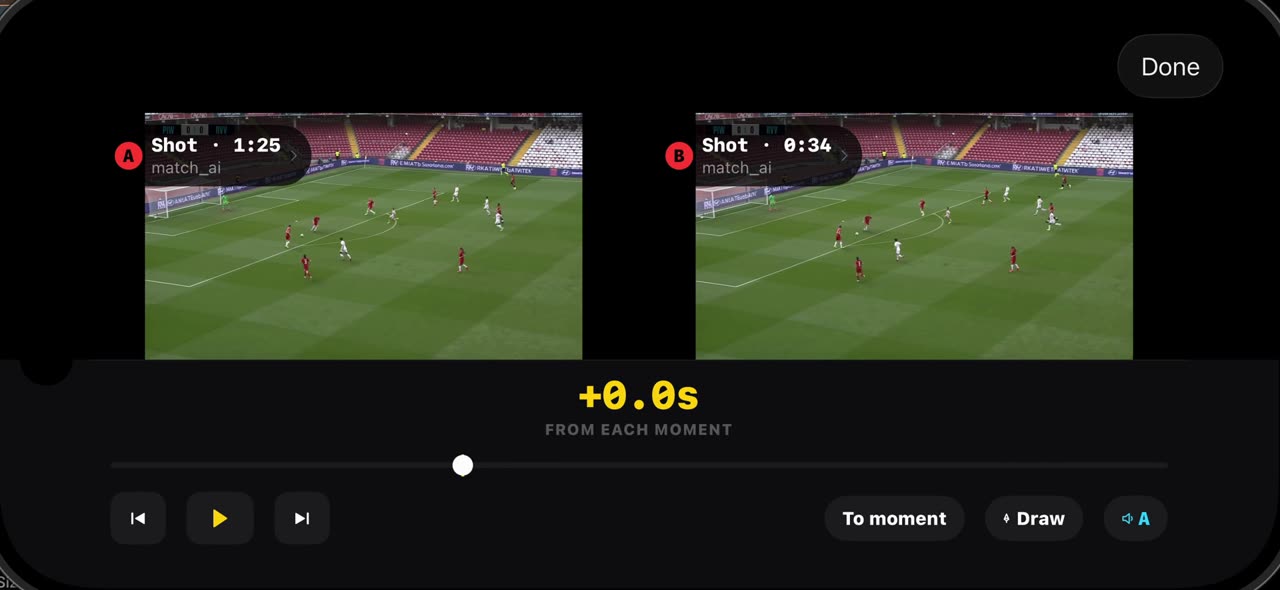
0:38How to compare two moments of a match in TacticalSnap
Compare puts two moments of your own match side by side.
 0:38
0:38How to export XML and CSV and import coded events in TacticalSnap
Open Studio on a frozen frame and tap Export XML: every event the scan found, with its time and type, is written as a Sportscode XML file, ready to…
 0:51
0:51What is in the TacticalSnap settings
The gear in the library opens Settings.