
In short
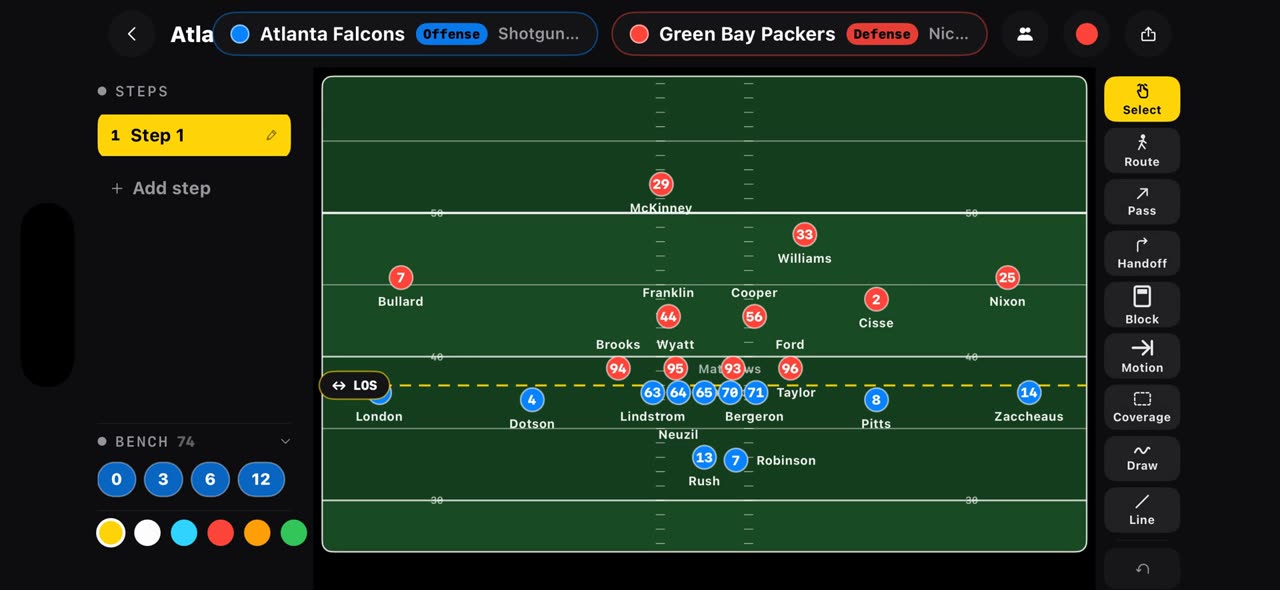
Put the offense and the defense in one link, tactikalsnap.com/prematch?offense=ATL&defense=GB, and the app opens the board on an NFL field: the Falcons offense against the Packers defense, starters from the depth chart, standing in formation. You can also open Pre-Match and pick a club; every NFL team is in the list and offense and defense are picked separately. iPhone and iPad.
Step by step
One link
Your game plan can start with one link. Put the offense and the defense in it, and the app opens the board on an NFL field, with both teams already on it.
On screen: tactikalsnap.com/prematch?offense=ATL&defense=GB opens an NFL board.
Starters from the depth chart
Here the Falcons offense lines up against the Packers defense. The starters come from the depth chart and stand in formation, ready for the first step.
On screen: Falcons offense, Packers defense: starters from the depth chart, in formation.
Or pick a club
You can also open Pre-Match and pick a club. Every NFL team is in the list, college programs too, and the starters are already ticked from the depth chart. Offense and defense are picked separately, so any matchup works.
On screen: Pick a club → NFL or NCAA FBS. Starters come ticked from the depth chart.
What you need
- An iPhone or iPad with iOS 17 or later (or a Mac).
- TacticalSnap from the App Store. It is free to download and every analysis tool is free.
- No film at all: the board starts from both rosters.
Try it on your own film
TacticalSnap runs the whole loop on an iPhone or iPad, on the device. Breaking down film is free and unlimited; exporting video is the only paid step.
More in this section
 0:32
0:32Import a football game film and let it find every play
Pick the game film from Photos and the pre-scan watches every second, marking each play on the timeline: snaps in green, big plays in purple.
 0:31
0:31Freeze a snap and see every player, offense and defense
Open the timeline under your game film: green markers are snaps, purple ones big plays.
 0:30
0:30Record a play breakdown with your voice on the frozen snap
Freeze the snap and draw the plan first: from the palette pick the arrow and draw the blocks, and everything on the frame opens your video.
 0:36
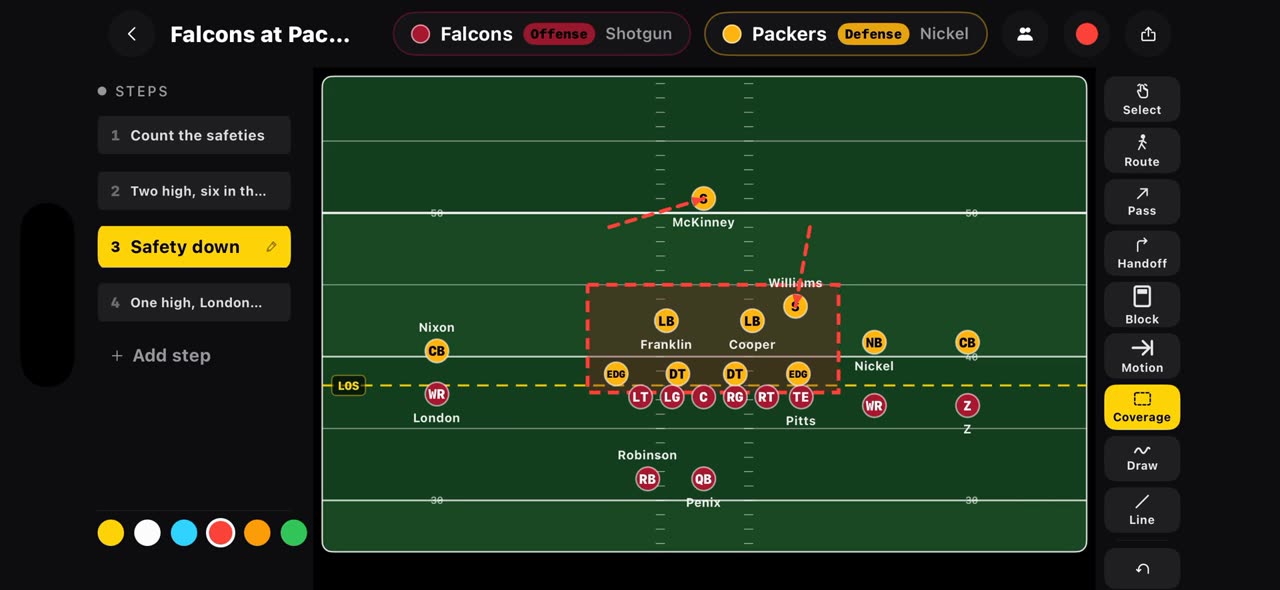
0:36Build a football game plan step by step and record it
On a football board every step is a snap.
 0:36
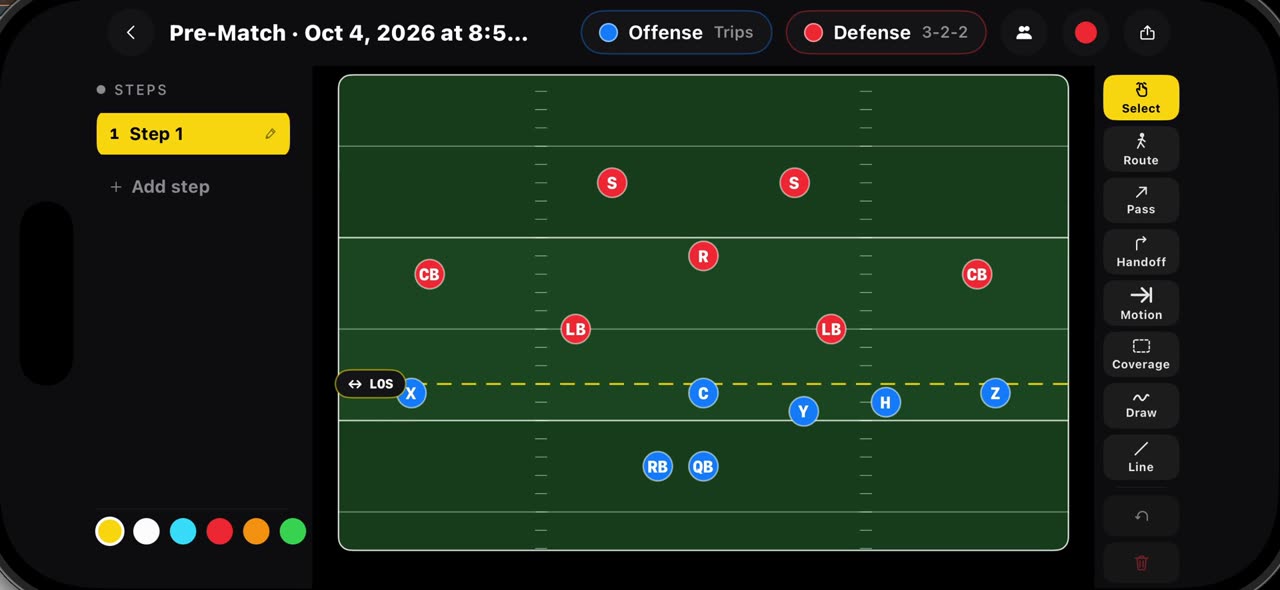
0:36Draw flag football plays on a real flag field, 7v7 and 5v5
Hold your finger on Pre-Match and pick a flag board: seven on seven starts with Trips against a three, two, two, five on five with Trips against a…
 0:35
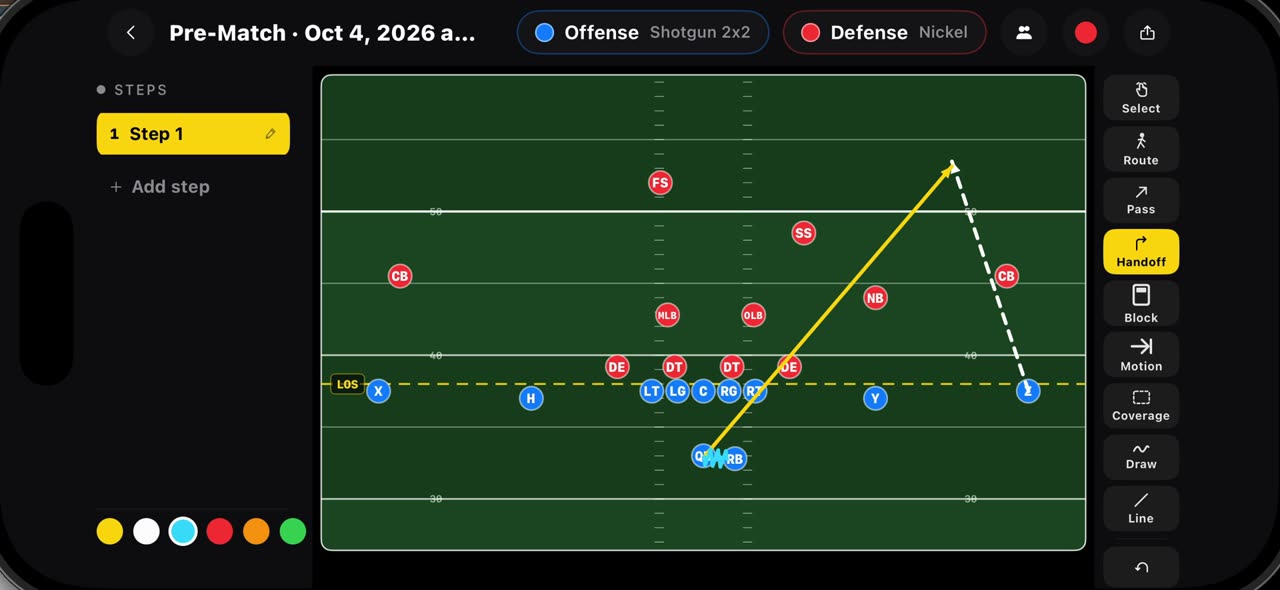
0:35Draw routes, passes, handoffs, blocks, motion and coverage
Every mark on the football board has its own tool.