
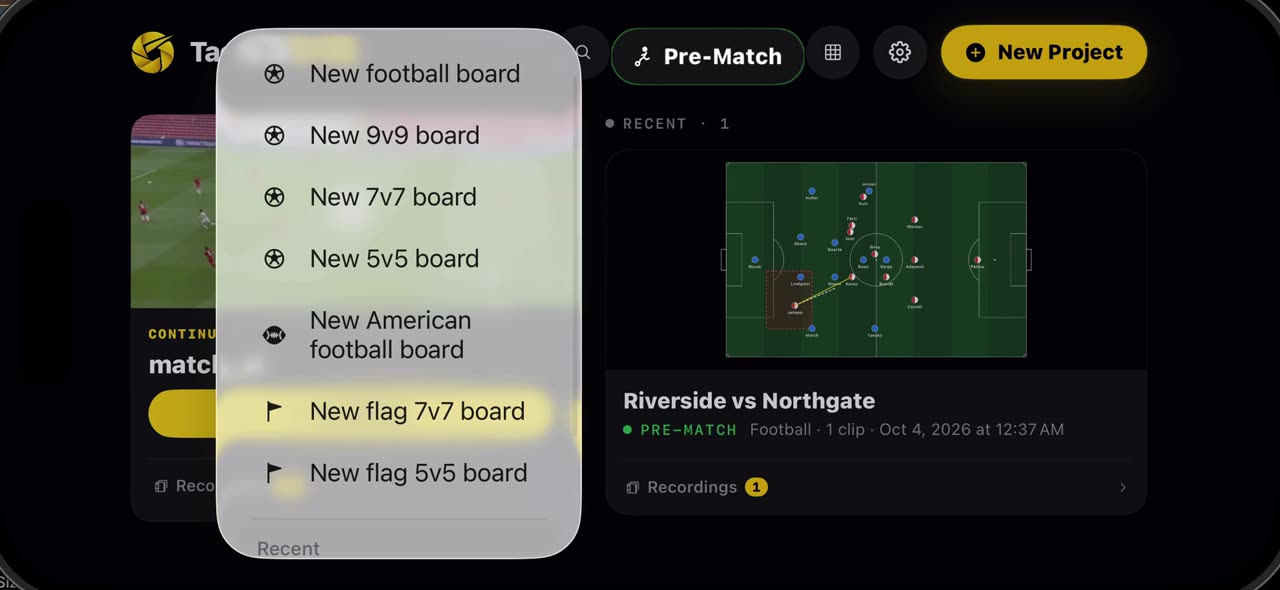
In short
Once a squad is on a board — from the catalogue or typed in by hand — open the team and tap Save to My Teams: names, numbers, kit and shape are kept for every board after this one. Next time, start any board, even a seven a side one, open My Teams and pick your squad; seven start and the rest wait on the bench under the pitch, and a drag brings a player on. Your team, ready before every session. iPhone and iPad.
Step by step
Save to My Teams
Once a squad is on a board, from the catalogue or typed in by hand, open the team and tap Save to My Teams. Names, numbers, kit and shape are kept for every board after this one.
On screen: Any squad on a board — from the catalogue or typed in — saves with one button.
Use it anywhere
Next time, start any board, even a seven a side one, open My Teams and pick your squad. One tap, and your players are on the pitch.
On screen: New board → My Teams → your squad. Even on a 7v7 board.
The rest sit on the bench
Seven of them start, the rest wait on the bench under the pitch. Drag a name onto the pitch to bring him on, and the swap is made. Your team, ready before every session.
On screen: Seven start, the others go to the bench. Drag a name on and off the pitch.
What you need
- An iPhone or iPad with iOS 17 or later (or a Mac).
- TacticalSnap from the App Store. It is free to download and every analysis tool is free.
- No footage at all: the board starts from both squads.
Try it on your own footage
TacticalSnap runs the whole loop on an iPhone or iPad, on the device. Analysing is free and unlimited; exporting video is the only paid step.
More in this section
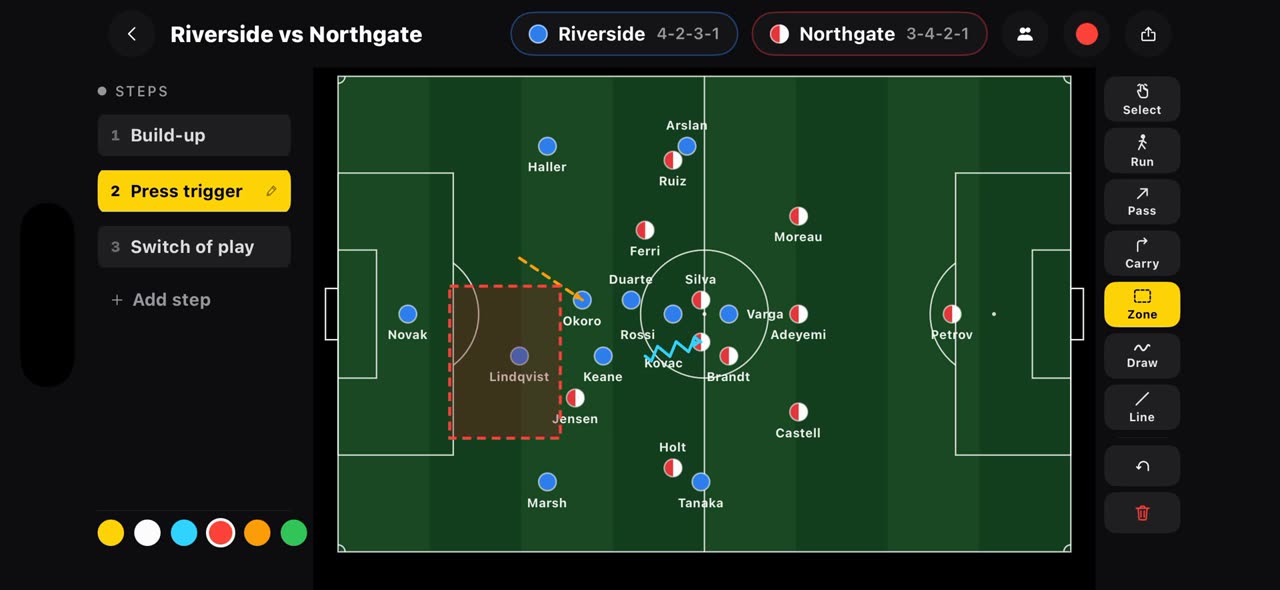 0:48
0:48How to draw a plan before kick-off on the TacticalSnap Pre-Match board
Most tactics apps start when the film ends.
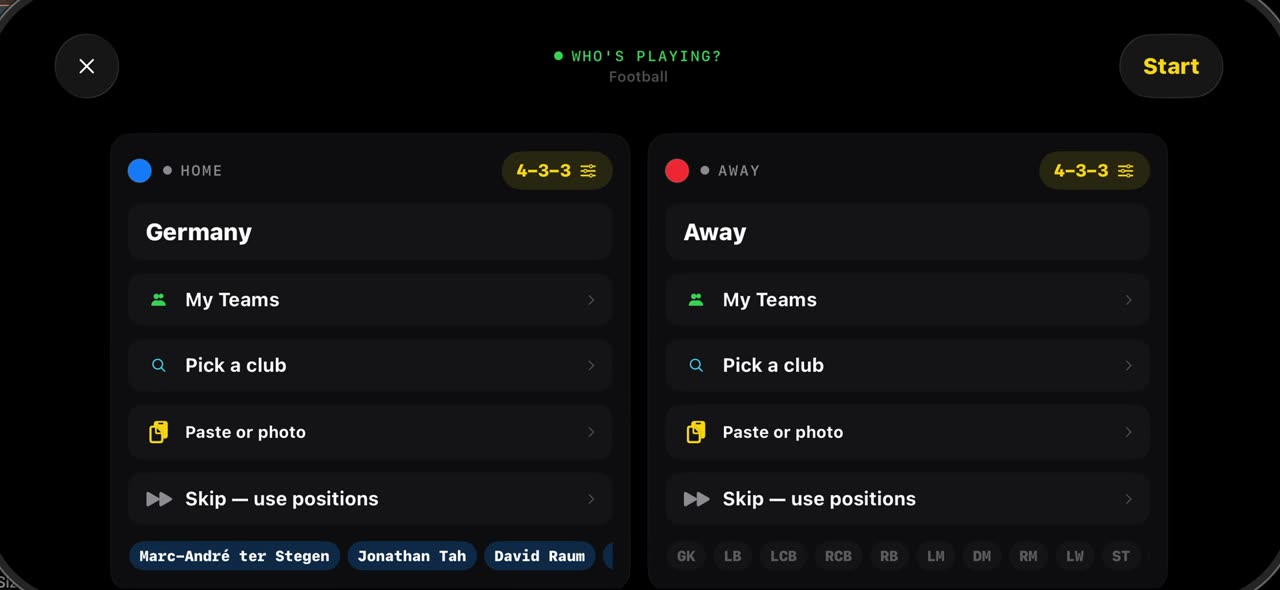 0:46
0:46How to line up both squads in seconds on the TacticalSnap Pre-Match board
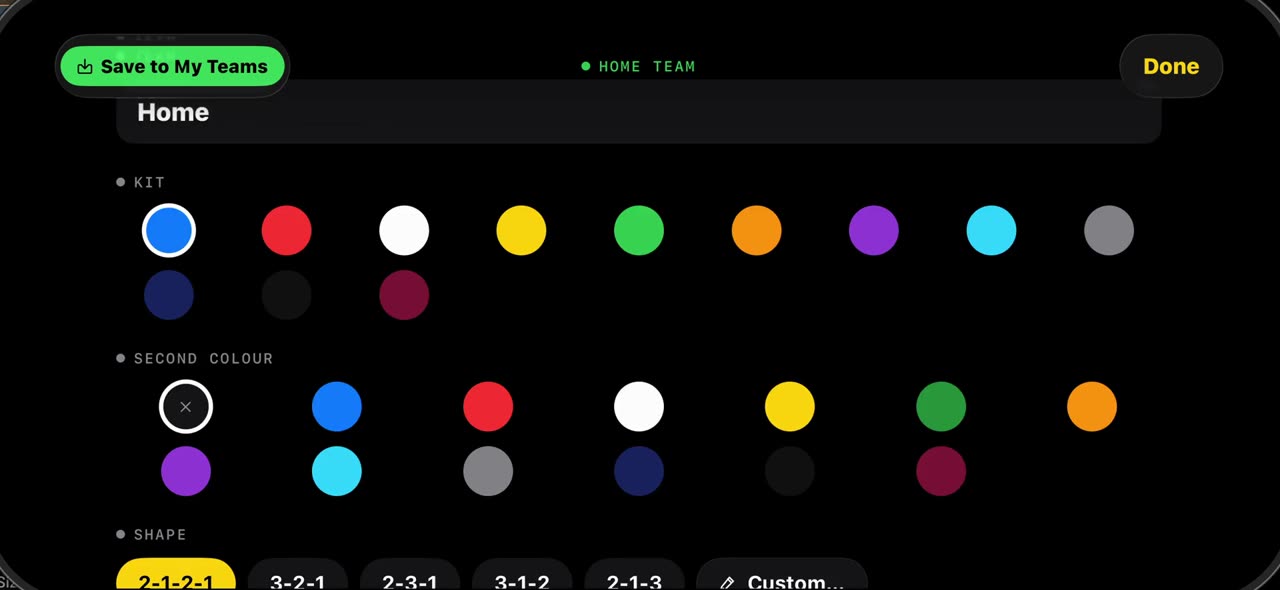 0:47
0:47How to set up a 7v7, 9v9 or 5v5 board in TacticalSnap
Grassroots football is not always eleven a side.
 0:34
0:34How to put names on the players in a match video with TacticalSnap
Hold your finger on a player in a frozen frame and tap Name: type the number and the name, save it, and the label sits under his feet on every frame…