
One feature per video, filmed on the real app with a real match. Every page also writes the steps out in full, so you can follow along without sound.
Getting started
 0:43
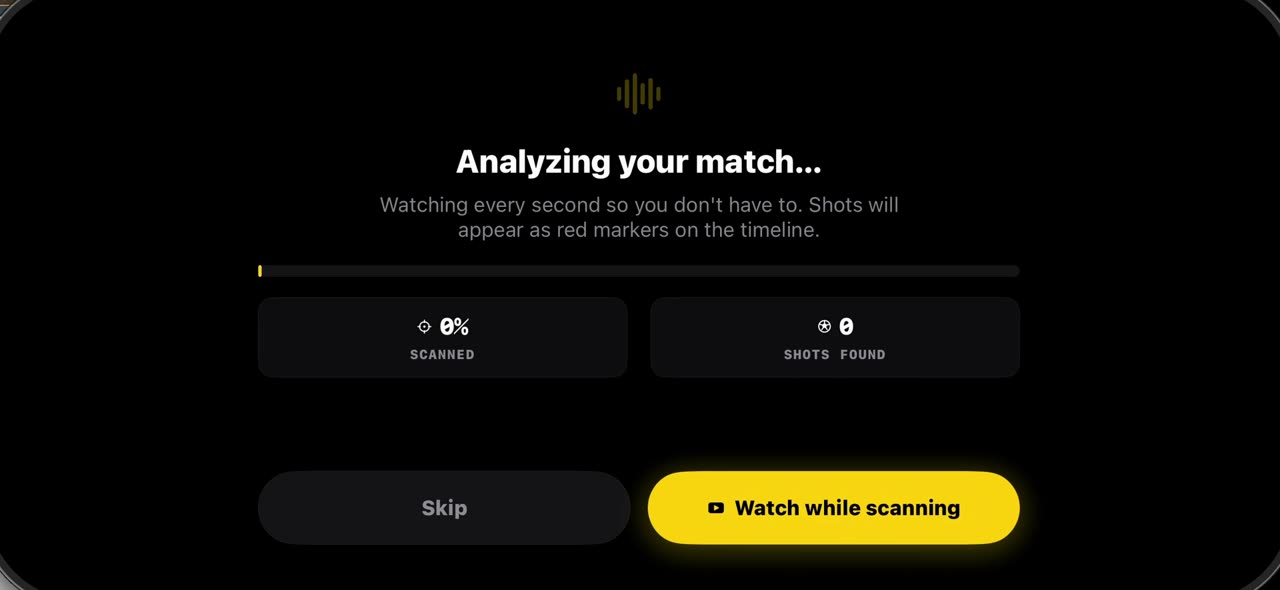
0:43How to import a match into TacticalSnap (and what the first scan finds)
Match analysis starts with your own film, not a broadcast.
 0:35
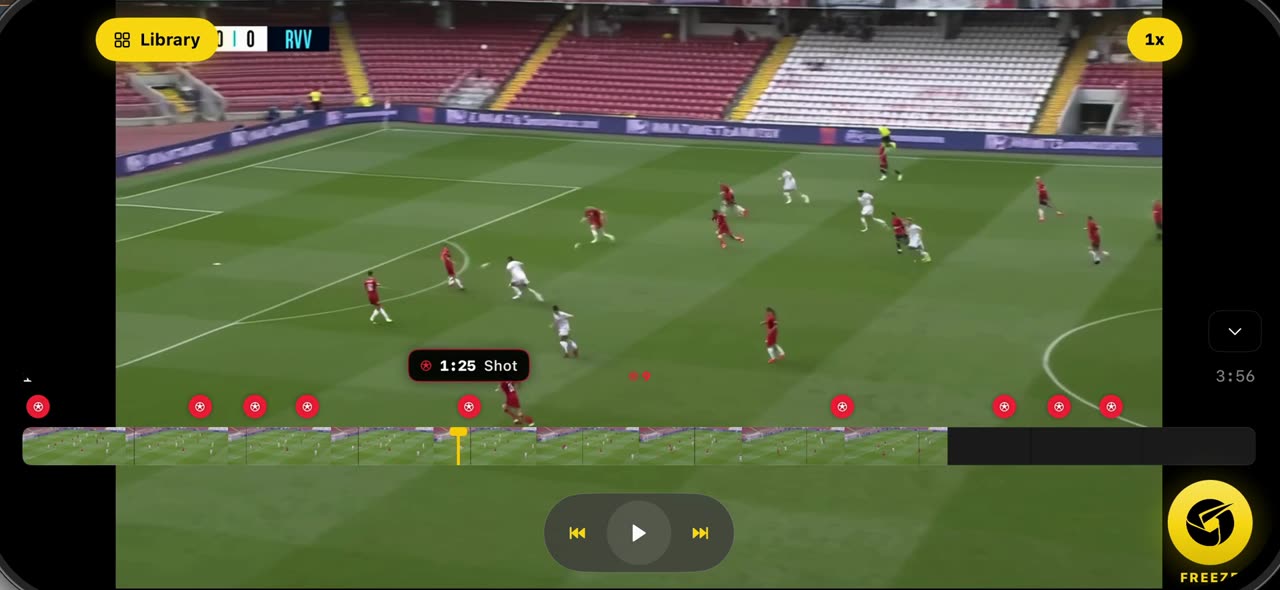
0:35How to freeze a moment and scan the players in TacticalSnap
Open the match you imported: the scan has already marked every shot as a red dot on the timeline.
 0:42
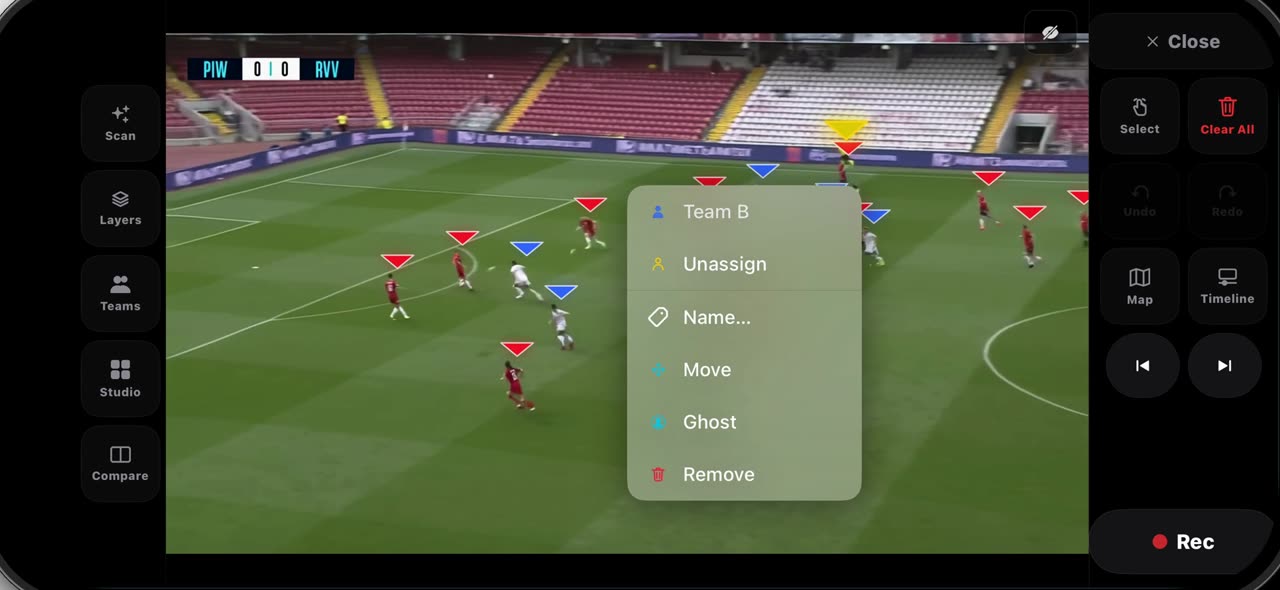
0:42How to fix the teams on a frozen frame in TacticalSnap
After Freeze every player wears a triangle — red for Team A, blue for Team B — and on a crowded frame one player can land on the wrong side.
 0:40
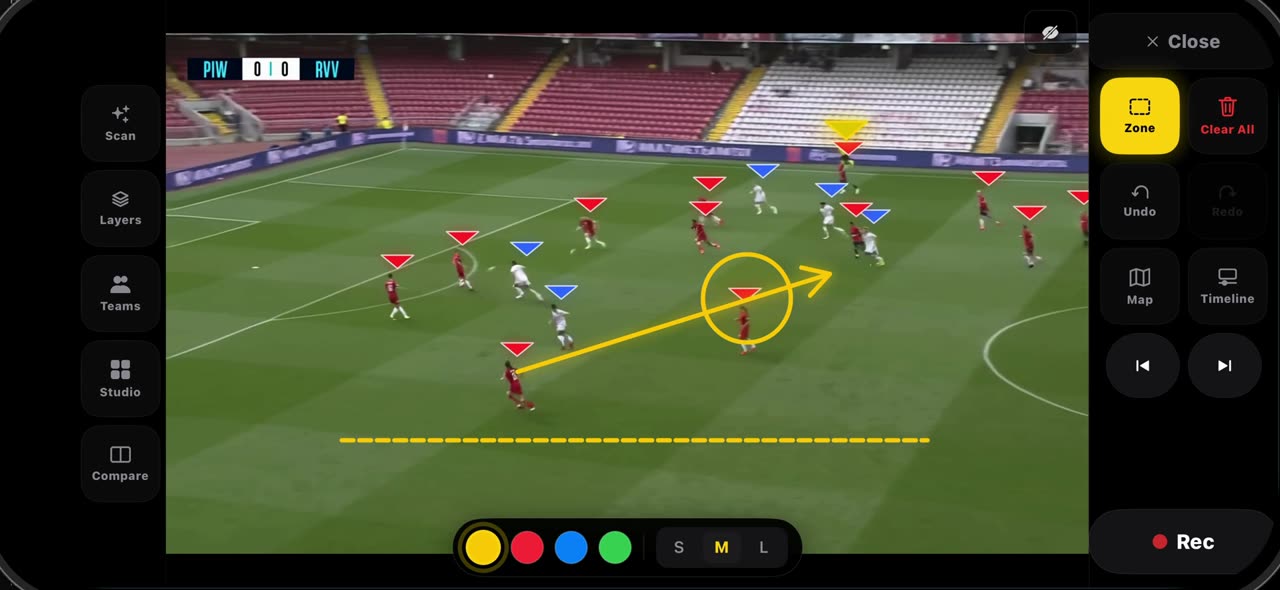
0:40How to draw on a frozen frame in TacticalSnap (arrow, line, circle, zone, freehand)
Hold the Select tile and the palette opens.
 0:32
0:32How to label a frozen frame and point with the laser in TacticalSnap
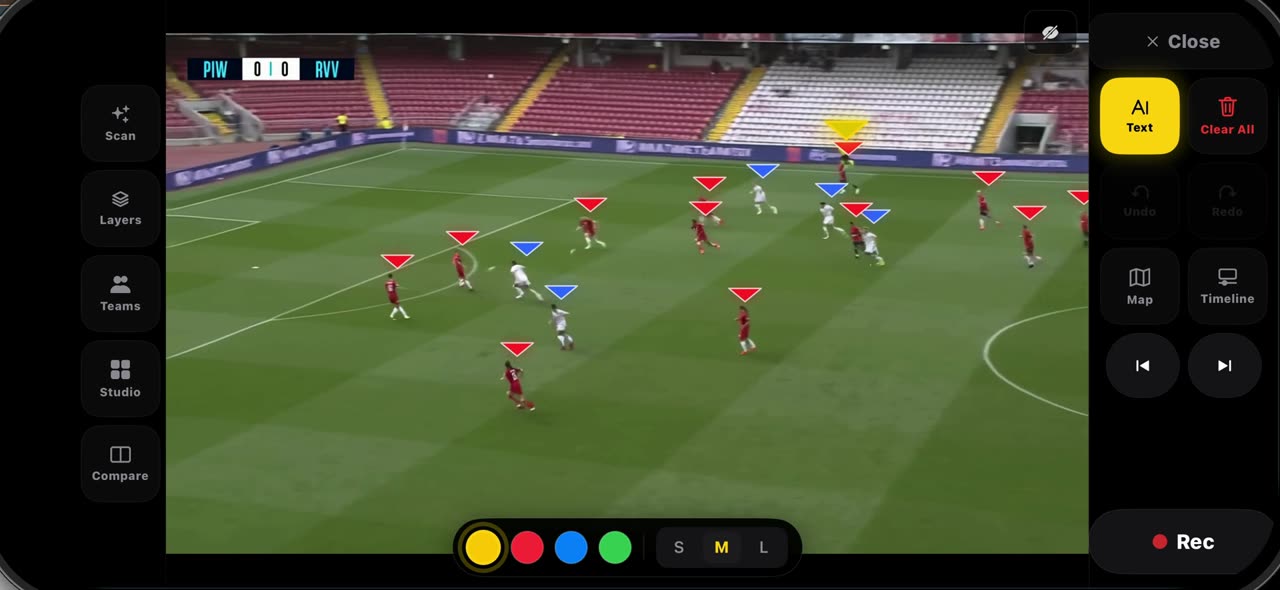
Pick Text from the palette and tap where the note belongs — a name, a distance, a reminder — then tap Add: the label is anchored to that spot on the…
 0:33
0:33How to spotlight a player and draw his run in TacticalSnap
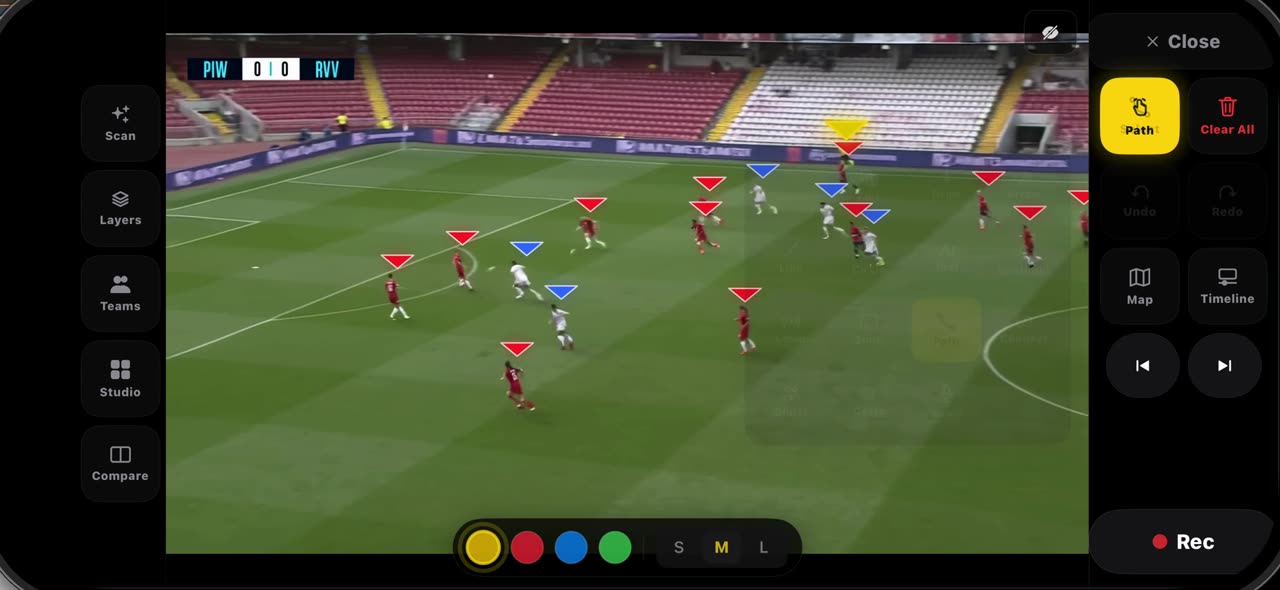
Pick Spotlight from the palette: the frame dims, the ball carrier gets the ring and the other players keep their team letters — pick it again and…
 0:30
0:30How to record a take on a frozen frame in TacticalSnap
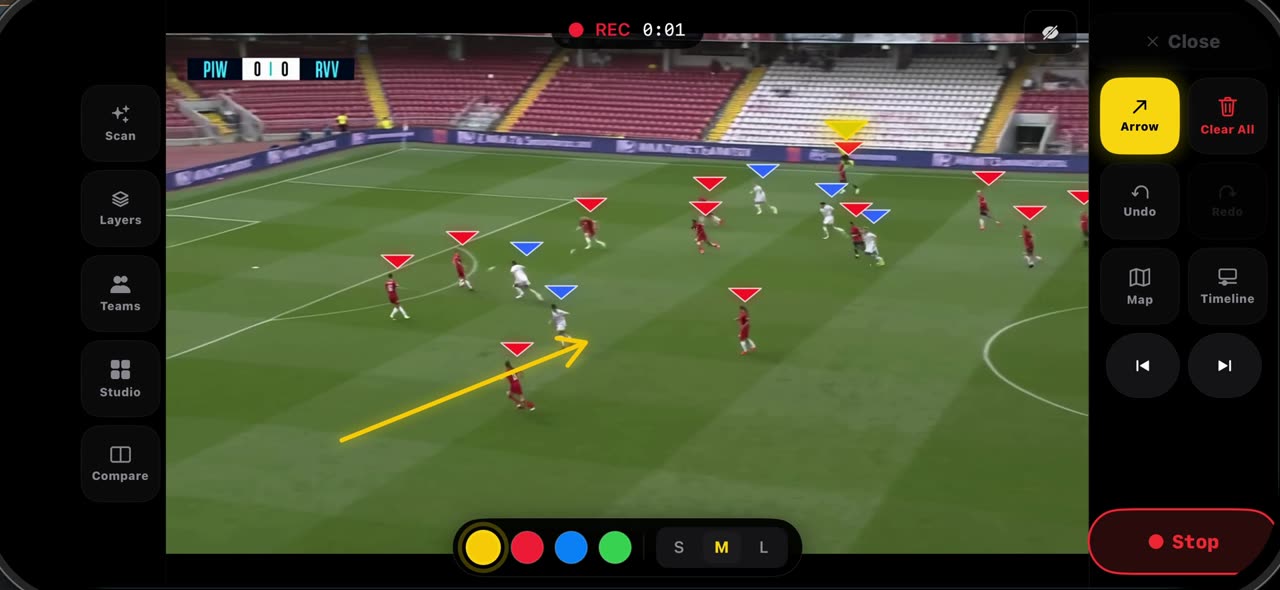
Set the frame up before you record — the line, the space, the first arrow — because whatever is on the frame when you press Rec opens the clip.
 0:45
0:45How to export your clips and build a reel in TacticalSnap
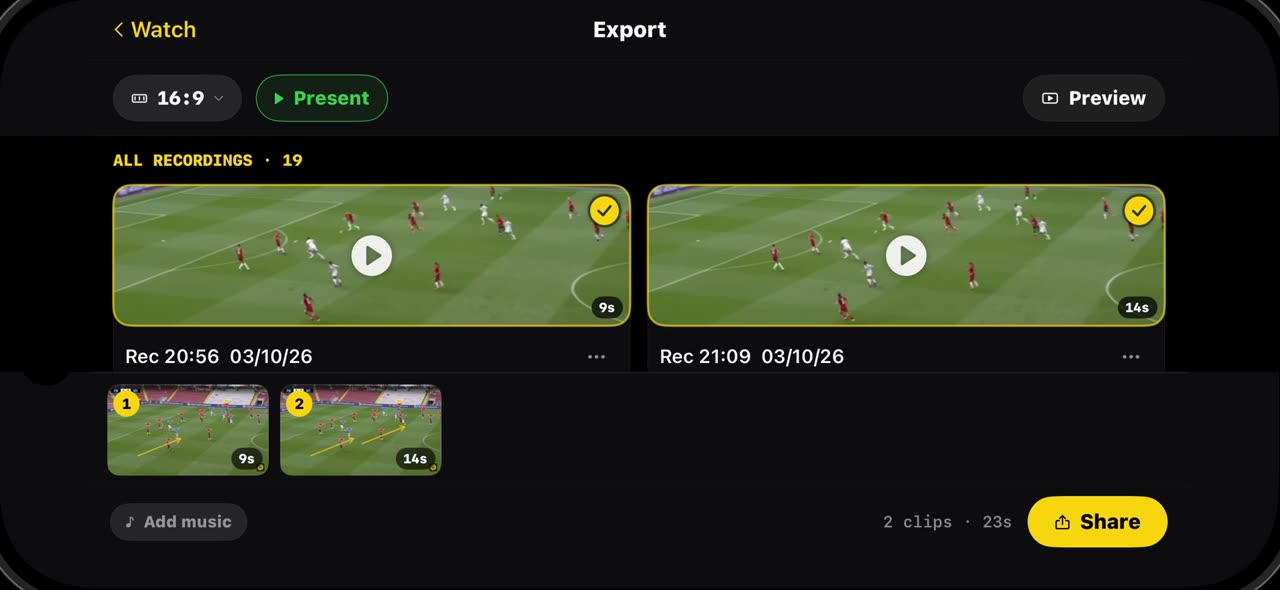
Every take you record lands in Export, with its length, ready to play, share or delete.
 0:32
0:32How to clear a frame and step through it frame by frame in TacticalSnap
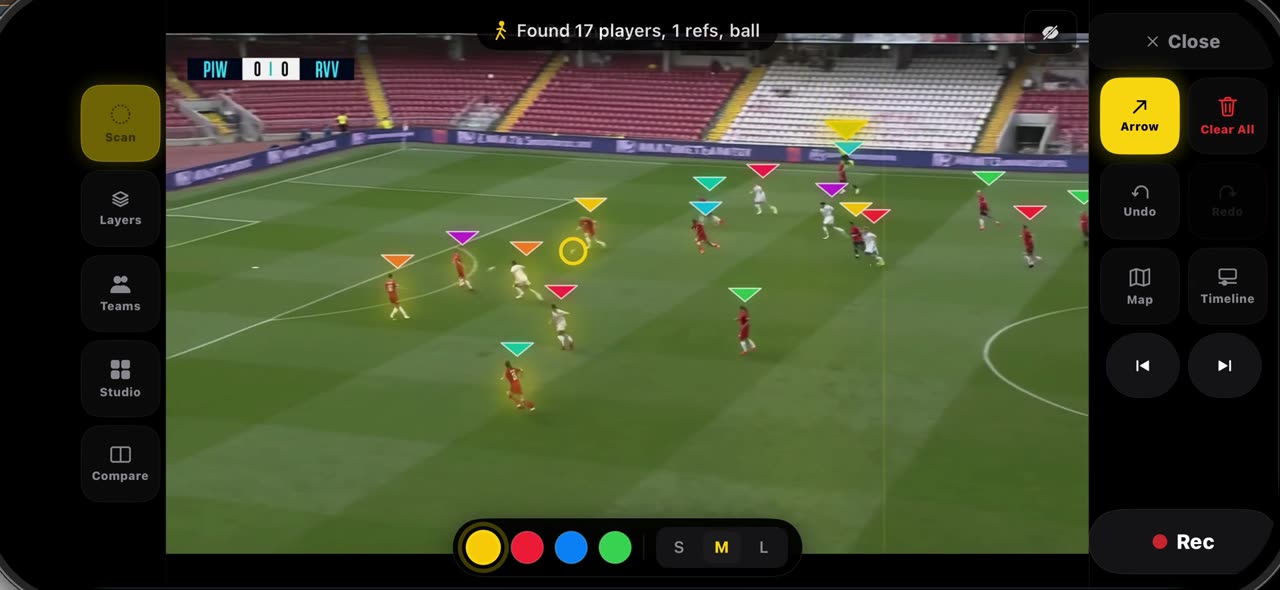
When a frame gets busy, Clear All wipes it in one tap — drawings, labels and the player markers together — so the next idea starts on a clean picture.
Pre-Match board
 0:48
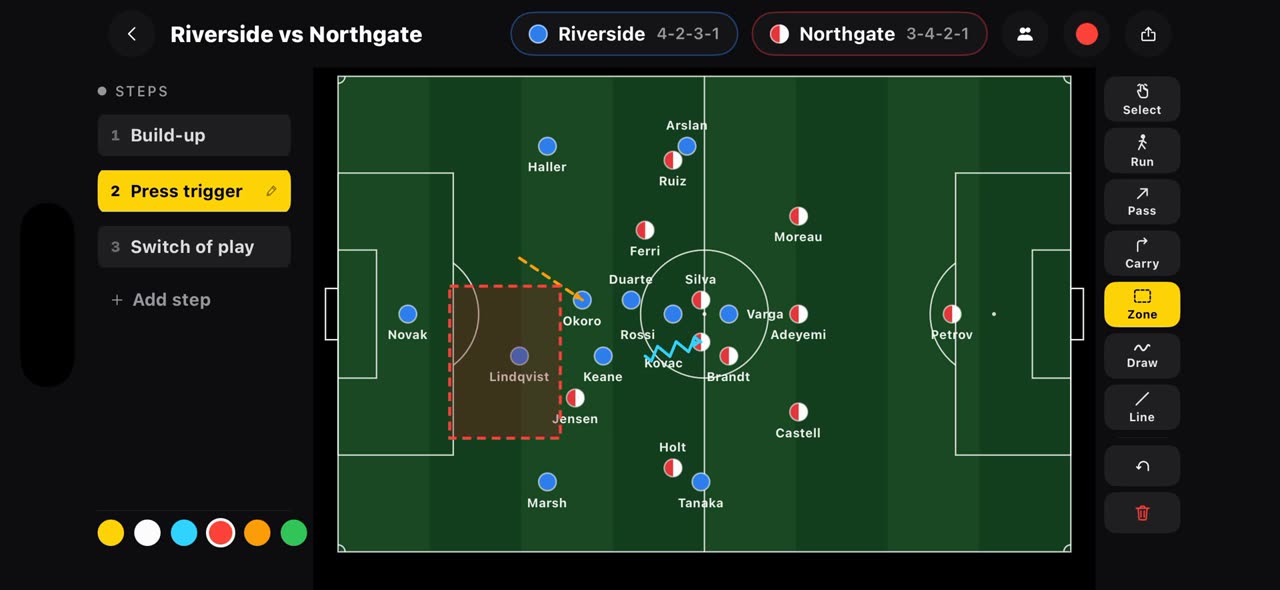
0:48How to draw a plan before kick-off on the TacticalSnap Pre-Match board
Most tactics apps start when the film ends.
 0:46
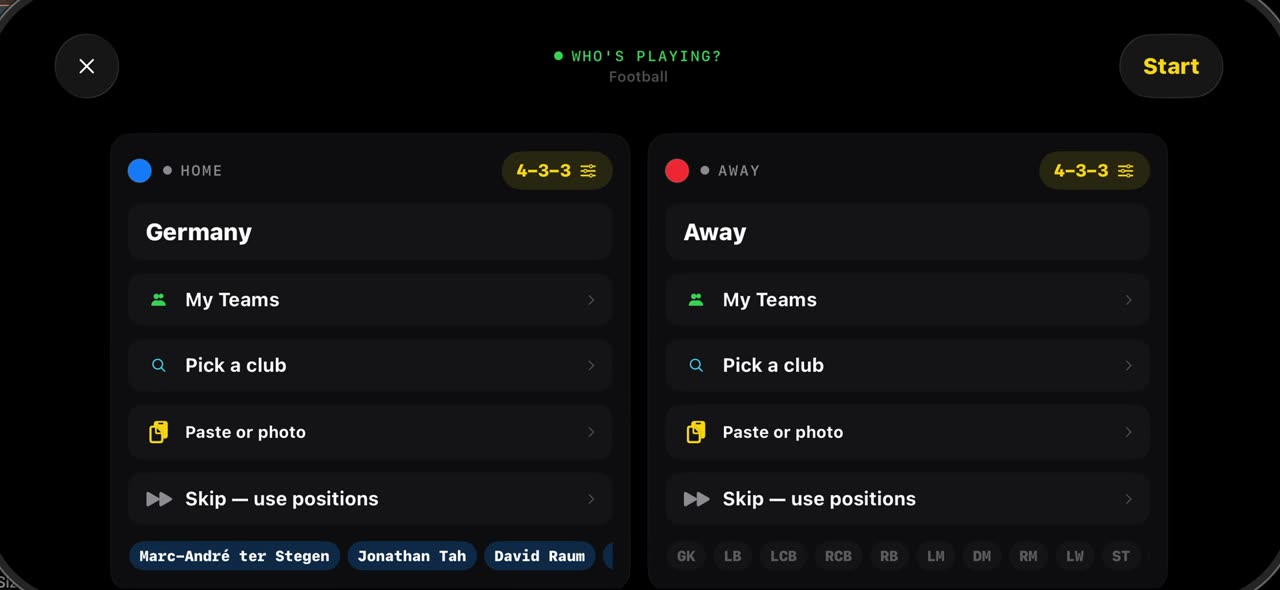
0:46How to line up both squads in seconds on the TacticalSnap Pre-Match board
 0:47
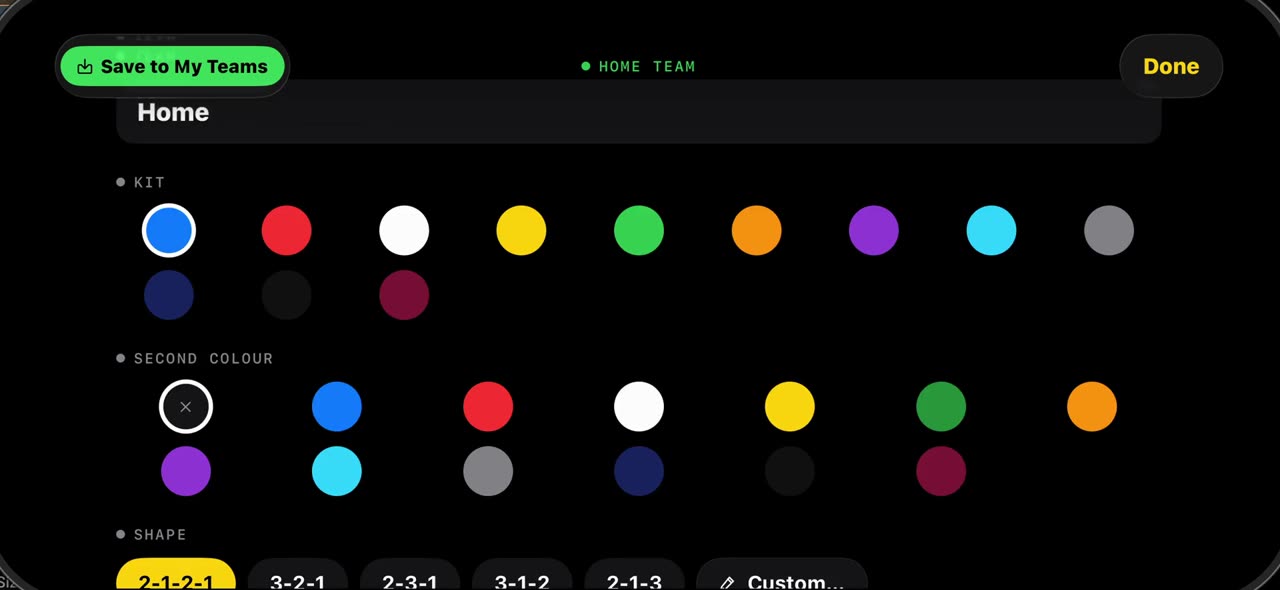
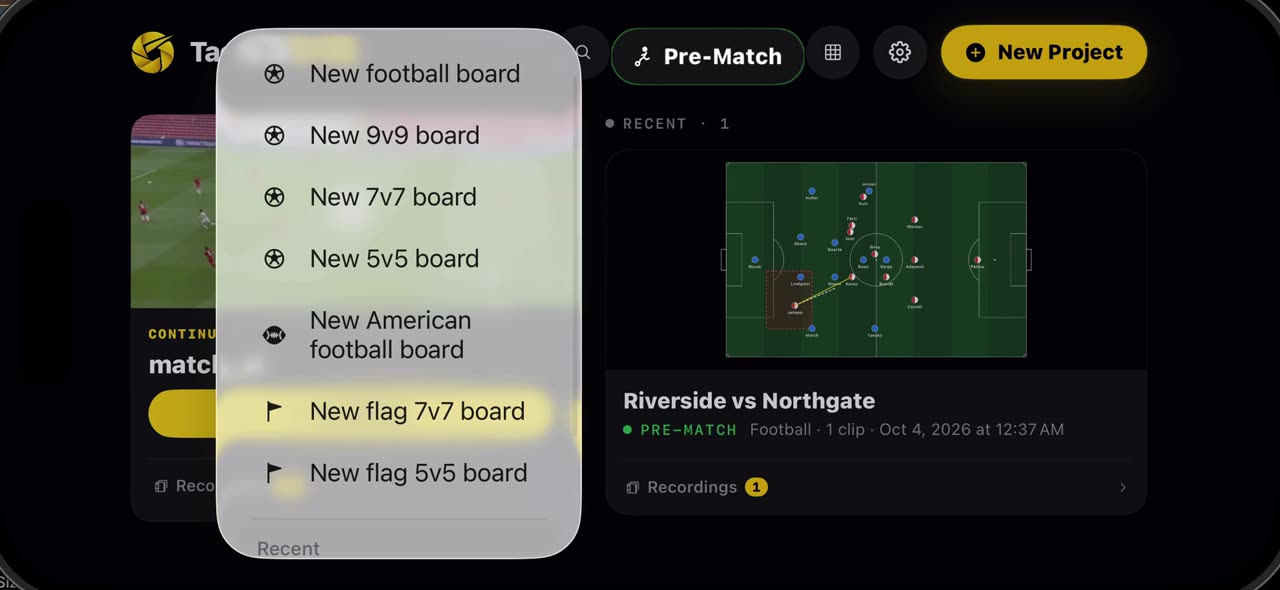
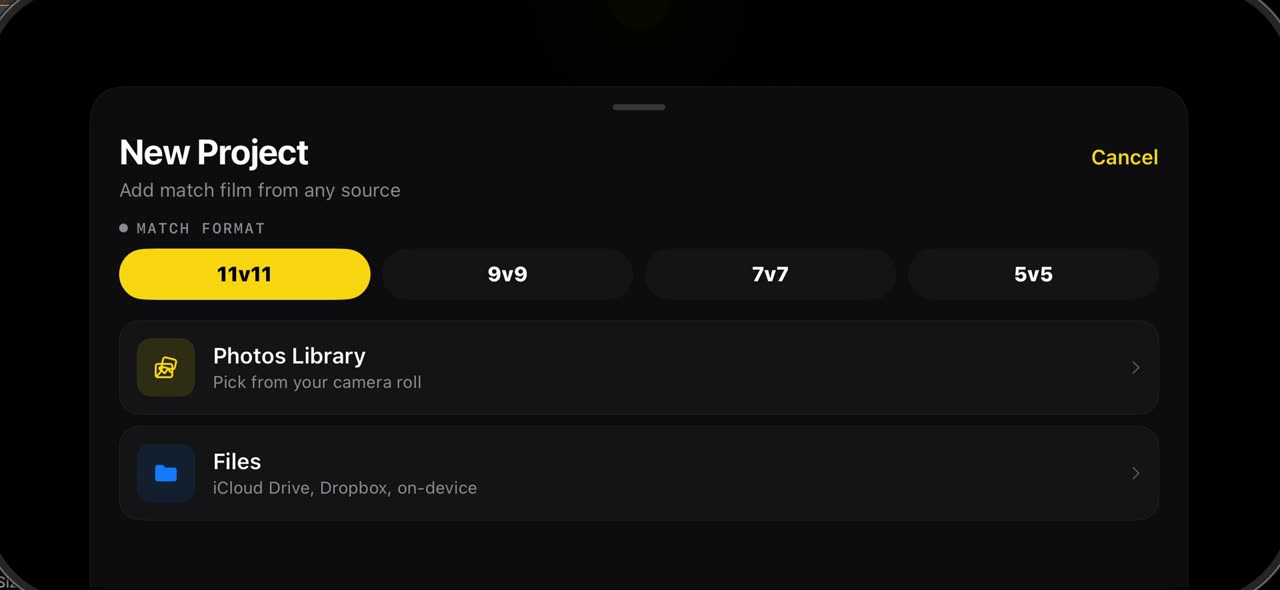
0:47How to set up a 7v7, 9v9 or 5v5 board in TacticalSnap
Grassroots football is not always eleven a side.
 0:35
0:35How to save your team and use it on any board in TacticalSnap
Once a squad is on a board — from the catalogue or typed in by hand — open the team and tap Save to My Teams: names, numbers, kit and shape are kept…
 0:34
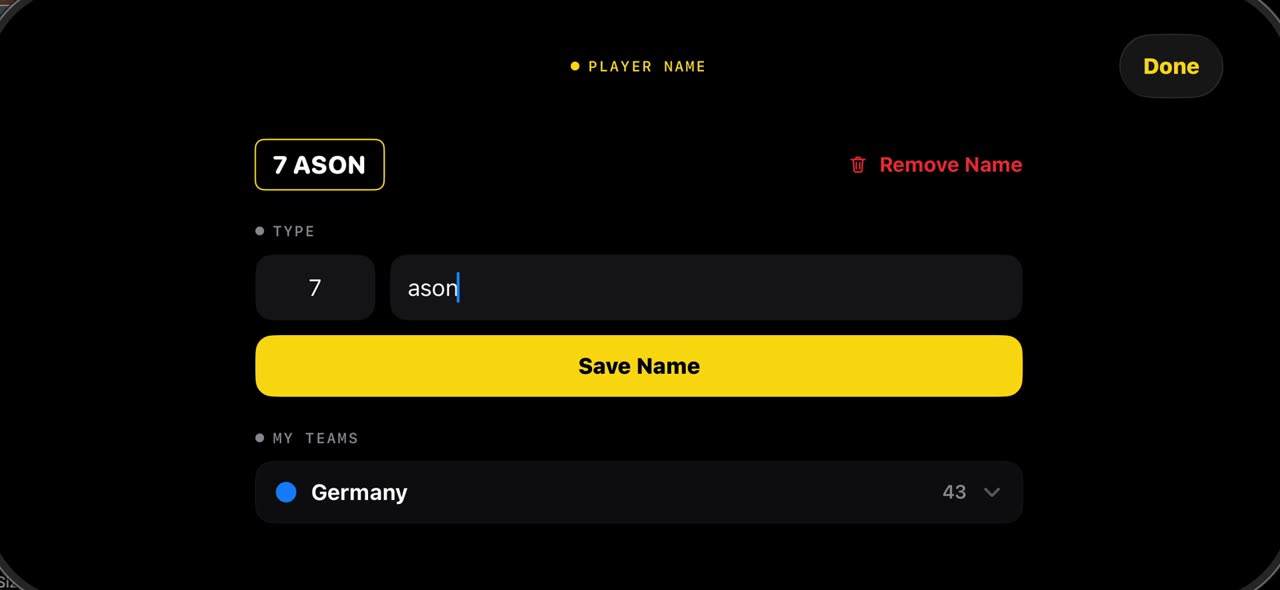
0:34How to put names on the players in a match video with TacticalSnap
Hold your finger on a player in a frozen frame and tap Name: type the number and the name, save it, and the label sits under his feet on every frame…
Analysis tools
 0:40
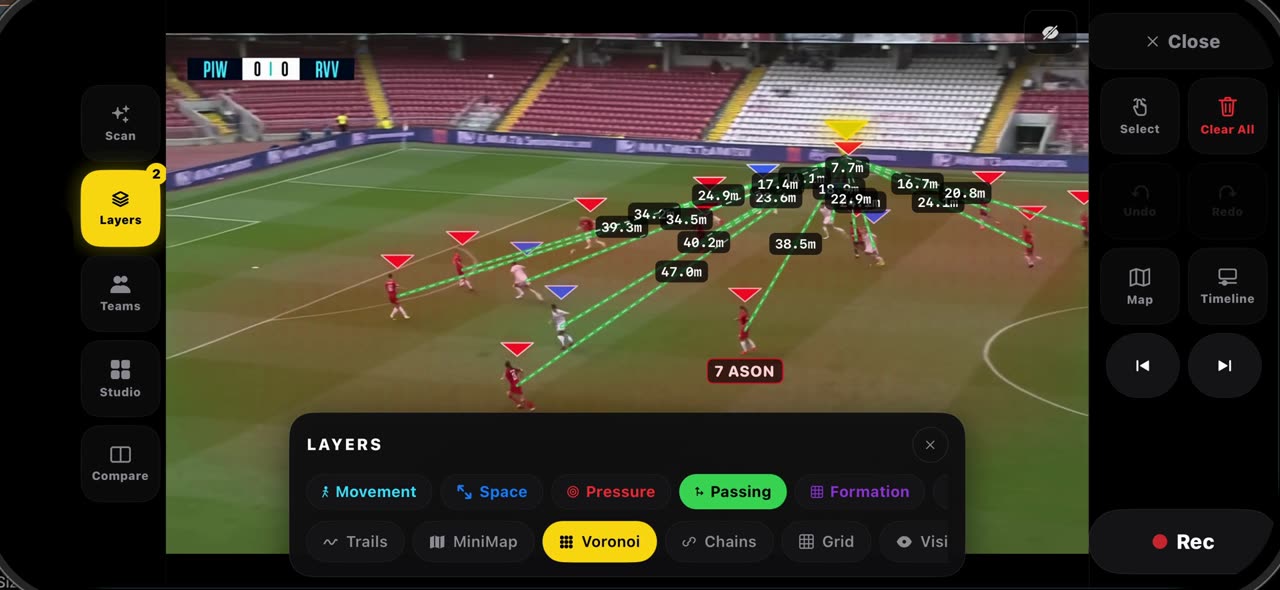
0:40How to read a frozen frame with the layers in TacticalSnap
Open Layers on a frozen frame.
 0:34
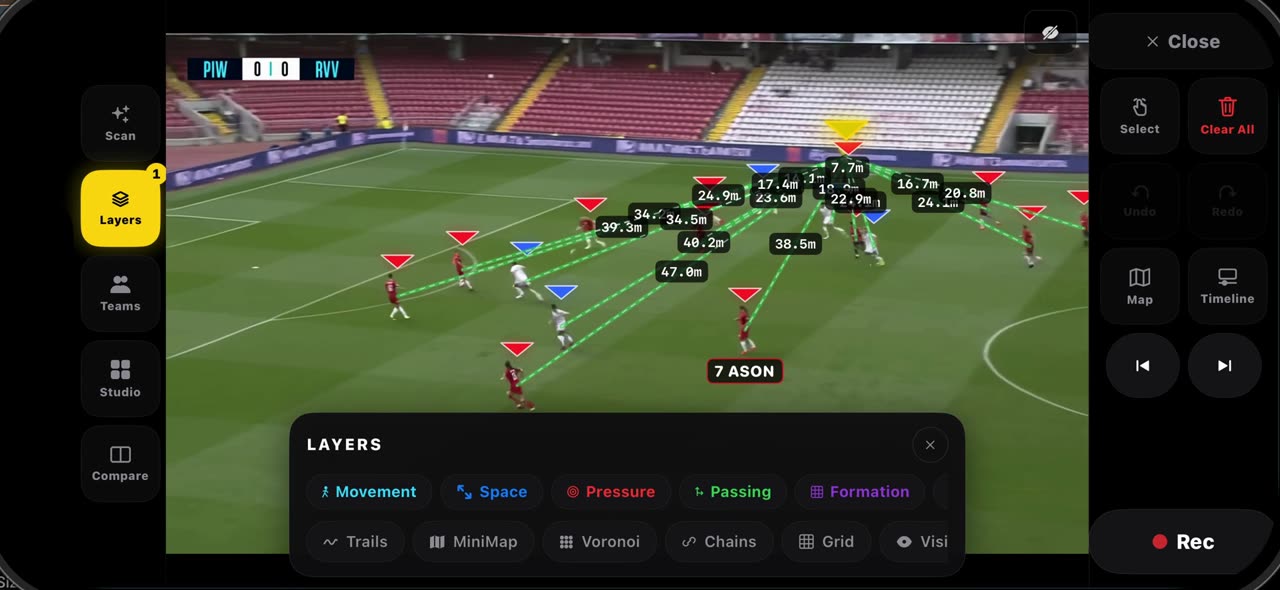
0:34How the pitch is calibrated in TacticalSnap, and what it gives you
When you freeze a frame, the lines of the pitch are read and the frame is calibrated by itself — no corners to tap; the badge at the top says when…
 0:34
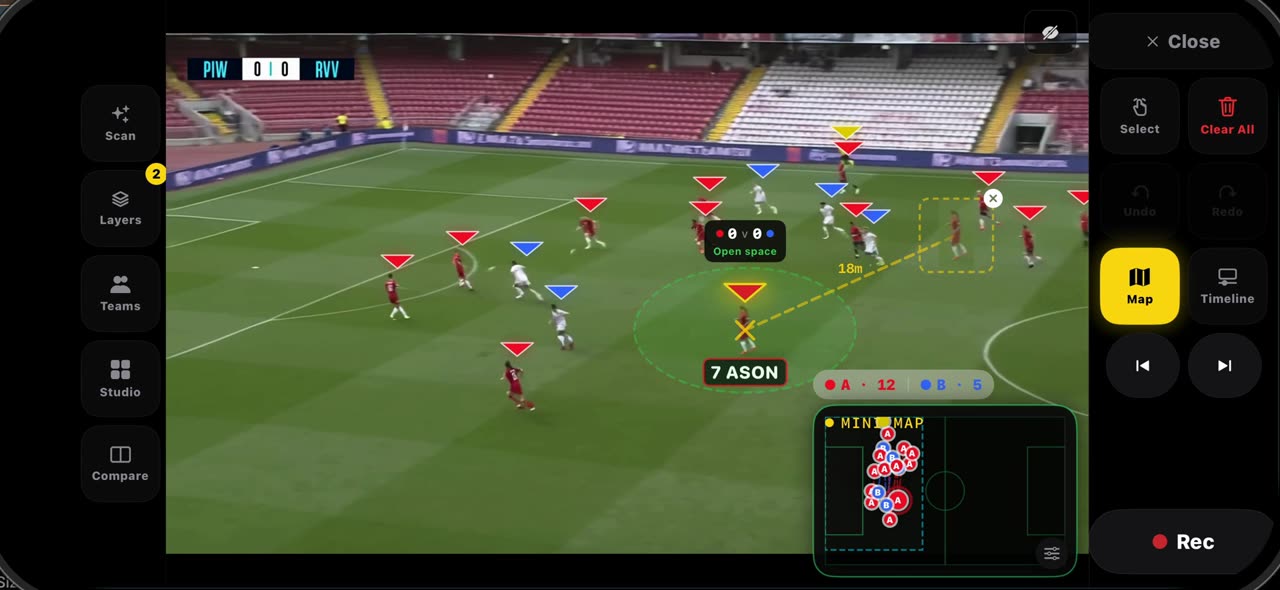
0:34How to use ghost players and Connect in TacticalSnap
Hold your finger on a player on a frozen frame and pick Ghost: a translucent copy of him, cut from the frame, appears next to the real one with a…
 0:33
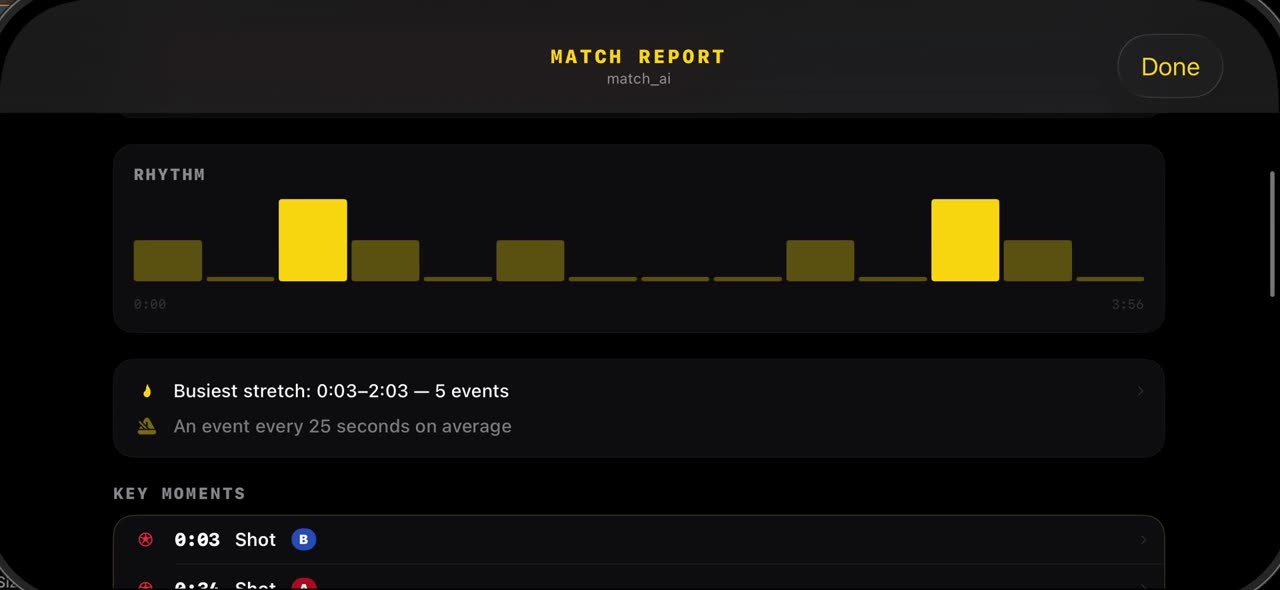
0:33How to read the match report in TacticalSnap
After the scan, open Studio and tap Match Report: the shots the scan found, the possession split and the rhythm of the game are already there, from…
 0:33
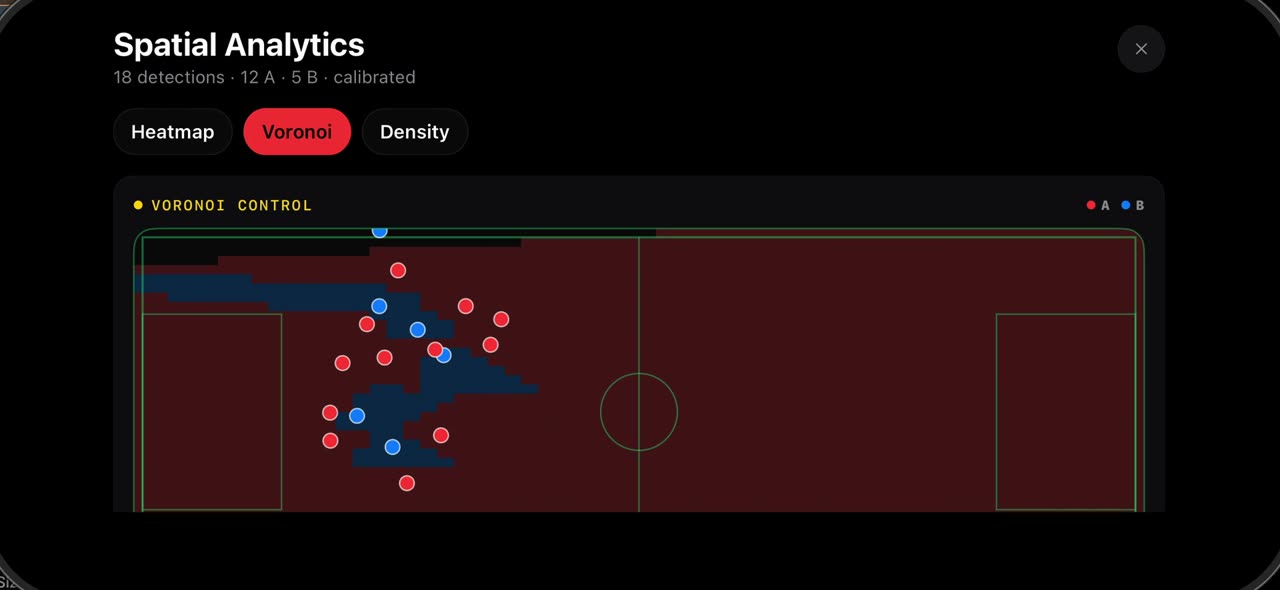
0:33How to see where your team played: heatmap, Voronoi and density in TacticalSnap
Open Studio and tap Spatial Analytics.
 0:38
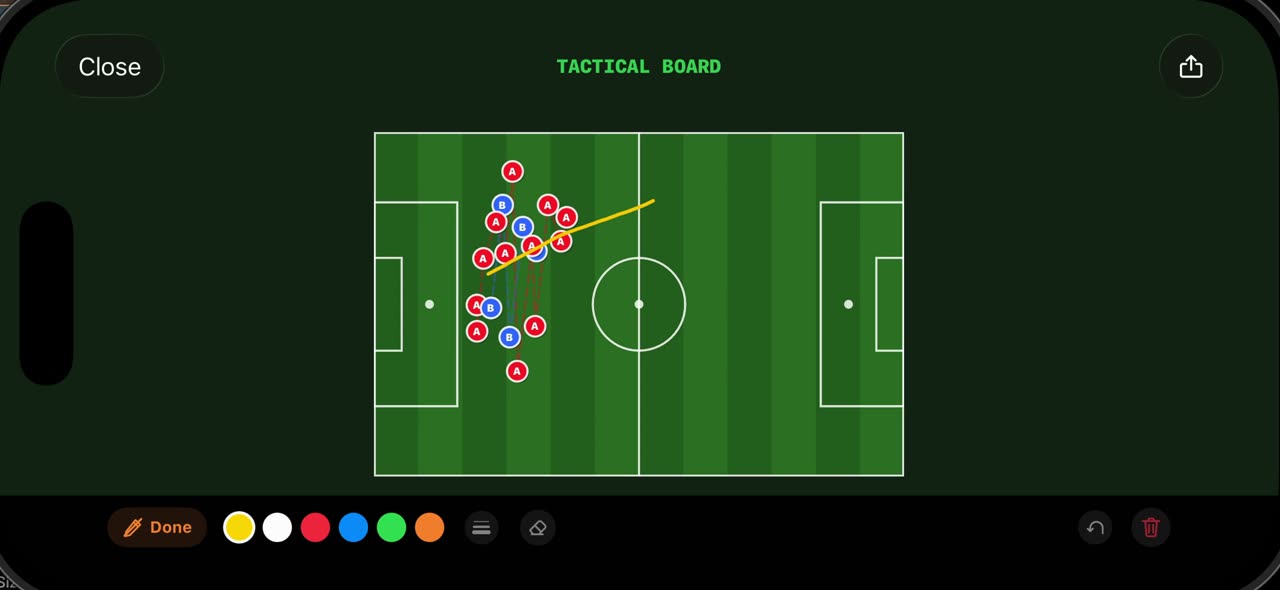
0:38How to use the Tactical Board and Hand-Drawn mode in TacticalSnap
Open Studio on a frozen frame and tap Tactical Board: the frame is redrawn as a 2D board from above, with every player the scan found placed where…
 0:38
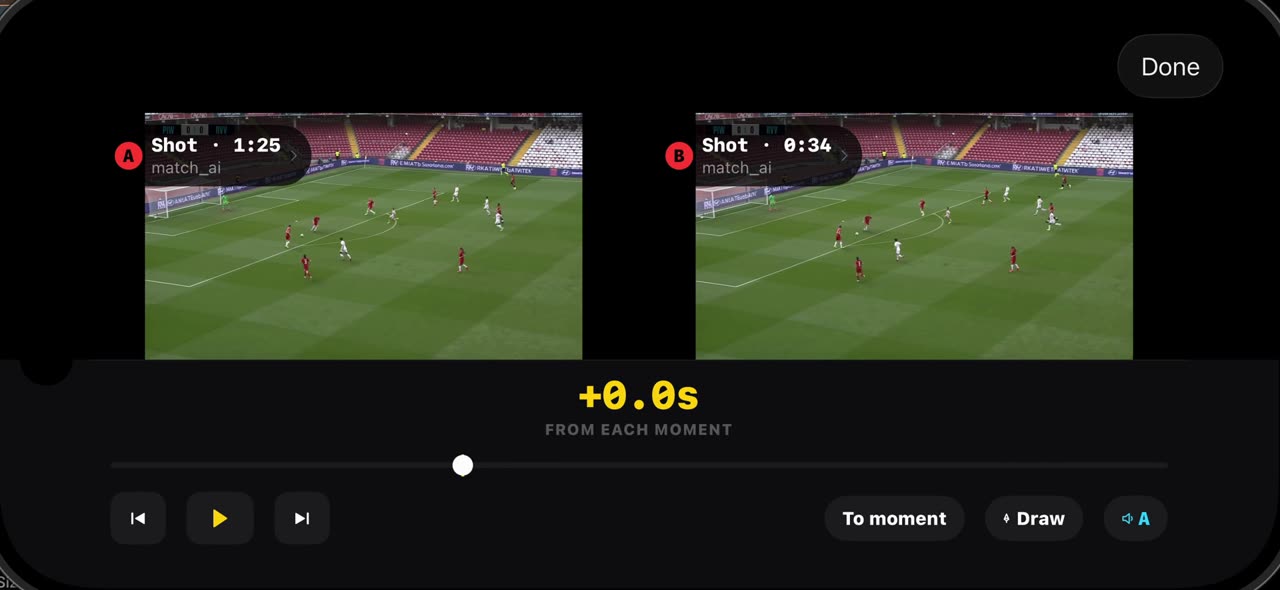
0:38How to compare two moments of a match in TacticalSnap
Compare puts two moments of your own match side by side.
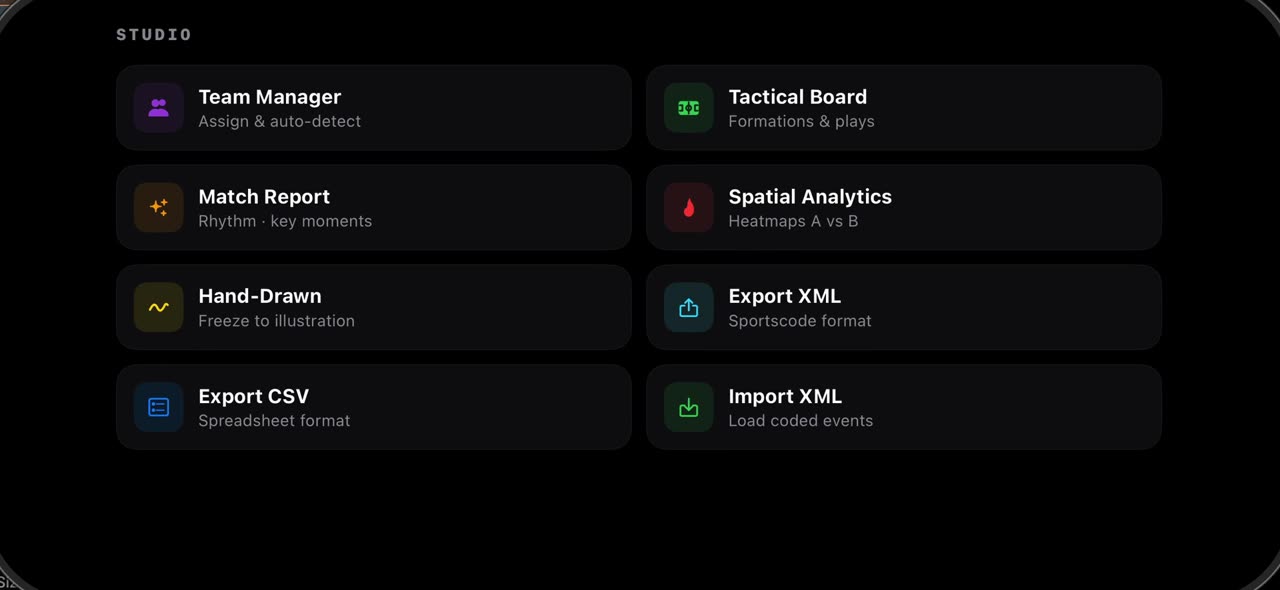 0:38
0:38How to export XML and CSV and import coded events in TacticalSnap
Open Studio on a frozen frame and tap Export XML: every event the scan found, with its time and type, is written as a Sportscode XML file, ready to…
 0:51
0:51What is in the TacticalSnap settings
The gear in the library opens Settings.
Filming your matches
American football (US English)
 0:32
0:32Import a football game film and let it find every play
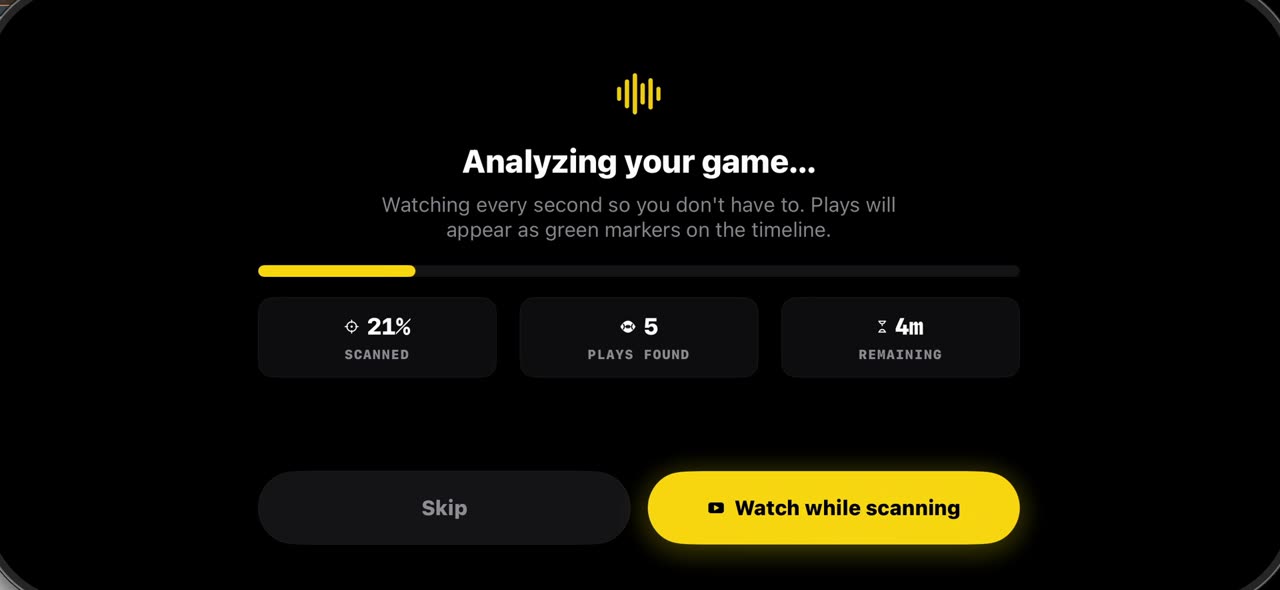
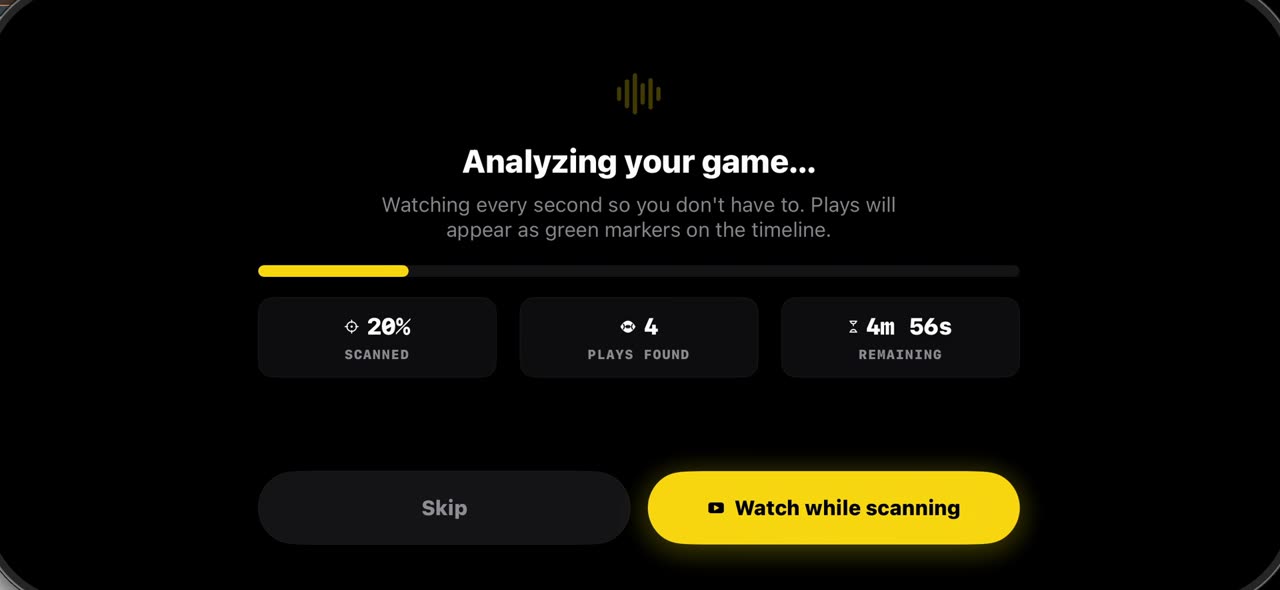
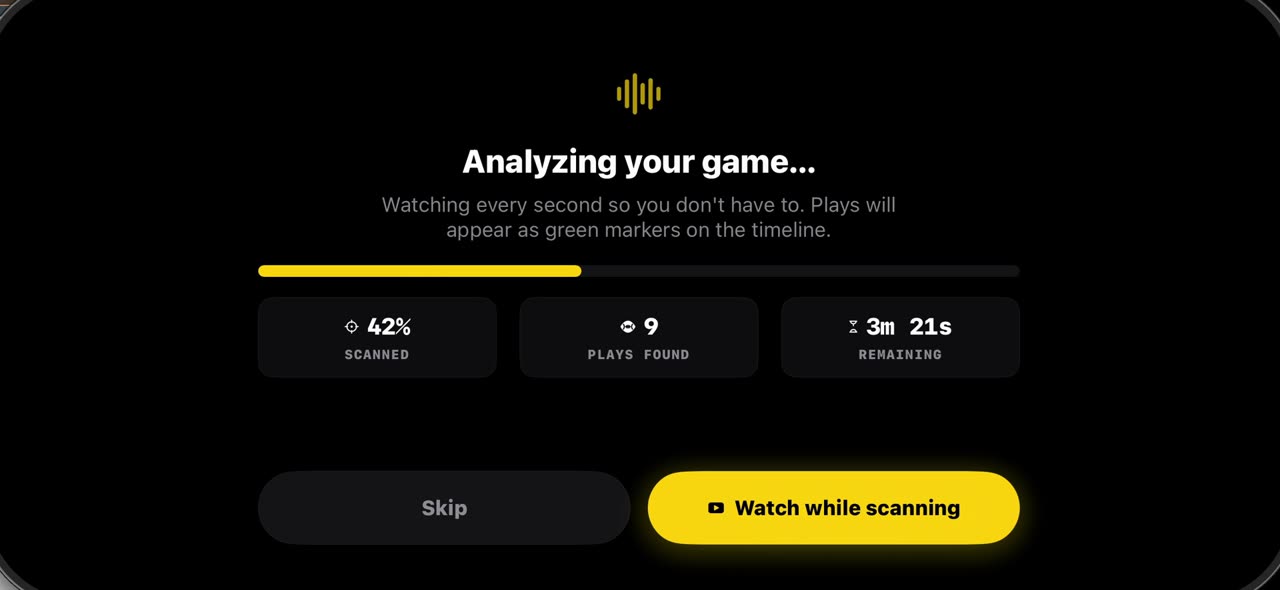
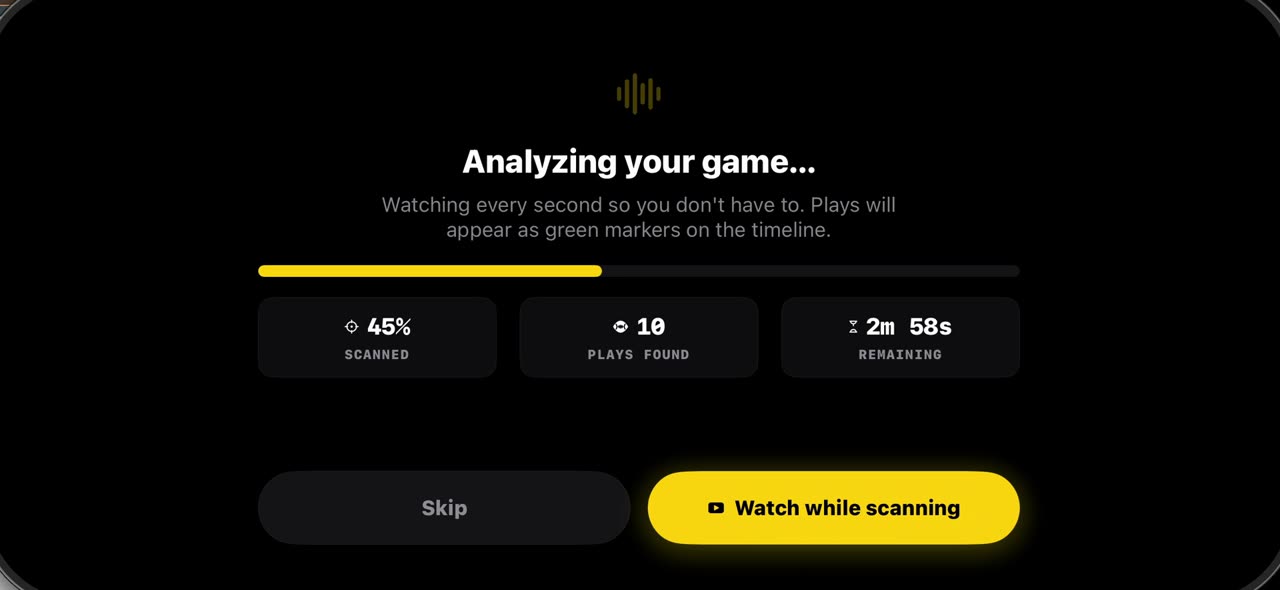
Pick the game film from Photos and the pre-scan watches every second, marking each play on the timeline: snaps in green, big plays in purple.
 0:31
0:31Freeze a snap and see every player, offense and defense
Open the timeline under your game film: green markers are snaps, purple ones big plays.
 0:30
0:30Record a play breakdown with your voice on the frozen snap
Freeze the snap and draw the plan first: from the palette pick the arrow and draw the blocks, and everything on the frame opens your video.
 0:36
0:36Build a football game plan step by step and record it
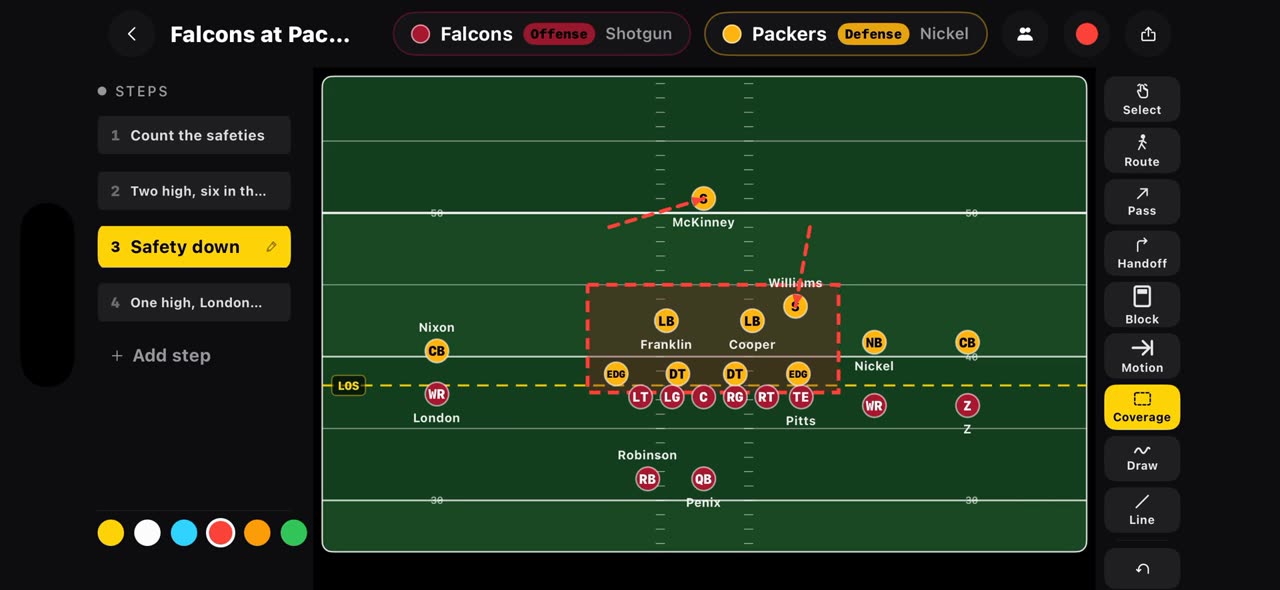
On a football board every step is a snap.
 0:36
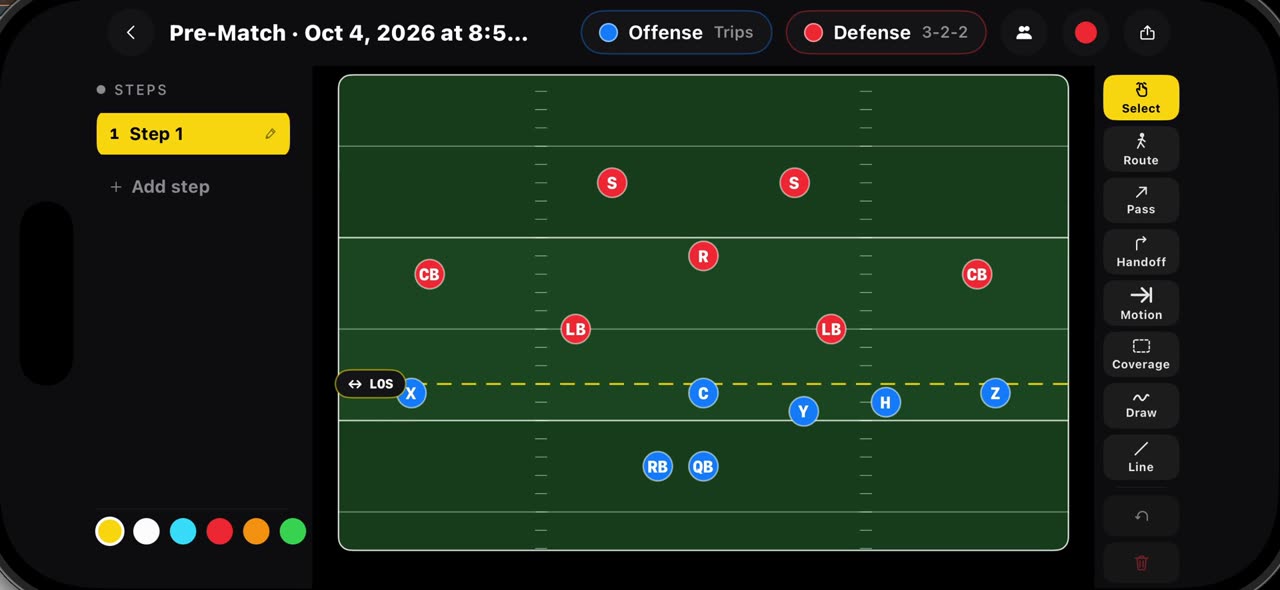
0:36Draw flag football plays on a real flag field, 7v7 and 5v5
Hold your finger on Pre-Match and pick a flag board: seven on seven starts with Trips against a three, two, two, five on five with Trips against a…
 0:35
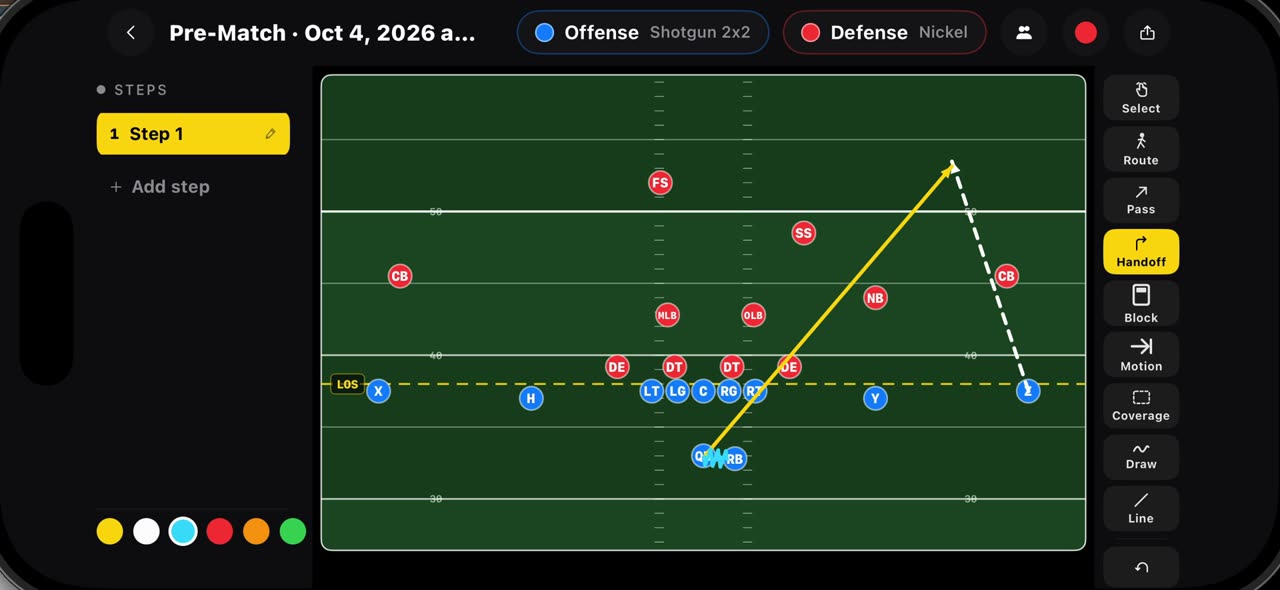
0:35Draw routes, passes, handoffs, blocks, motion and coverage
Every mark on the football board has its own tool.
 0:35
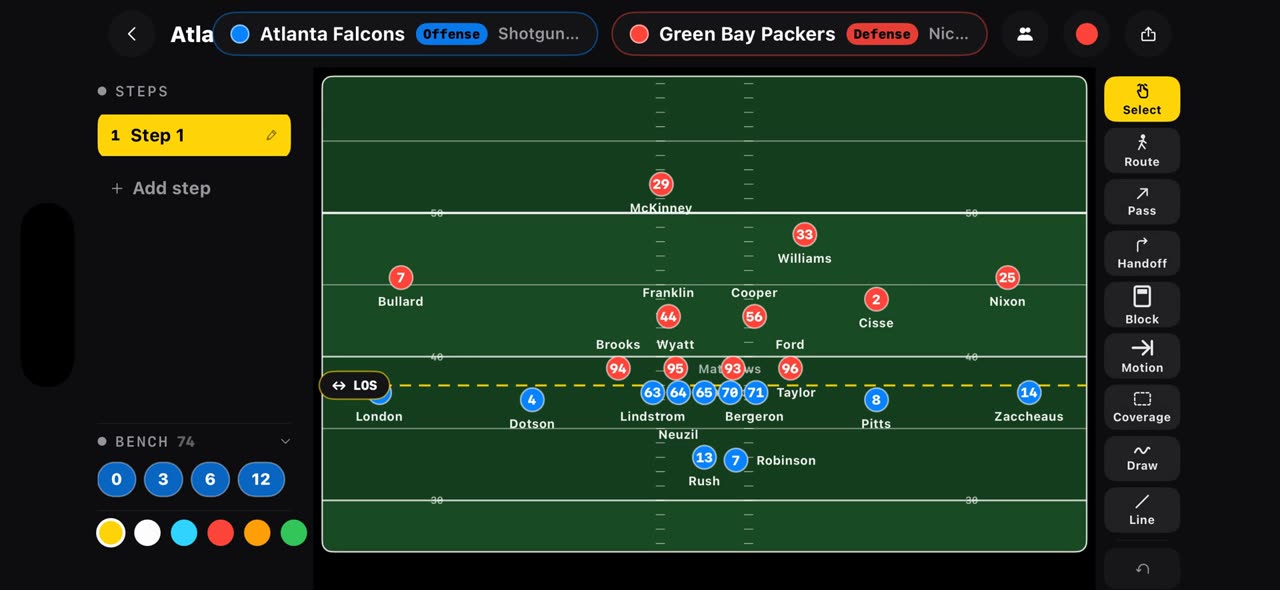
0:35Open any NFL matchup on a play board from one link
Put the offense and the defense in one link, tactikalsnap.com/prematch?offense=ATL&defense=GB, and the app opens the board on an NFL field: the…
 0:37
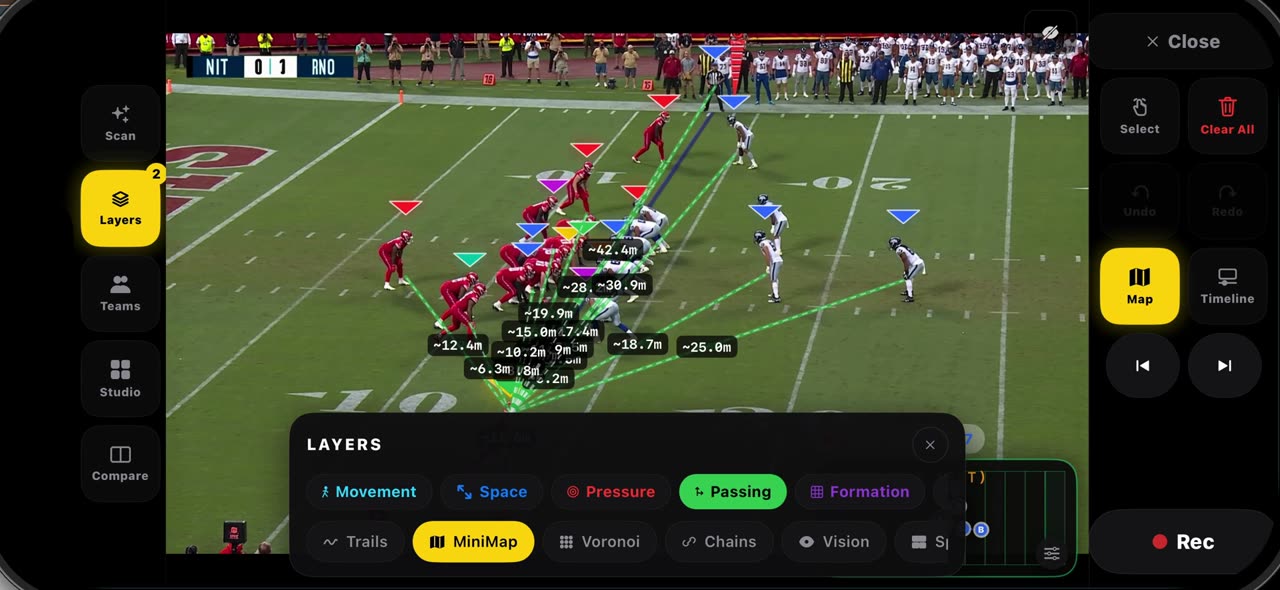
0:37Read a frozen snap with layers, then check the game report
Freeze a snap and open Layers: Formation connects each side's players so the shape at the snap is clear, and Passing draws every lane from the…
 0:36
0:36Export your play breakdowns and join them into one reel
The export button on the watch screen opens every recording of the game.
 0:44
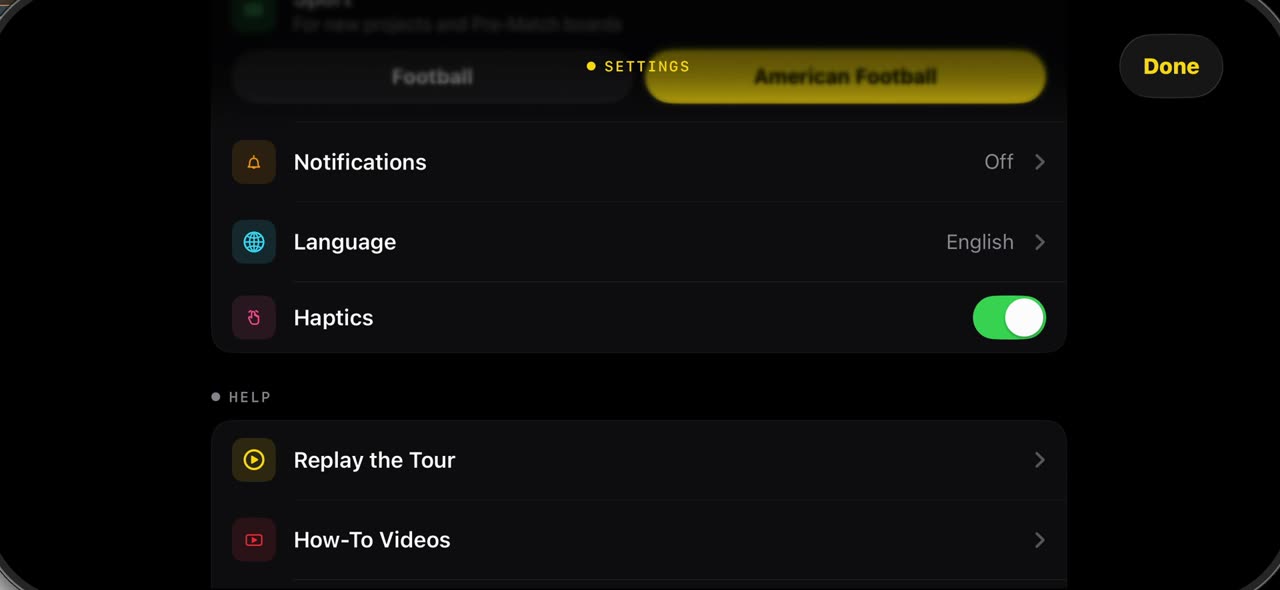
0:44What is in Settings when the sport is American Football
The gear in the library opens Settings.