
In short
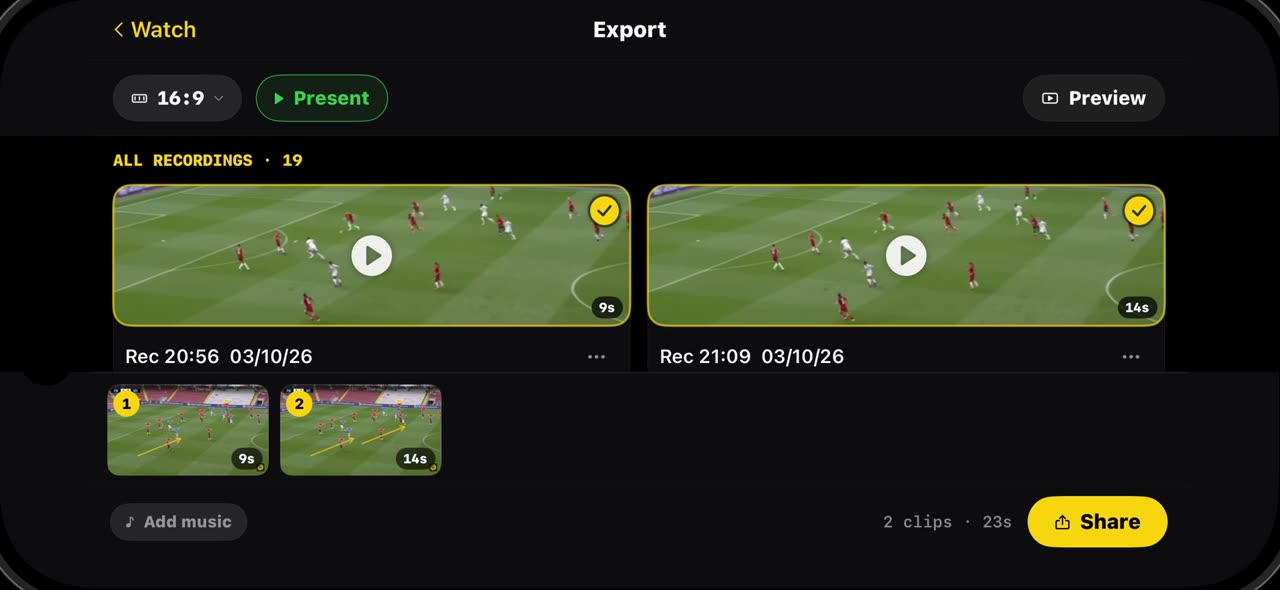
Every take you record lands in Export, with its length, ready to play, share or delete. To send more than one, tap the plus on each take and they line up as one reel in the order you picked. Pick the shape before you share — landscape for the team meeting, portrait for Reels and TikTok, square for the feed; Fill crops the sides, Fit keeps everything and you drag the frame into position. Add music lays a track under the whole reel, balanced against your voice, and Share renders it and hands it to WhatsApp, your camera roll or any app you like. Everything stays on your device. iPhone and iPad.
Step by step
Export
Every take you record is kept in Export. Open it from the match and you see them all, with their length, ready to play, share or delete.
On screen: Export lists every take you recorded, with its length. Play, share or delete each one.
Build a reel
To send more than one, tap the plus on each take you want. They line up at the bottom as one reel, in the order you picked, with the total length.
On screen: Tap + on the takes you want. They line up as one reel, in order.
Pick the aspect
Pick the shape before you share: landscape for the team meeting, upright for Reels and TikTok, square for the feed. Fill crops the sides, Fit keeps everything, and you drag the frame into position.
On screen: 16:9 for the meeting, 9:16 for Reels and TikTok, 1:1 for the feed. Fill or Fit, drag to position.
Music and Share
The music button lays a track from Files under the whole reel, balanced against your voice. Then the share button renders the reel and hands it to WhatsApp, your camera roll or any app you like.
On screen: Add music lays a track under the whole reel. Share renders it and hands it to any app.
What you need
- An iPhone or iPad with iOS 17 or later (or a Mac).
- TacticalSnap from the App Store. It is free to download and every analysis tool is free.
- A match video in Photos or Files. Any camera works, even a phone on the touchline.
Try it on your own footage
TacticalSnap runs the whole loop on an iPhone or iPad, on the device. Analysing is free and unlimited; exporting video is the only paid step.
More in this section
 0:43
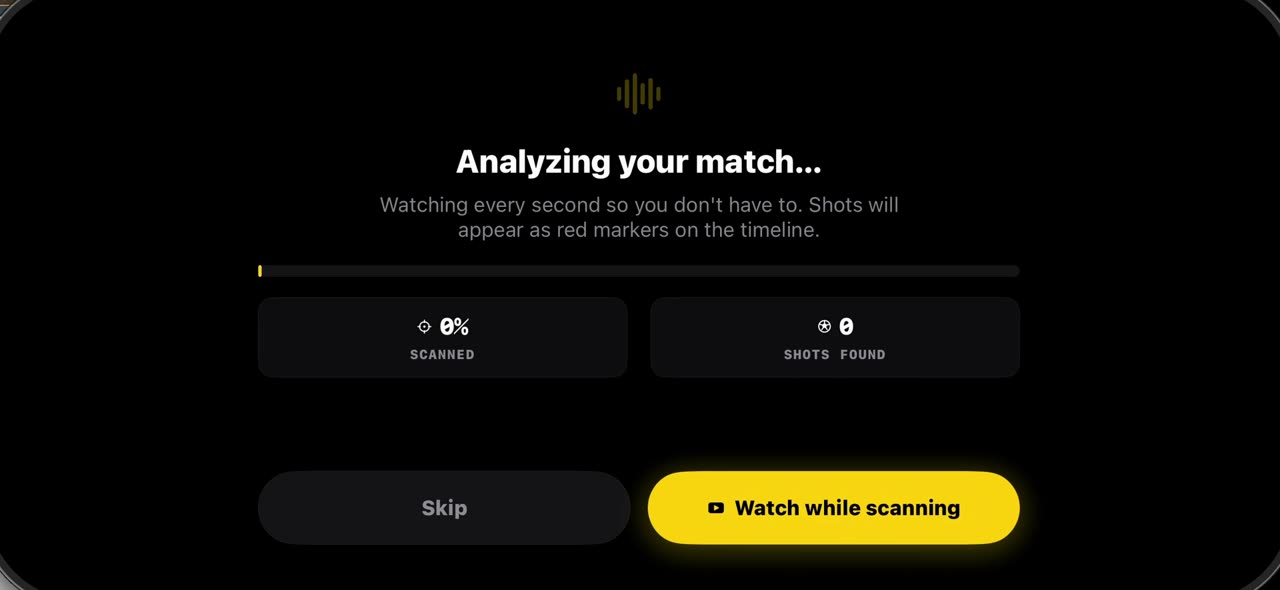
0:43How to import a match into TacticalSnap (and what the first scan finds)
Match analysis starts with your own film, not a broadcast.
 0:35
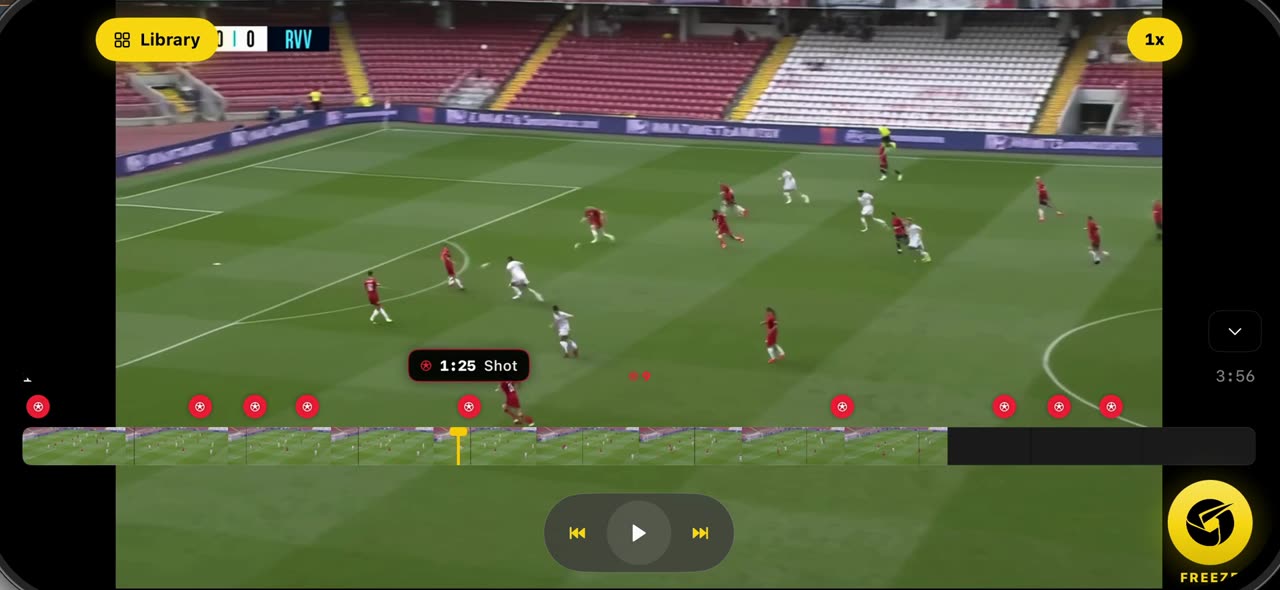
0:35How to freeze a moment and scan the players in TacticalSnap
Open the match you imported: the scan has already marked every shot as a red dot on the timeline.
 0:42
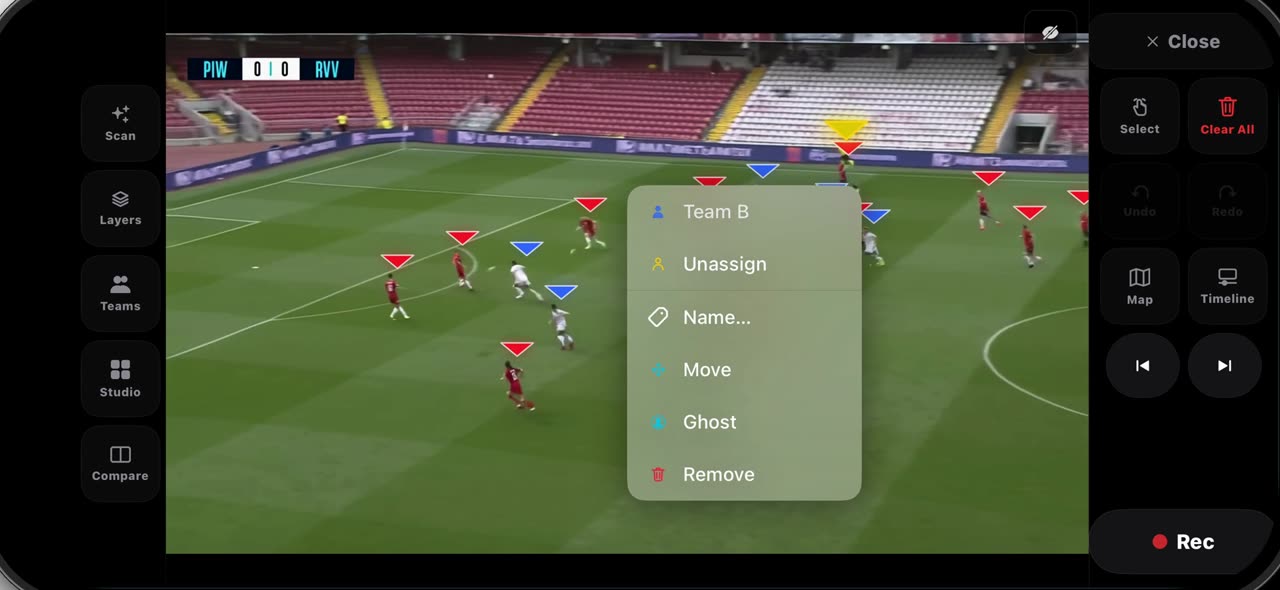
0:42How to fix the teams on a frozen frame in TacticalSnap
After Freeze every player wears a triangle — red for Team A, blue for Team B — and on a crowded frame one player can land on the wrong side.
 0:40
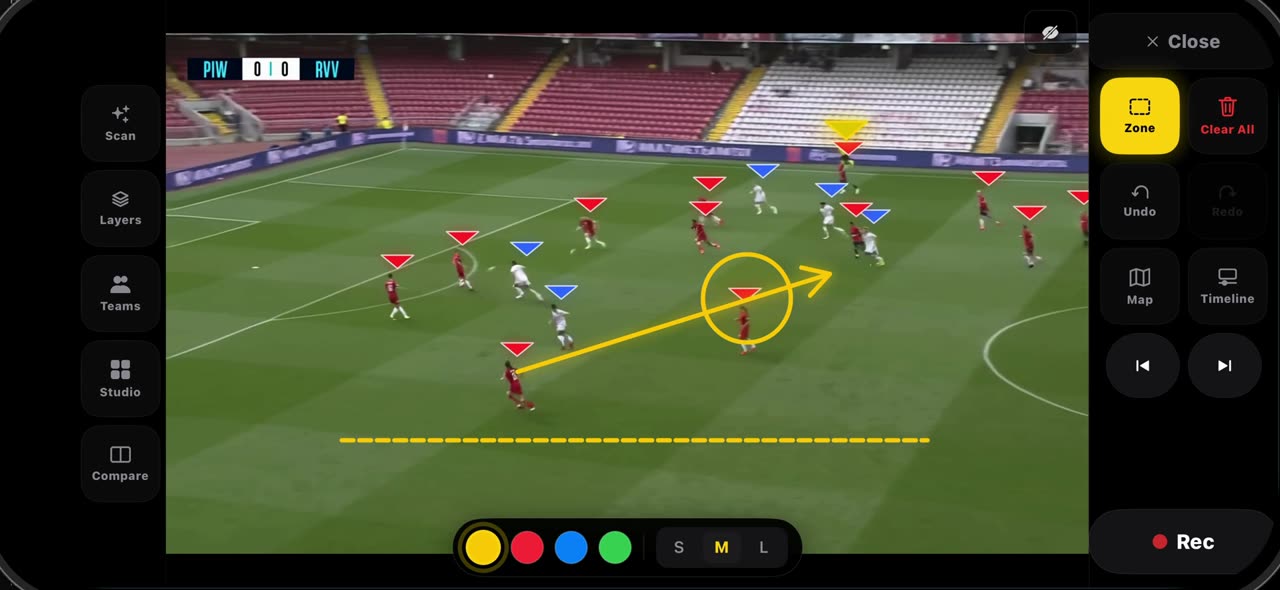
0:40How to draw on a frozen frame in TacticalSnap (arrow, line, circle, zone, freehand)
Hold the Select tile and the palette opens.
 0:32
0:32How to label a frozen frame and point with the laser in TacticalSnap
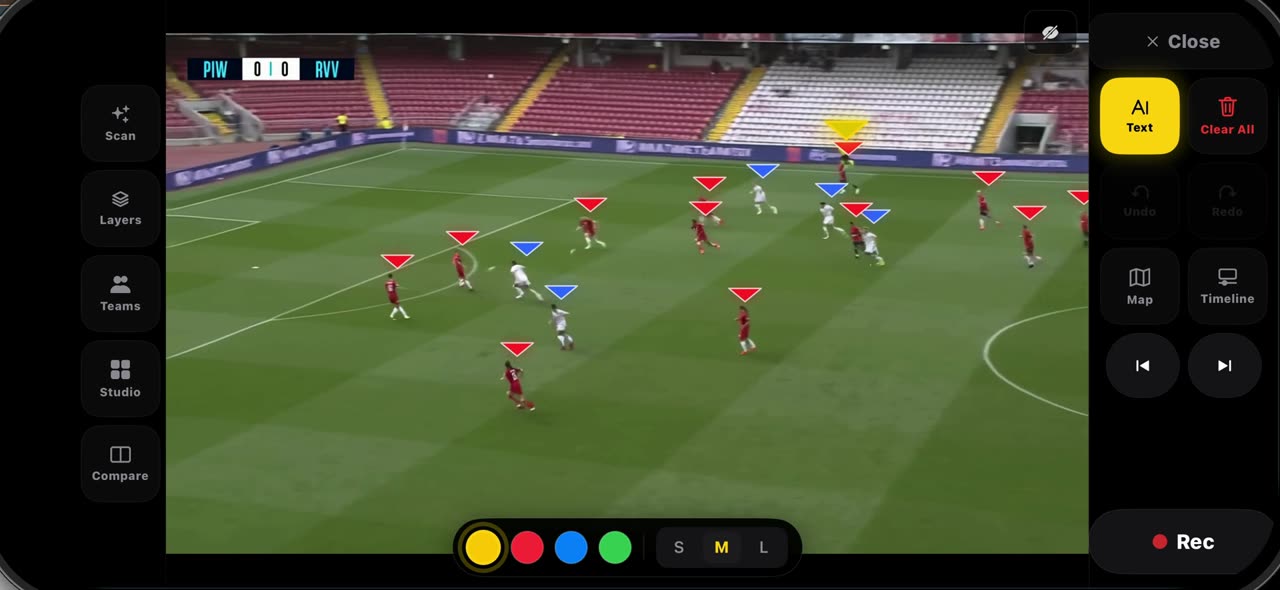
Pick Text from the palette and tap where the note belongs — a name, a distance, a reminder — then tap Add: the label is anchored to that spot on the…
 0:33
0:33How to spotlight a player and draw his run in TacticalSnap
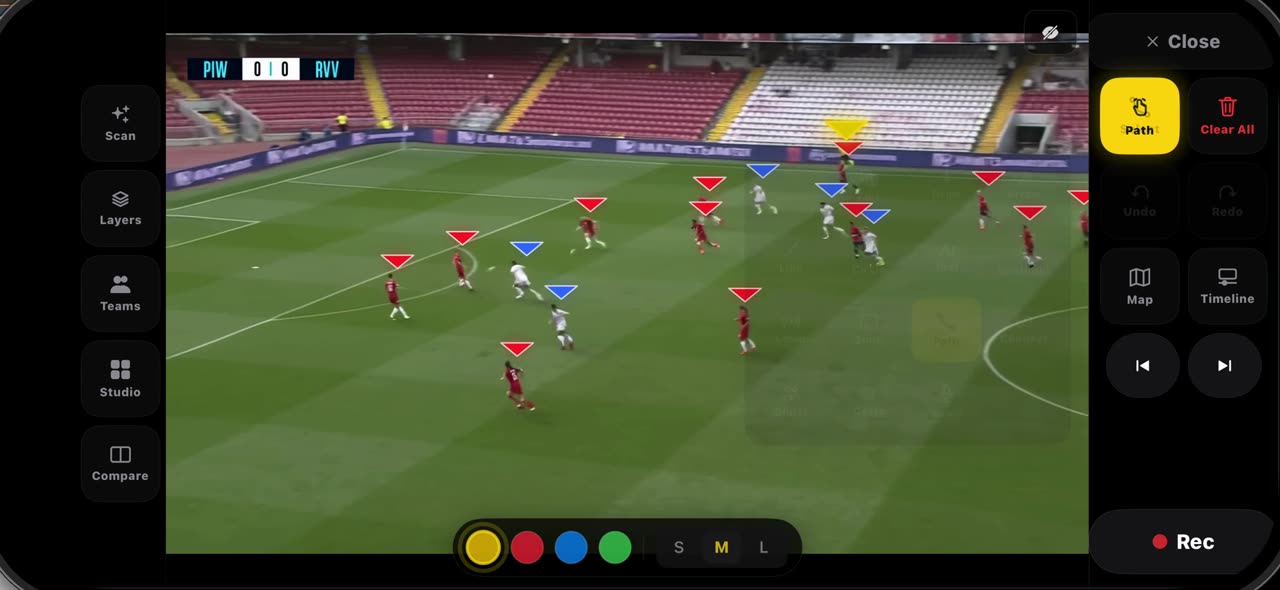
Pick Spotlight from the palette: the frame dims, the ball carrier gets the ring and the other players keep their team letters — pick it again and…