
In short
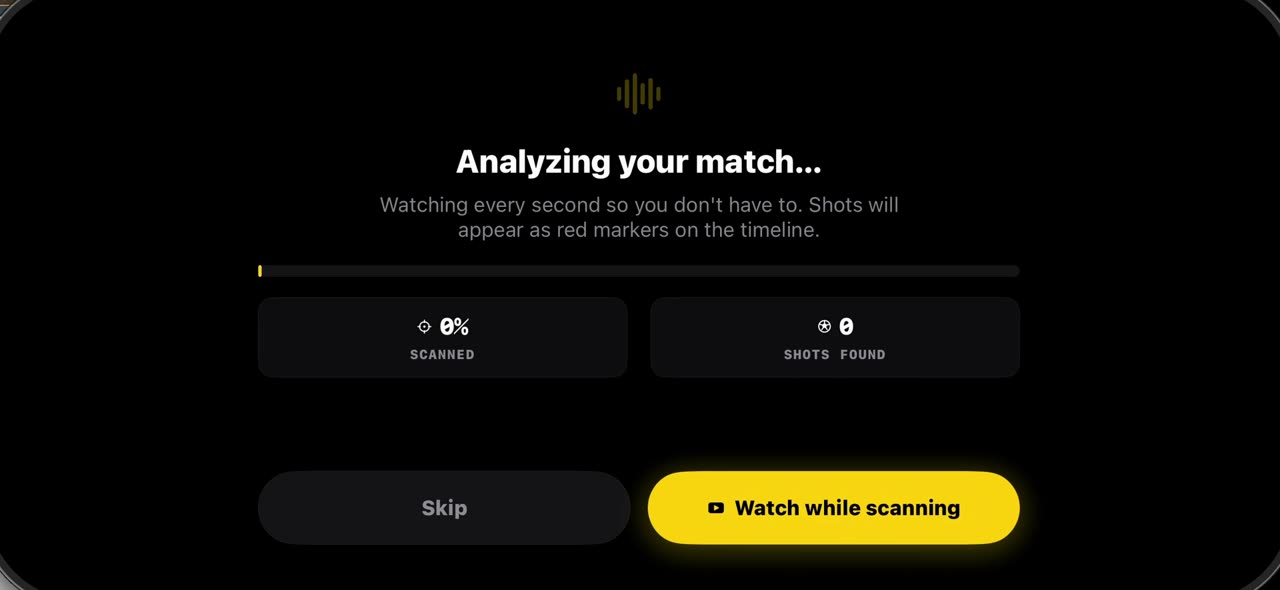
Match analysis starts with your own film, not a broadcast. Tap New Project, tell the app how many a side you play — 11, 9, 7 or 5, so the analysis is sized for your match — then pick the film from Photos or Files. One scan finds the players, the teams, the ball and every shot; a full match takes a few minutes on the phone, and the shots are already on the timeline when you open the editor. Everything stays on your device. iPhone and iPad.
Step by step
New Project
A match in TacticalSnap starts with the film. Tap New Project and choose how many a side you play: eleven, nine, seven or five. The analysis is sized for your match.
On screen: New Project → pick your match format: 11, 9, 7 or 5 a side.
Pick the film
Pick the match from your camera roll, or from Files if it lives in iCloud or Dropbox. Any camera, any length, and nothing leaves the phone.
On screen: Photos Library or Files. Any camera, any length.
One scan
The app copies the film and scans it once for players, teams, the ball and every shot. A full match takes a few minutes on the phone, and you can watch while it works.
On screen: Players, teams, the ball and every shot — found once, on the device.
Open the editor
When it is done, the shots are already marked on the timeline. Open the editor, and you are ready to freeze a moment.
On screen: Done: the shots are already on the timeline.
What you need
- An iPhone or iPad with iOS 17 or later (or a Mac).
- TacticalSnap from the App Store. It is free to download and every analysis tool is free.
- A match video in Photos or Files. Any camera works, even a phone on the touchline.
Try it on your own footage
TacticalSnap runs the whole loop on an iPhone or iPad, on the device. Analysing is free and unlimited; exporting video is the only paid step.
More in this section
 0:35
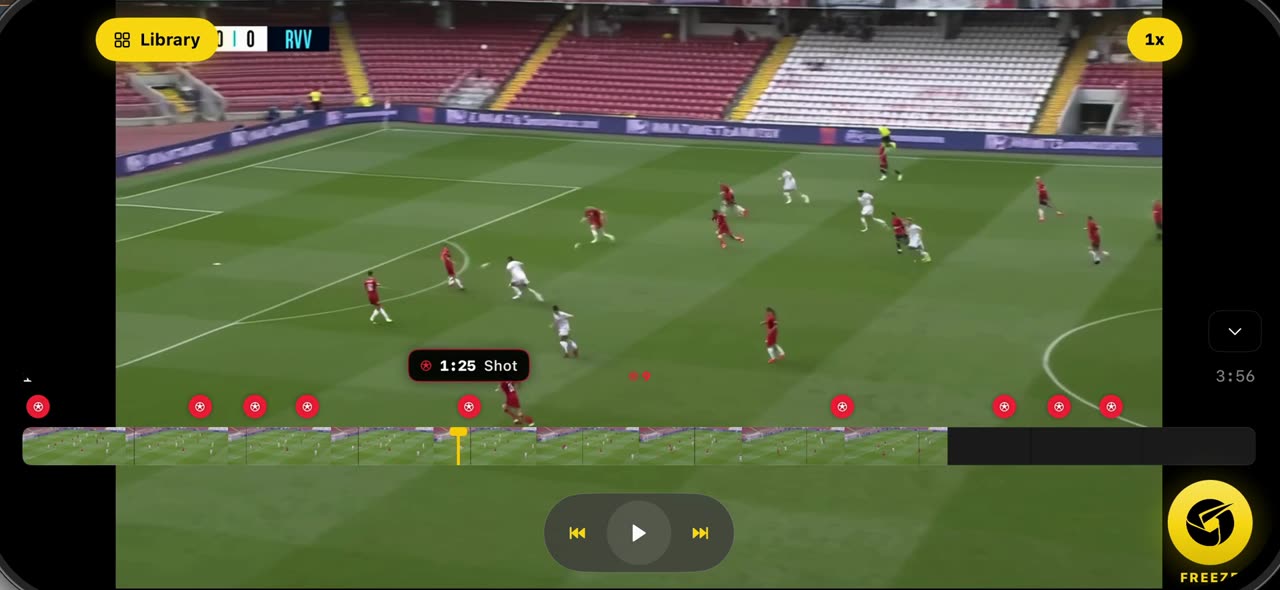
0:35How to freeze a moment and scan the players in TacticalSnap
Open the match you imported: the scan has already marked every shot as a red dot on the timeline.
 0:42
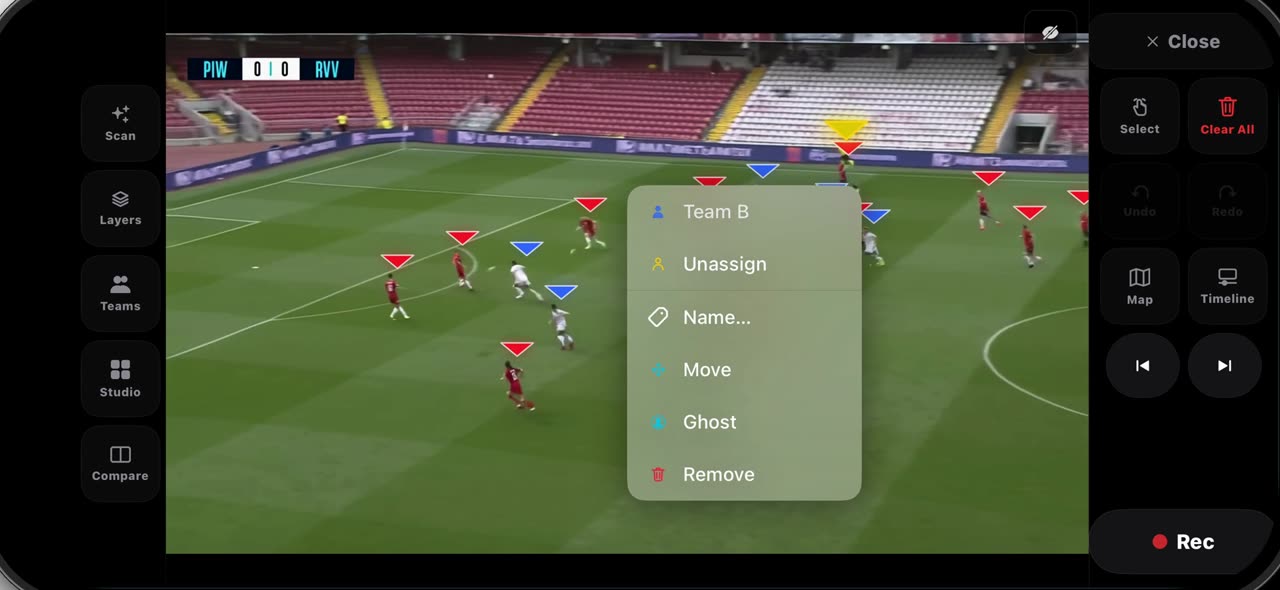
0:42How to fix the teams on a frozen frame in TacticalSnap
After Freeze every player wears a triangle — red for Team A, blue for Team B — and on a crowded frame one player can land on the wrong side.
 0:40
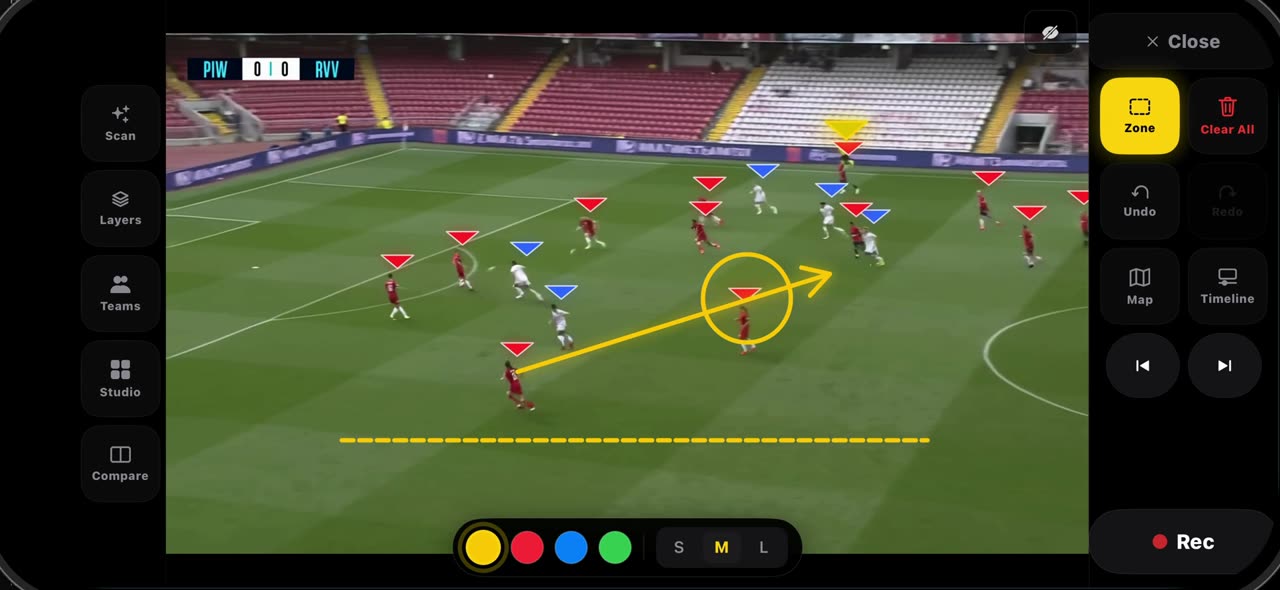
0:40How to draw on a frozen frame in TacticalSnap (arrow, line, circle, zone, freehand)
Hold the Select tile and the palette opens.
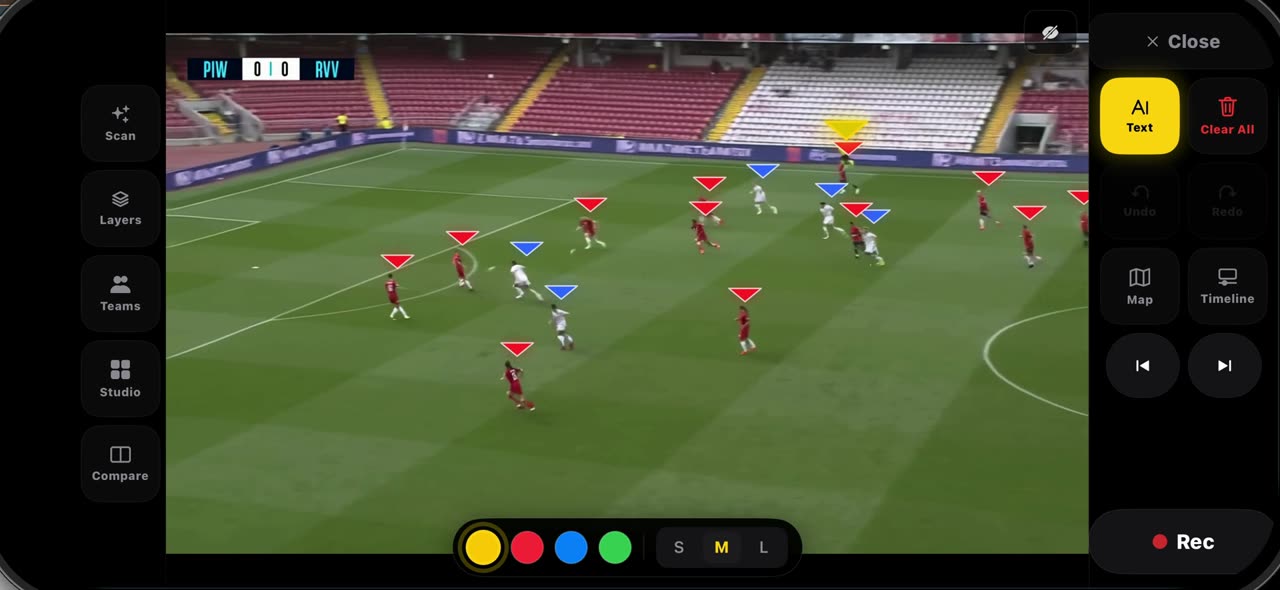 0:32
0:32How to label a frozen frame and point with the laser in TacticalSnap
Pick Text from the palette and tap where the note belongs — a name, a distance, a reminder — then tap Add: the label is anchored to that spot on the…
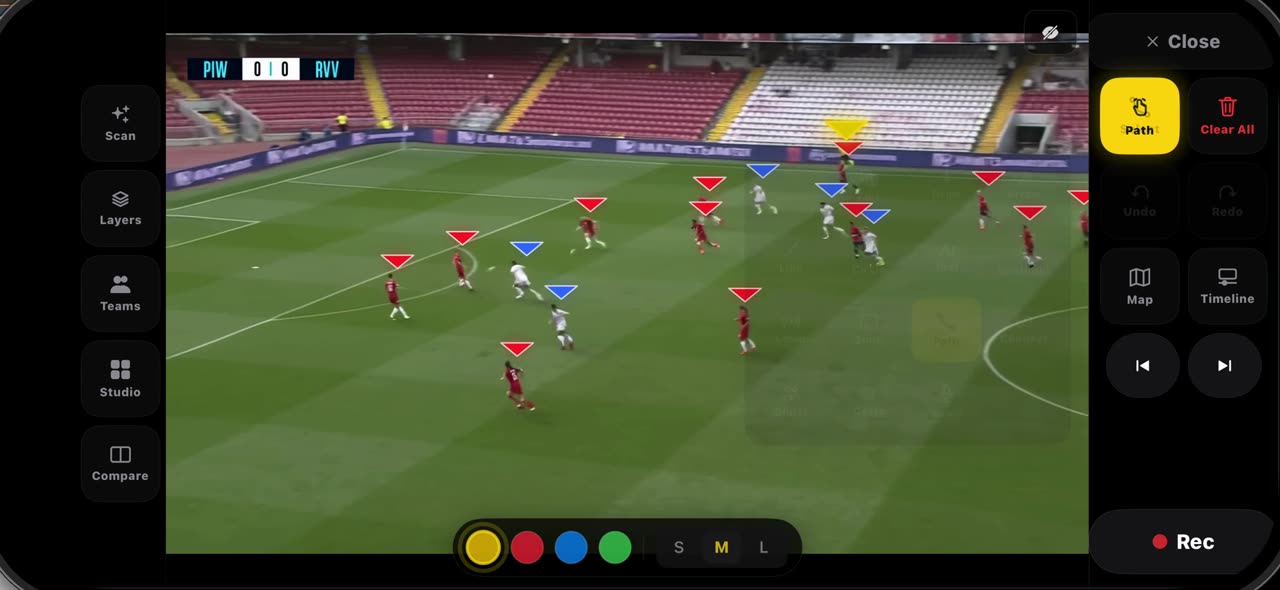 0:33
0:33How to spotlight a player and draw his run in TacticalSnap
Pick Spotlight from the palette: the frame dims, the ball carrier gets the ring and the other players keep their team letters — pick it again and…
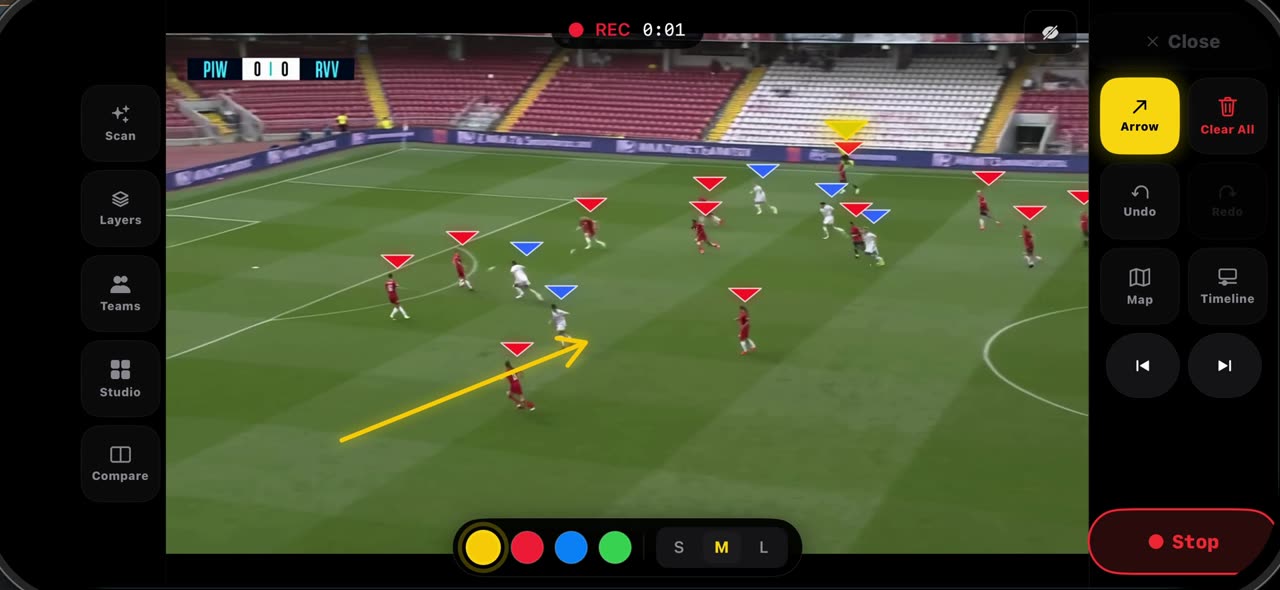 0:30
0:30How to record a take on a frozen frame in TacticalSnap
Set the frame up before you record — the line, the space, the first arrow — because whatever is on the frame when you press Rec opens the clip.