
In short
The export button on the watch screen opens every recording of the game. Tap the plus on two of them and they join into one reel, in the order you picked. The aspect button switches between landscape for the film room and portrait for Reels and TikTok, with the frame redrawn for each size. Add music under your voice and share. Everything stays on your device until you send it. iPhone and iPad.
Step by step
Your recordings
The export button on the watch screen opens every recording of this game, the latest one first, so all your breakdowns sit in one place.
On screen: Export: every recording of this game, newest first.
Build a reel
Tap the plus on two of them and they join into one video, in the order you tapped them. Two plays, one video for the team.
On screen: Tap plus on two videos: they join into one reel, in order.
Landscape or portrait
The aspect button switches between landscape for the film room and portrait for Reels and TikTok, and the frame is redrawn for each size.
On screen: Aspect → 9:16 for Reels and TikTok, or landscape for the film room.
Add music, then share
If you like, add music below your voice, then share. Nothing is uploaded on the way: everything stays on your device until you send it.
On screen: Add music under your voice, then share. Everything stays on your device.
What you need
- An iPhone or iPad with iOS 17 or later (or a Mac).
- TacticalSnap from the App Store. It is free to download and every analysis tool is free.
- Game film in Photos or Files. Any camera works, even a phone on the sideline.
Try it on your own film
TacticalSnap runs the whole loop on an iPhone or iPad, on the device. Breaking down film is free and unlimited; exporting video is the only paid step.
More in this section
 0:32
0:32Import a football game film and let it find every play
Pick the game film from Photos and the pre-scan watches every second, marking each play on the timeline: snaps in green, big plays in purple.
 0:31
0:31Freeze a snap and see every player, offense and defense
Open the timeline under your game film: green markers are snaps, purple ones big plays.
 0:30
0:30Record a play breakdown with your voice on the frozen snap
Freeze the snap and draw the plan first: from the palette pick the arrow and draw the blocks, and everything on the frame opens your video.
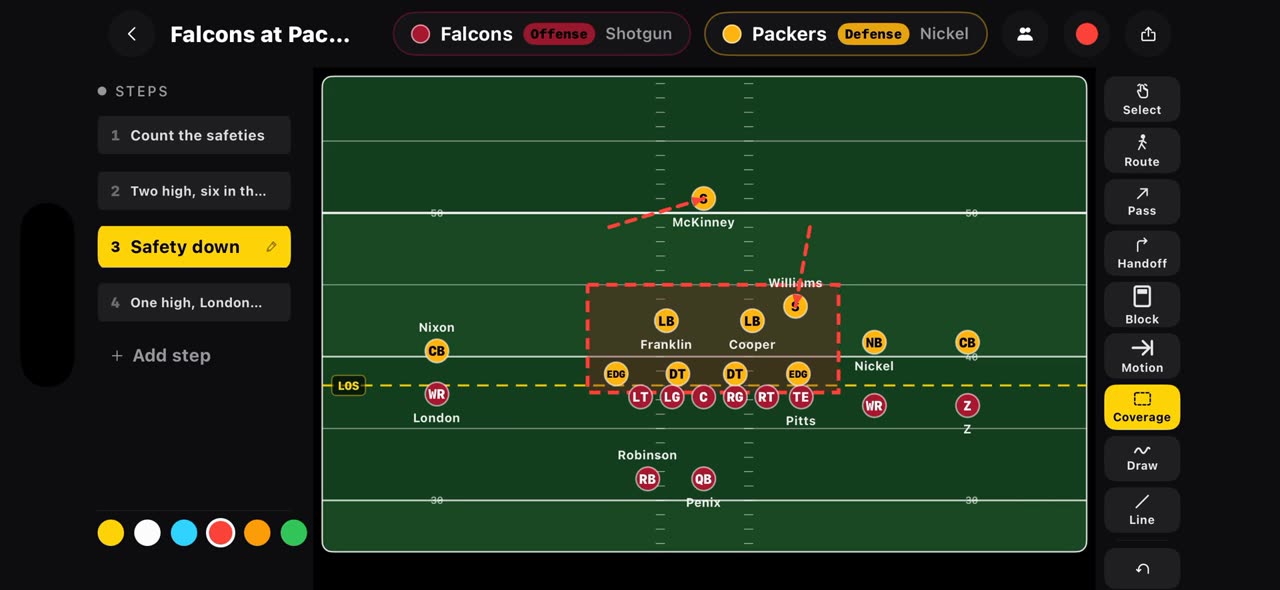 0:36
0:36Build a football game plan step by step and record it
On a football board every step is a snap.
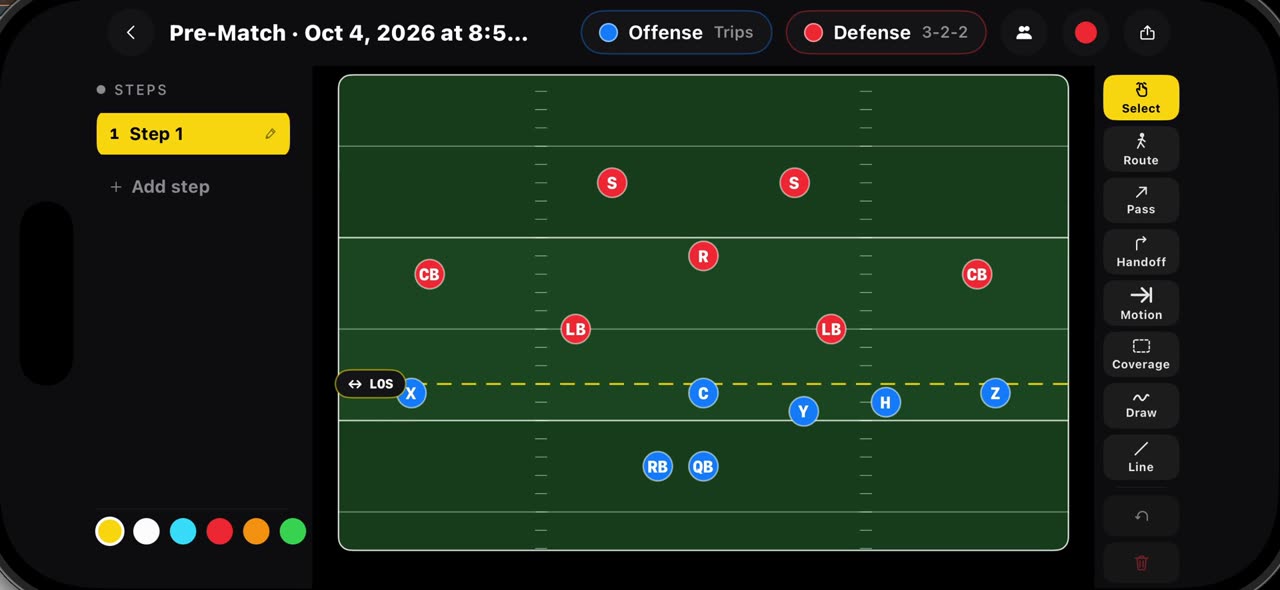 0:36
0:36Draw flag football plays on a real flag field, 7v7 and 5v5
Hold your finger on Pre-Match and pick a flag board: seven on seven starts with Trips against a three, two, two, five on five with Trips against a…
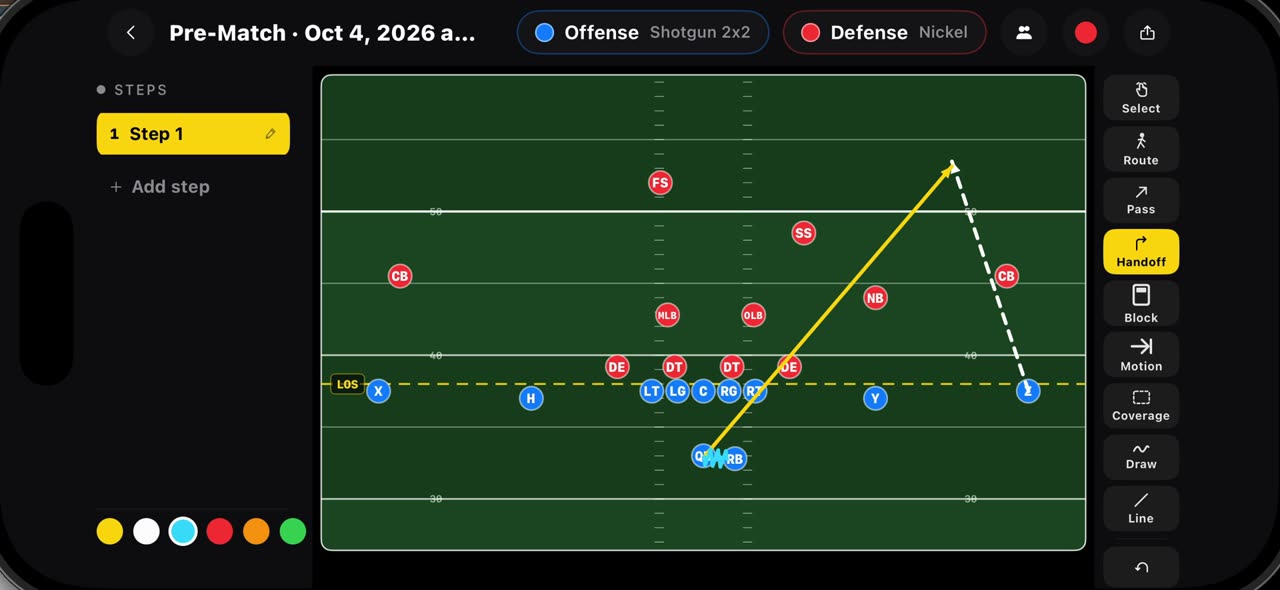 0:35
0:35Draw routes, passes, handoffs, blocks, motion and coverage
Every mark on the football board has its own tool.