
영상 하나에 기능 하나, 실제 앱과 실제 경기로 촬영했습니다. 모든 페이지에 단계가 글로도 빠짐없이 적혀 있어 소리 없이도 따라 할 수 있습니다.
시작하기
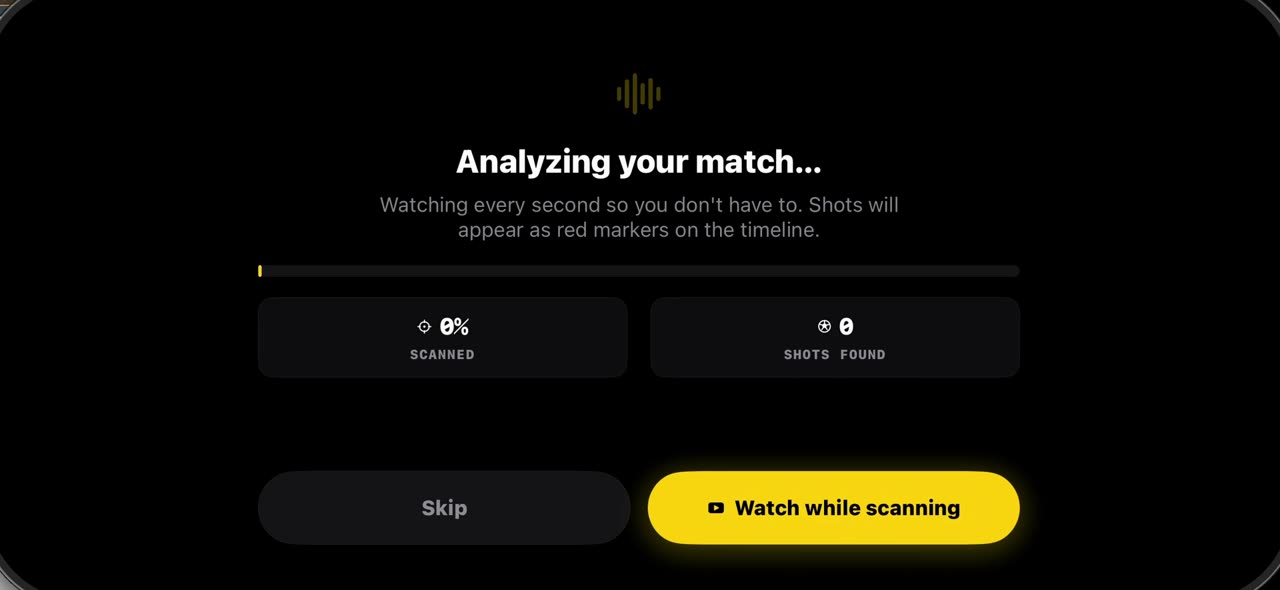 0:44
0:44TacticalSnap에 경기 가져오는 법
경기 분석은 중계 영상이 아니라 직접 찍은 영상에서 시작합니다.
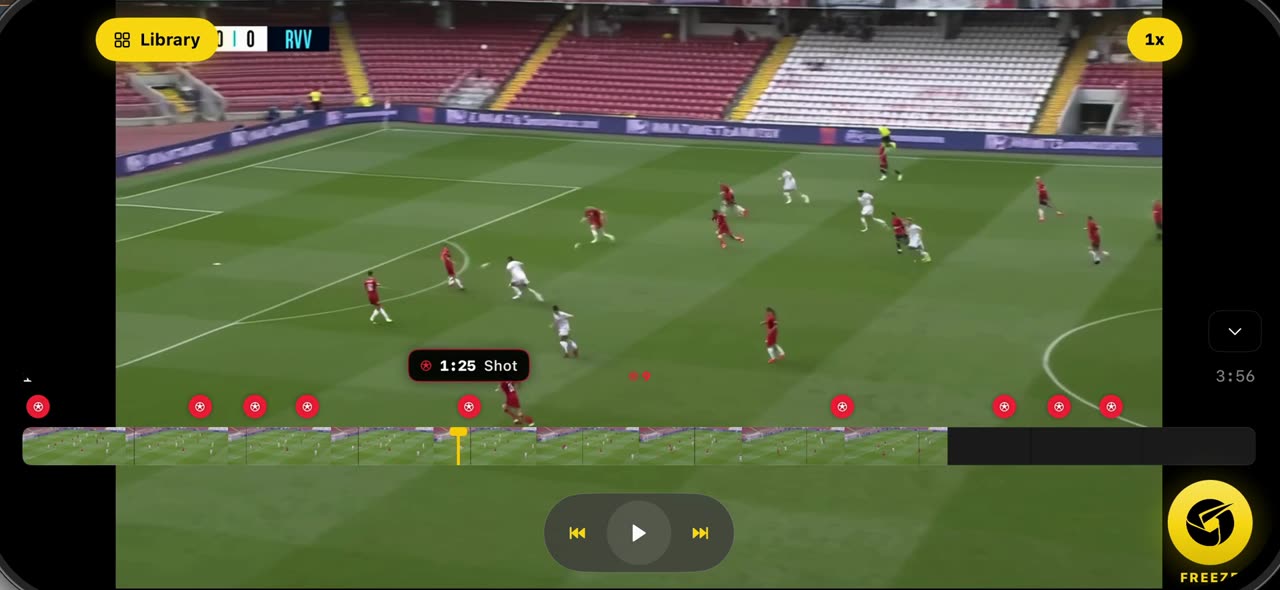 0:38
0:38TacticalSnap에서 장면을 정지하고 선수를 스캔하는 법
가져온 경기를 열면 스캔이 이미 모든 슛을 타임라인에 빨간 점으로 표시해 두었습니다.
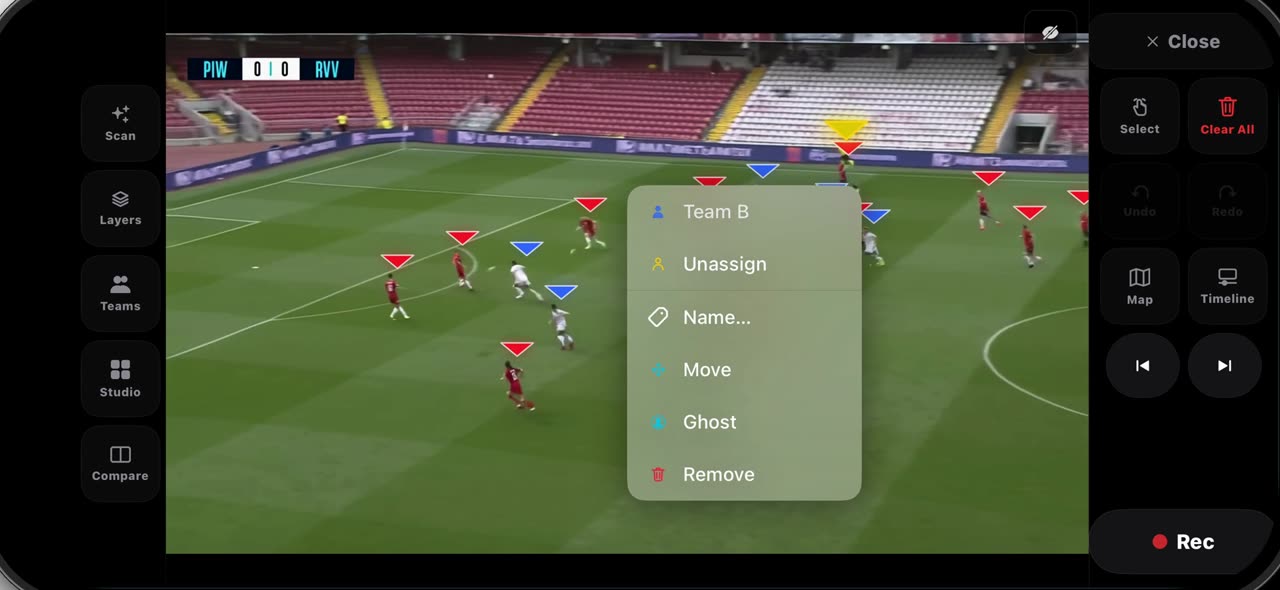 0:45
0:45TacticalSnap에서 정지한 프레임의 팀을 고치는 법
정지 후에는 선수마다 삼각형이 붙습니다.
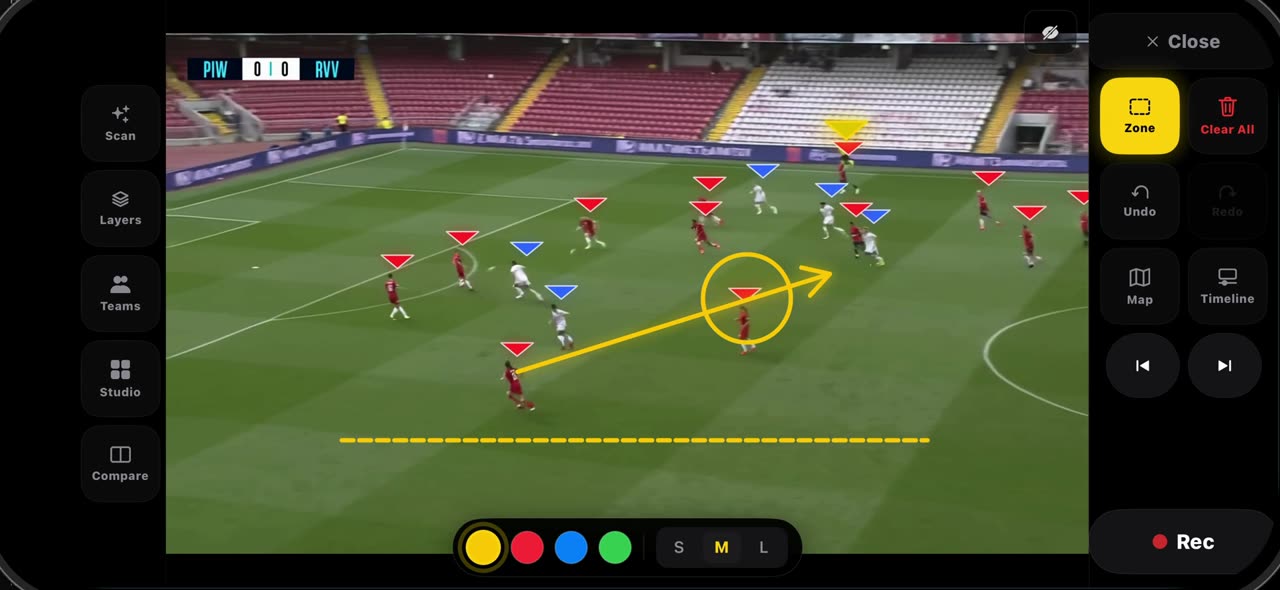 0:41
0:41TacticalSnap에서 정지한 프레임에 그리는 법 (화살표, 선, 원, 존, 자유 그리기)
선택 타일을 길게 누르면 팔레트가 열립니다.
 0:34
0:34TacticalSnap에서 프레임에 라벨을 달고 레이저로 가리키는 법 (텍스트, 추가, 레이저)
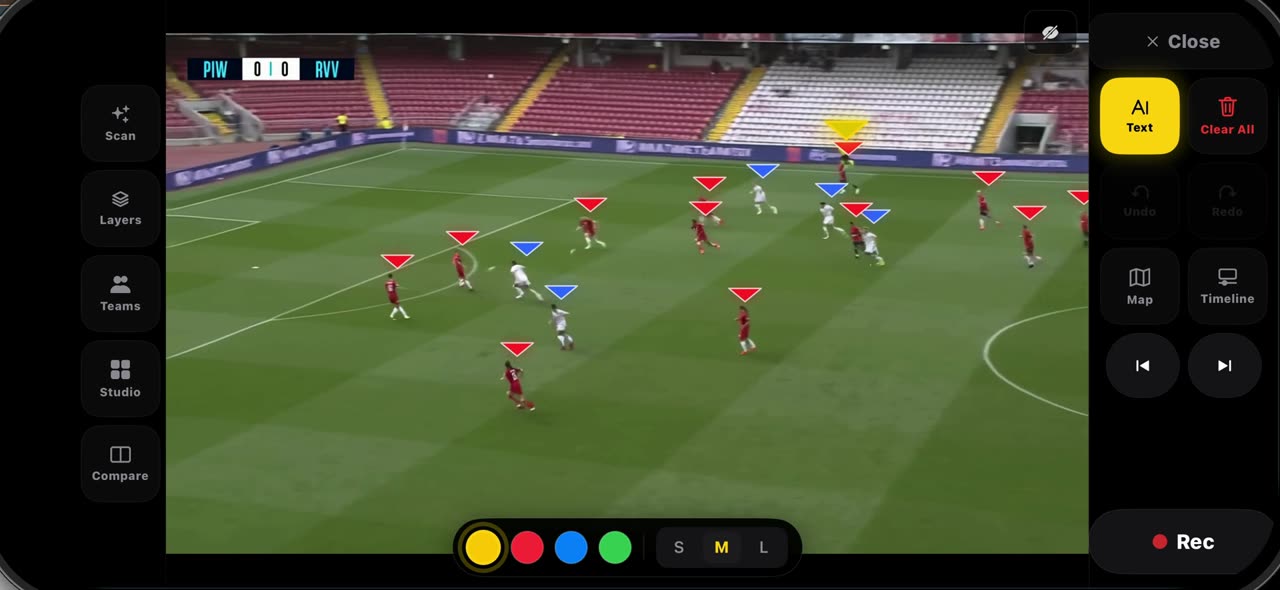
팔레트에서 텍스트를 고르고 메모를 둘 자리를 탭합니다.
 0:38
0:38TacticalSnap에서 선수에 스포트라이트를 켜고 달리는 길을 그리는 법 (스포트라이트, 경로)
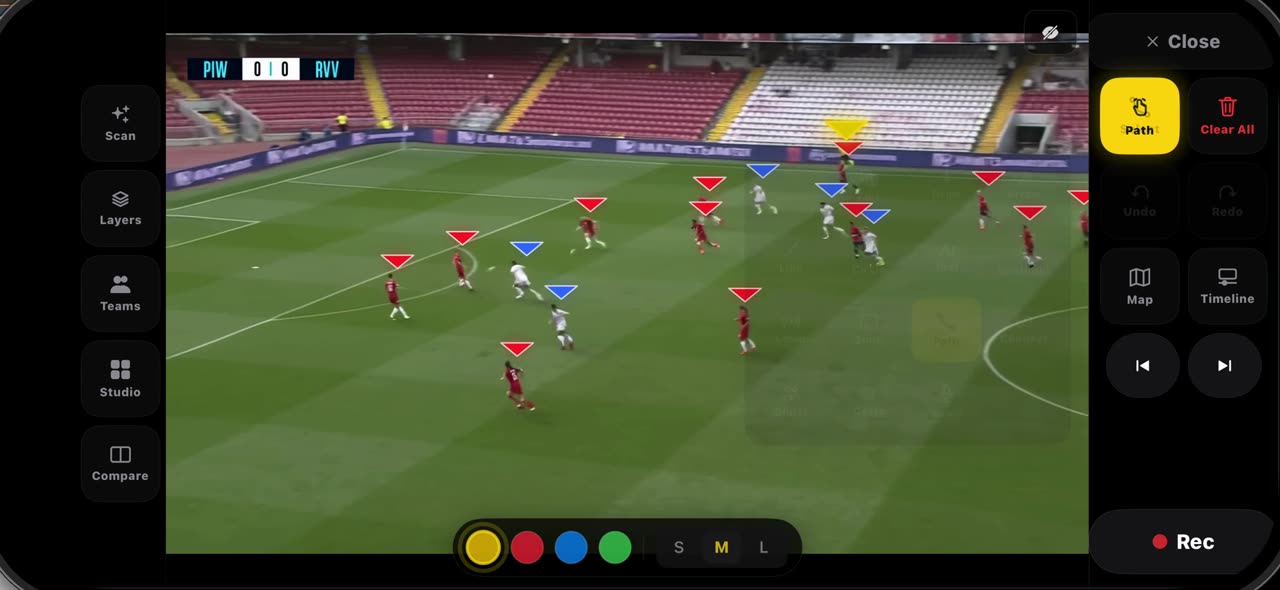
팔레트에서 스포트라이트를 고르면 화면이 어두워지고, 볼을 가진 선수에 링이 생기고, 나머지는 팀 글자를 그대로 가집니다.
 0:32
0:32TacticalSnap에서 멈춘 프레임에 테이크를 녹화하는 법 (Rec, 정지, 내보내기)
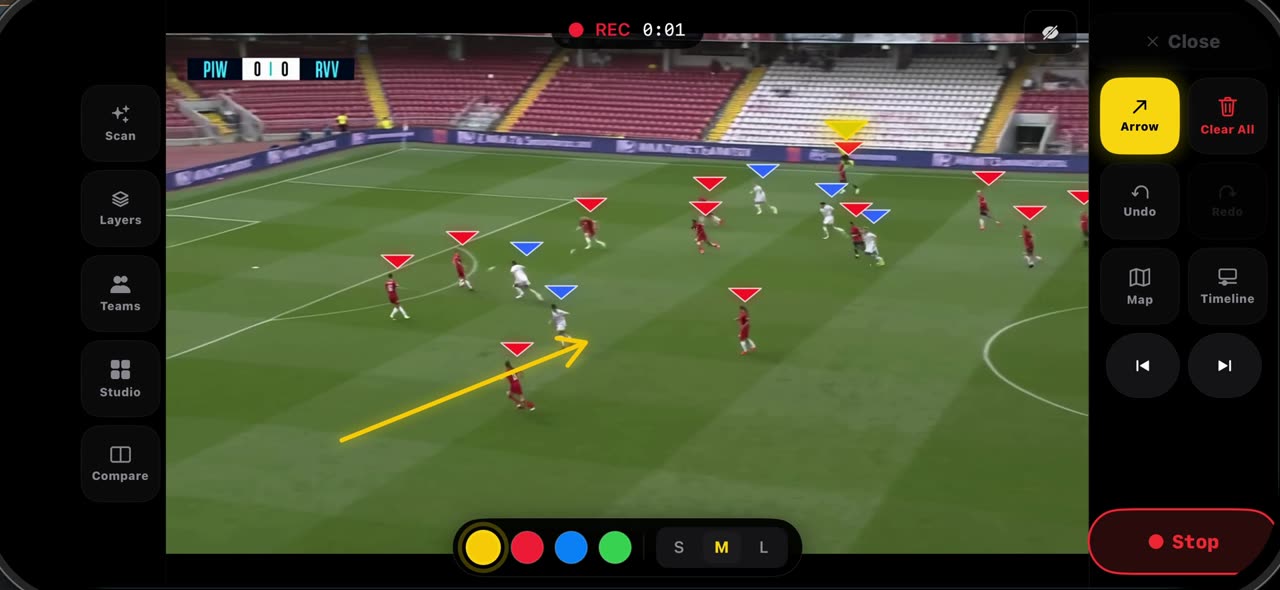
녹화하기 전에 프레임을 먼저 세팅합니다.
 0:48
0:48TacticalSnap에서 클립을 내보내고 릴을 만드는 법 (내보내기, 음악, 공유)
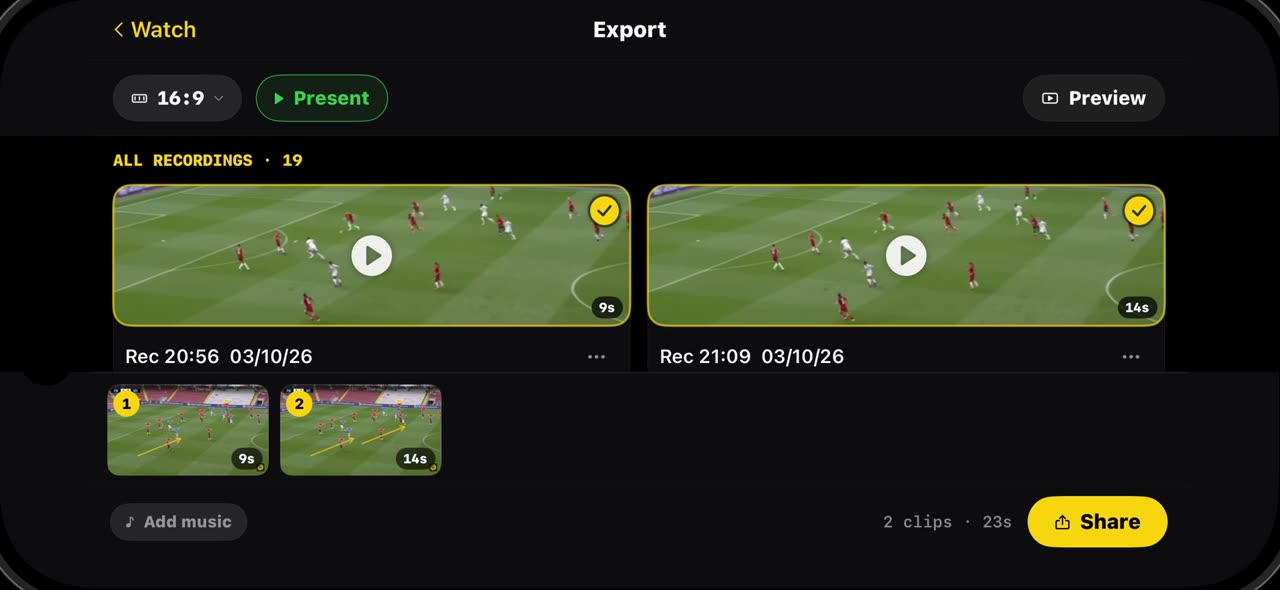
녹화한 테이크는 모두 내보내기에 길이와 함께 남고, 바로 재생하거나 공유하거나 지울 수 있습니다.
 0:33
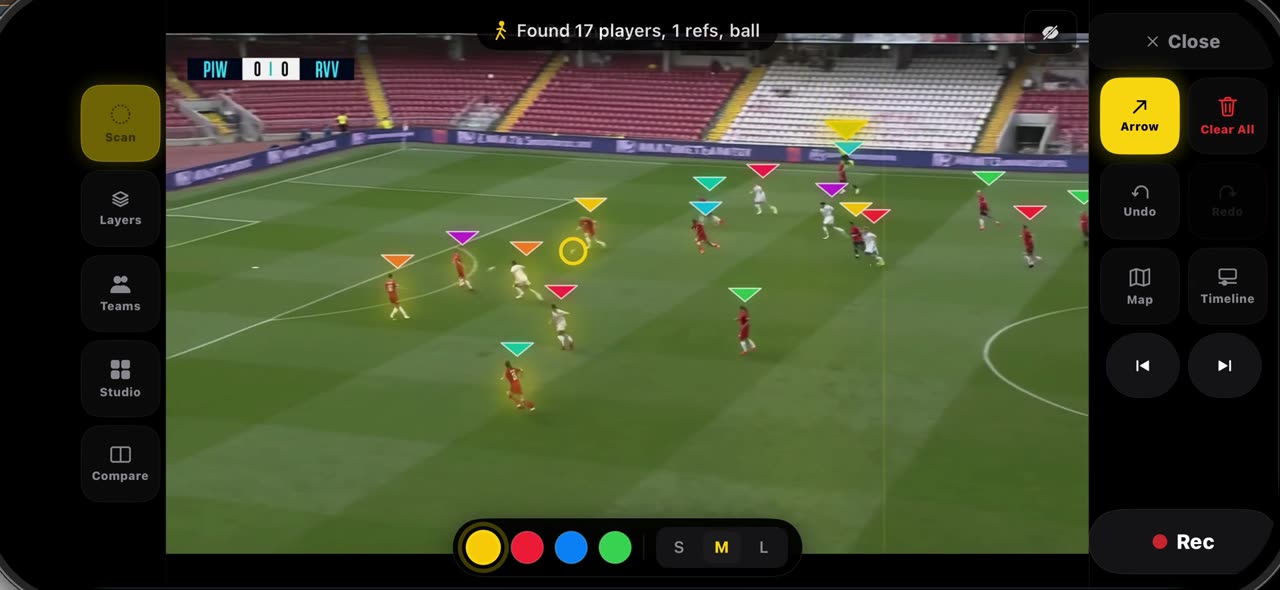
0:33TacticalSnap에서 프레임을 지우고 한 장씩 넘기는 법 (전체 지우기, 스캔)
프레임이 복잡해지면 전체 지우기가 한 번의 탭으로 비웁니다.
경기 전 전술판
 0:49
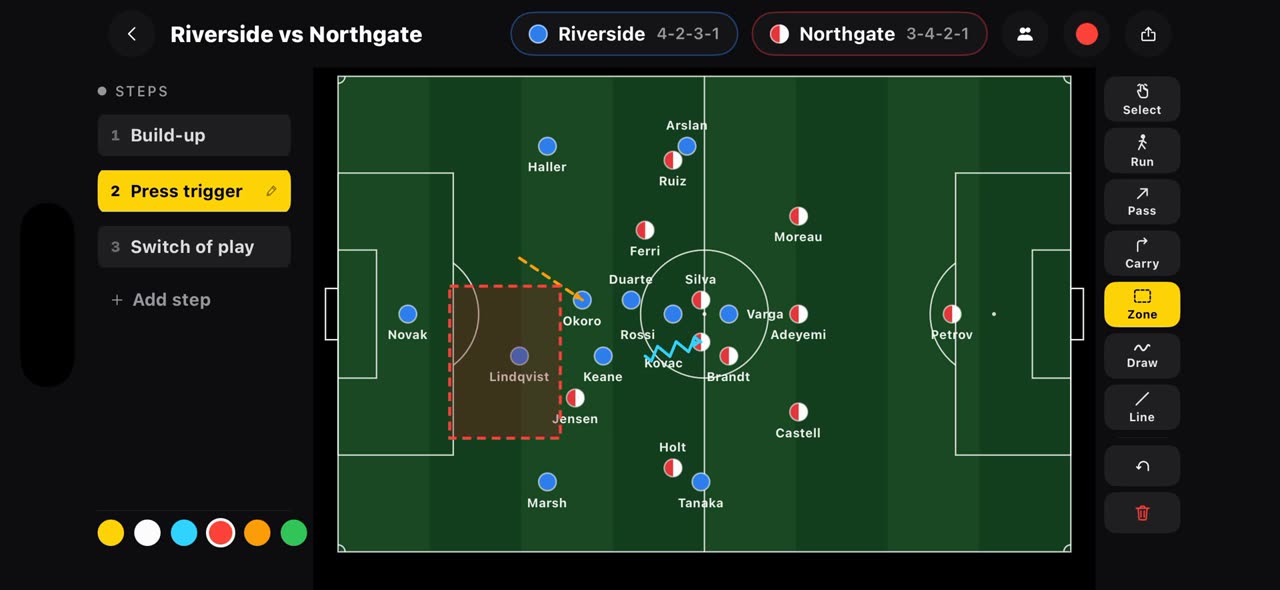
0:49TacticalSnap 경기 전 보드에서 킥오프 전에 플랜을 그리는 법
대부분의 전술 앱은 영상이 끝난 뒤에 시작합니다.
 0:49
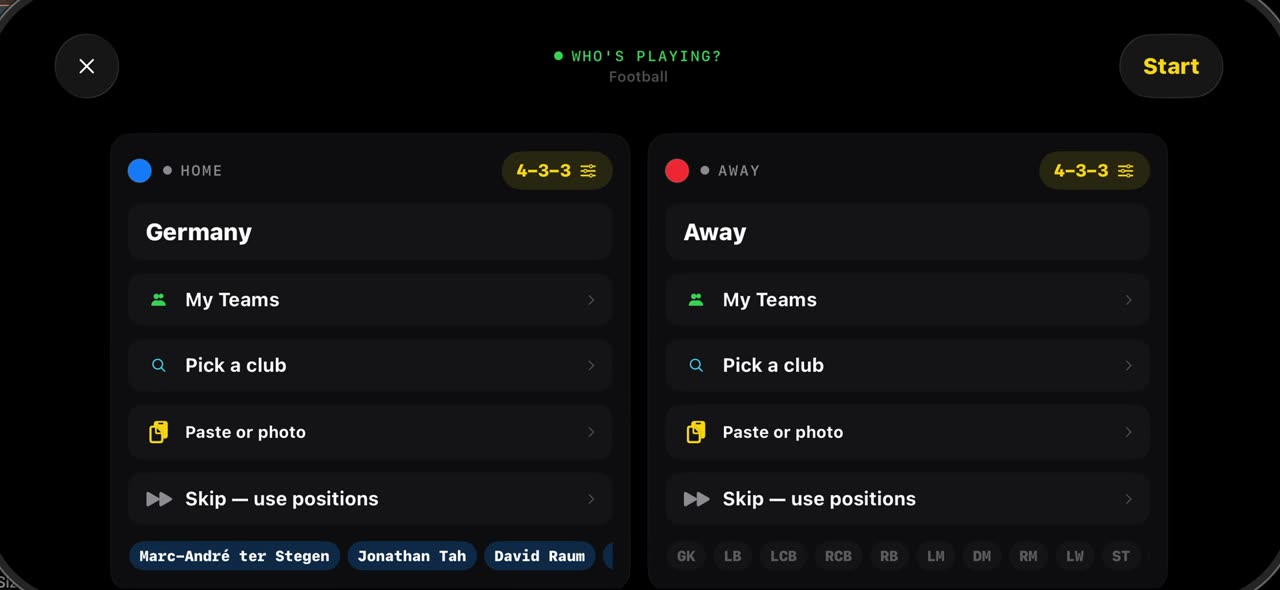
0:49TacticalSnap 경기 전 보드에서 두 팀 스쿼드를 몇 초 만에 세우는 법
iPhone과 iPad.
 0:46
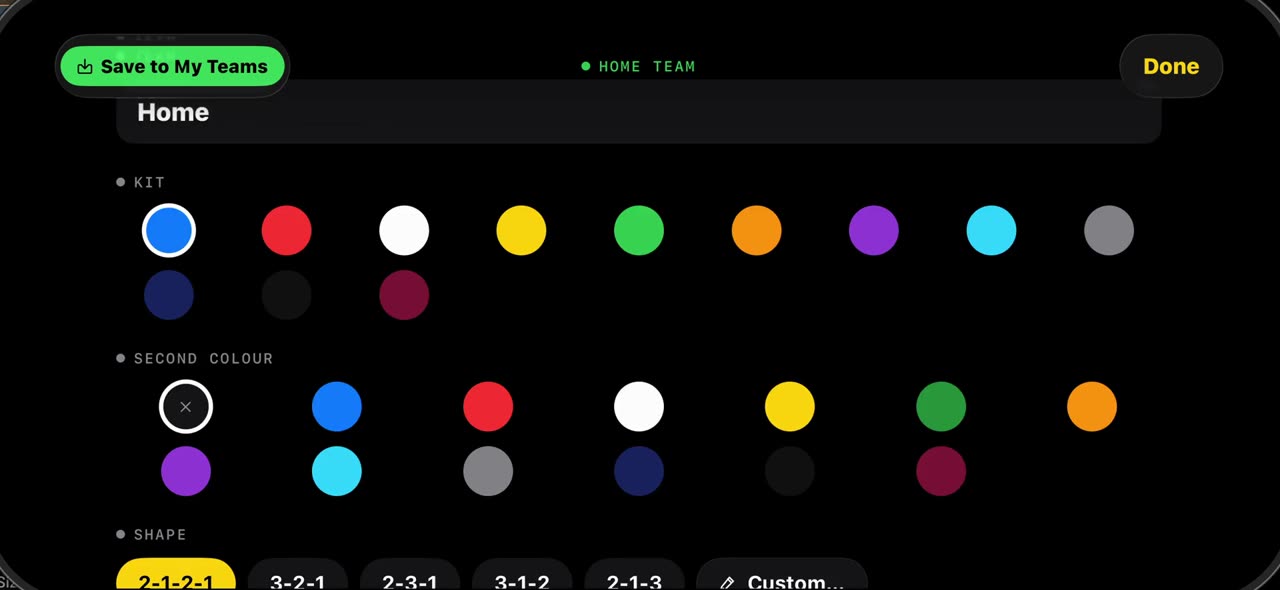
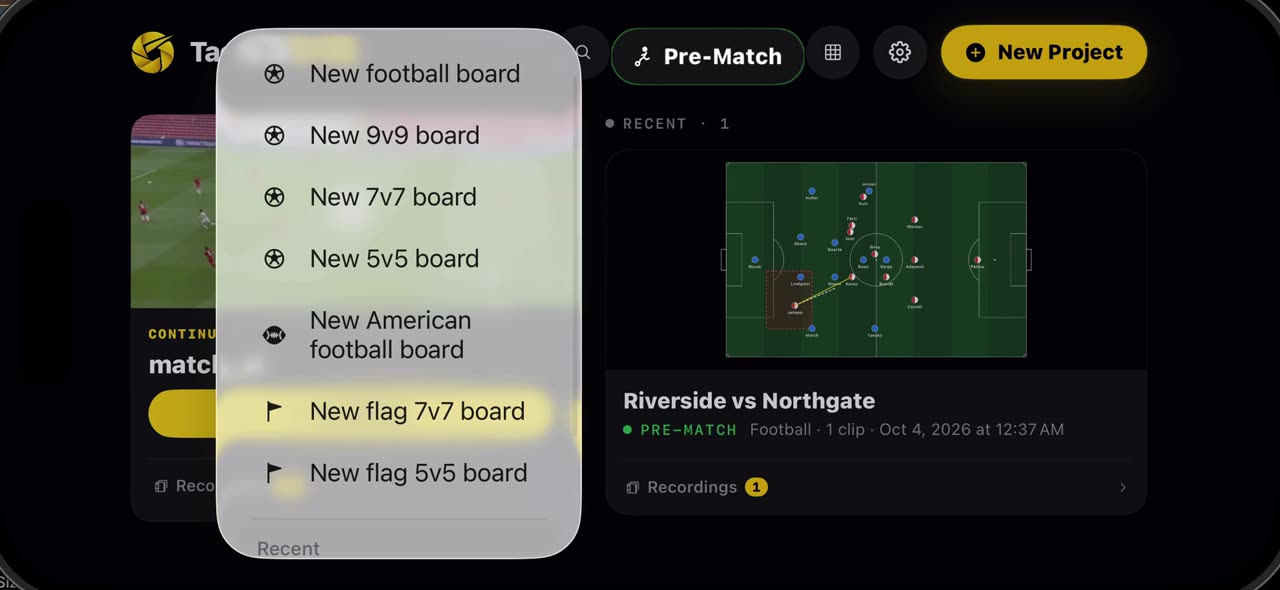
0:46TacticalSnap 경기 전 보드에서 7v7, 9v9, 5v5 보드 만드는 법
풀뿌리 축구가 늘 11명은 아닙니다.
 0:34
0:34TacticalSnap 경기 전 보드에서 팀을 저장하고 어떤 보드에서든 쓰는 법
스쿼드가 보드에 올라오면, 카탈로그에서 가져왔든 직접 적었든, 팀을 열고 내 팀에 저장을 누르면 이름, 등번호, 유니폼, 모양이 이후의 모든 보드에 남습니다.
 0:35
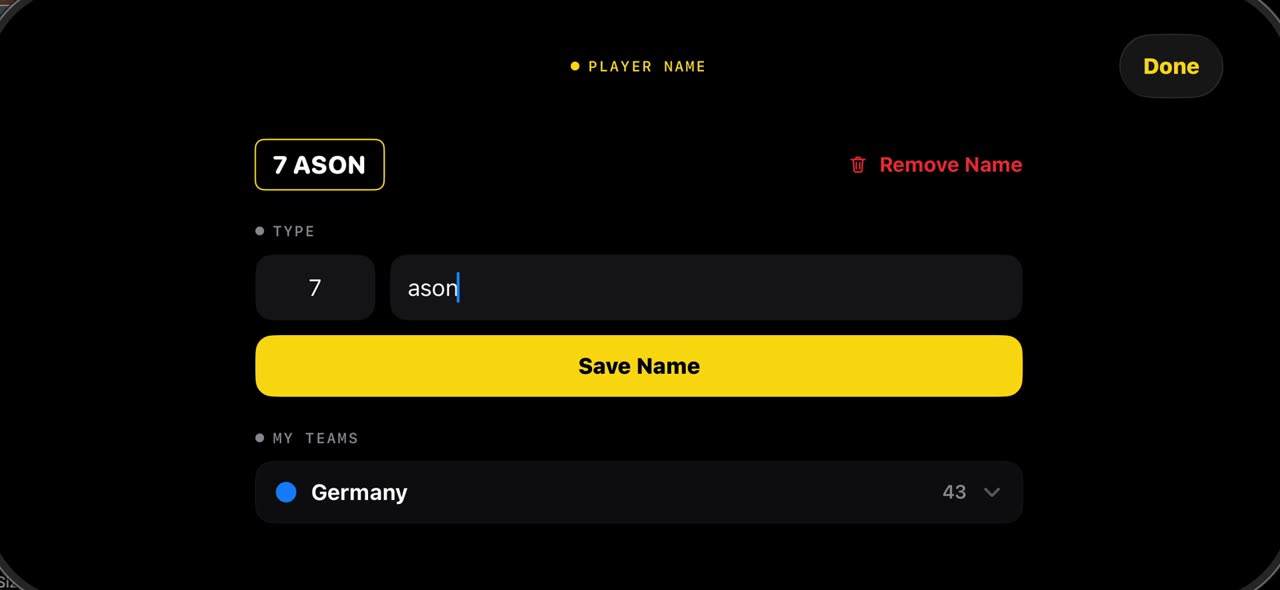
0:35TacticalSnap에서 경기 영상 선수에게 이름을 붙이는 법 (이름, 내 팀)
멈춘 프레임에서 선수를 손가락으로 길게 누르고 이름을 탭합니다.
분석 도구
 0:44
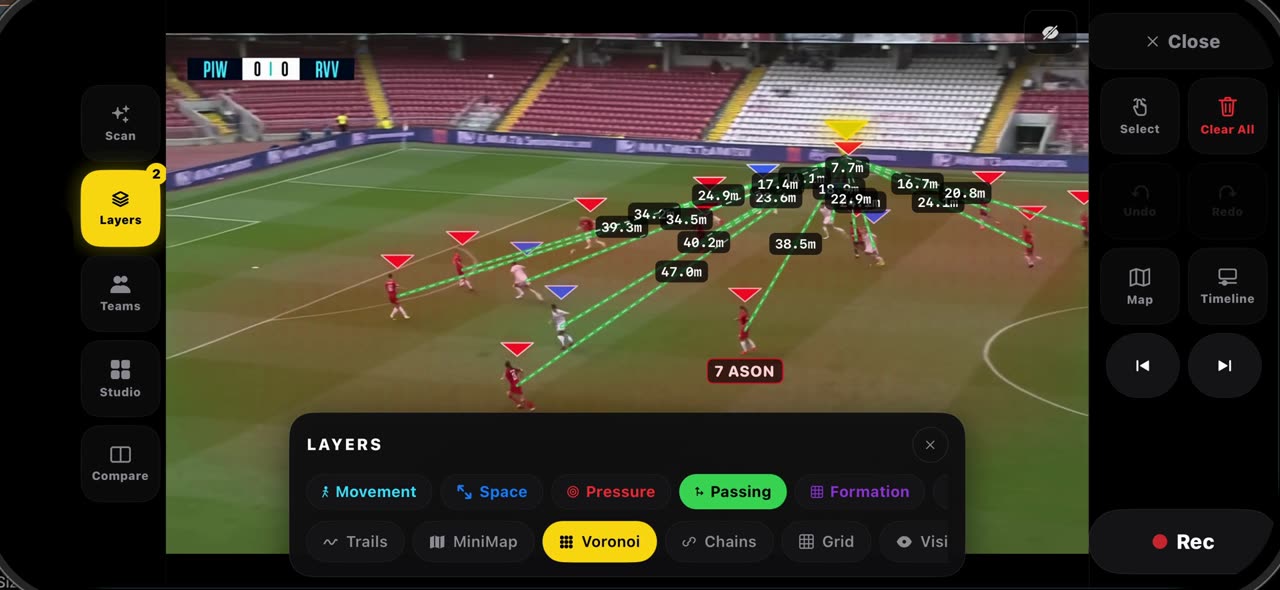
0:44TacticalSnap에서 레이어로 멈춘 프레임을 읽는 법 (레이어)
멈춘 프레임에서 레이어를 엽니다.
 0:33
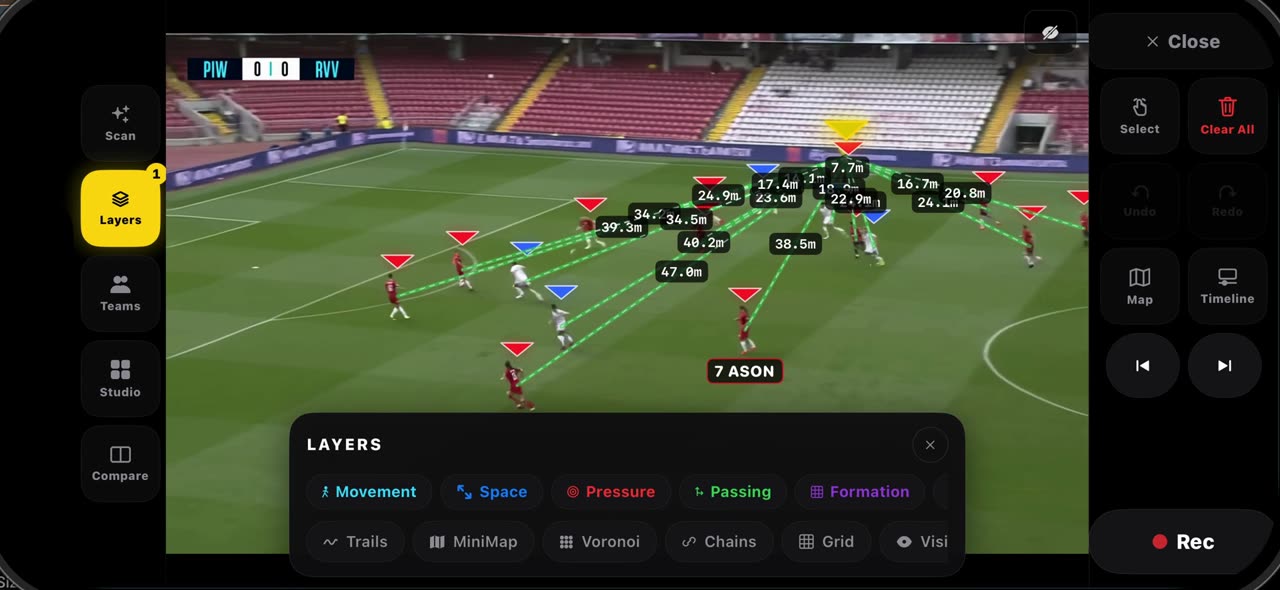
0:33TacticalSnap에서 피치가 어떻게 보정되고, 무엇을 주는지 (보정)
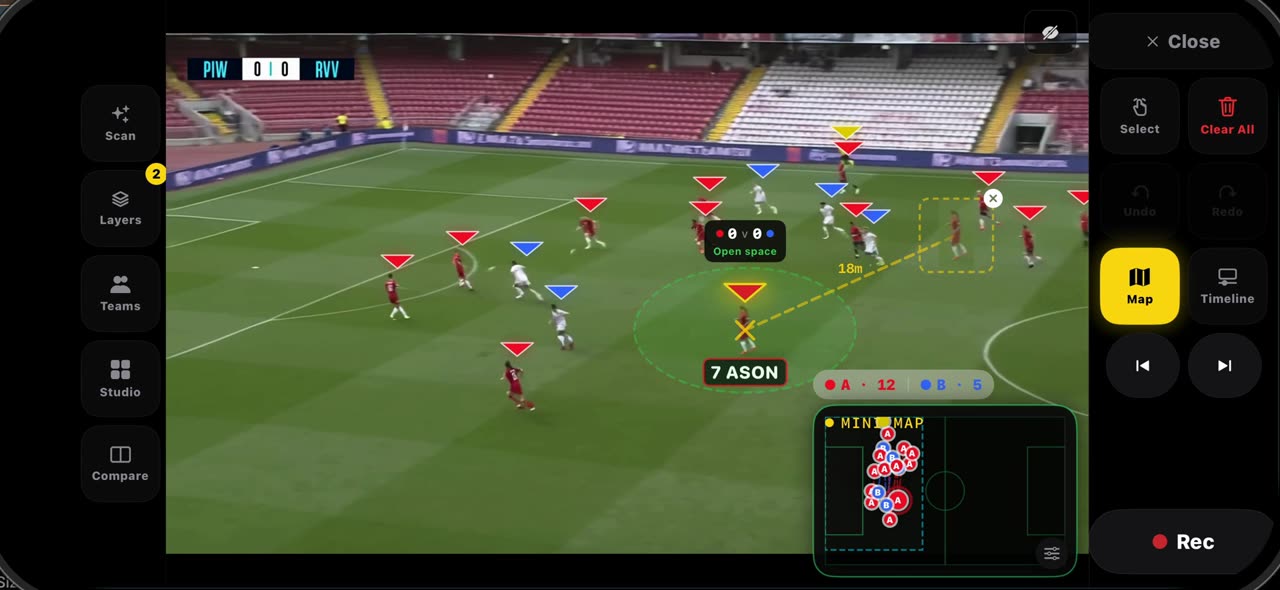
프레임을 정지하면 피치 라인을 읽어서 프레임이 스스로 보정됩니다.
 0:36
0:36TacticalSnap에서 고스트와 연결을 쓰는 법 (고스트)
정지한 프레임에서 선수를 손가락으로 길게 누르고 고스트를 고릅니다.
 0:35
0:35TacticalSnap에서 경기 리포트를 읽는 법 (경기 리포트)
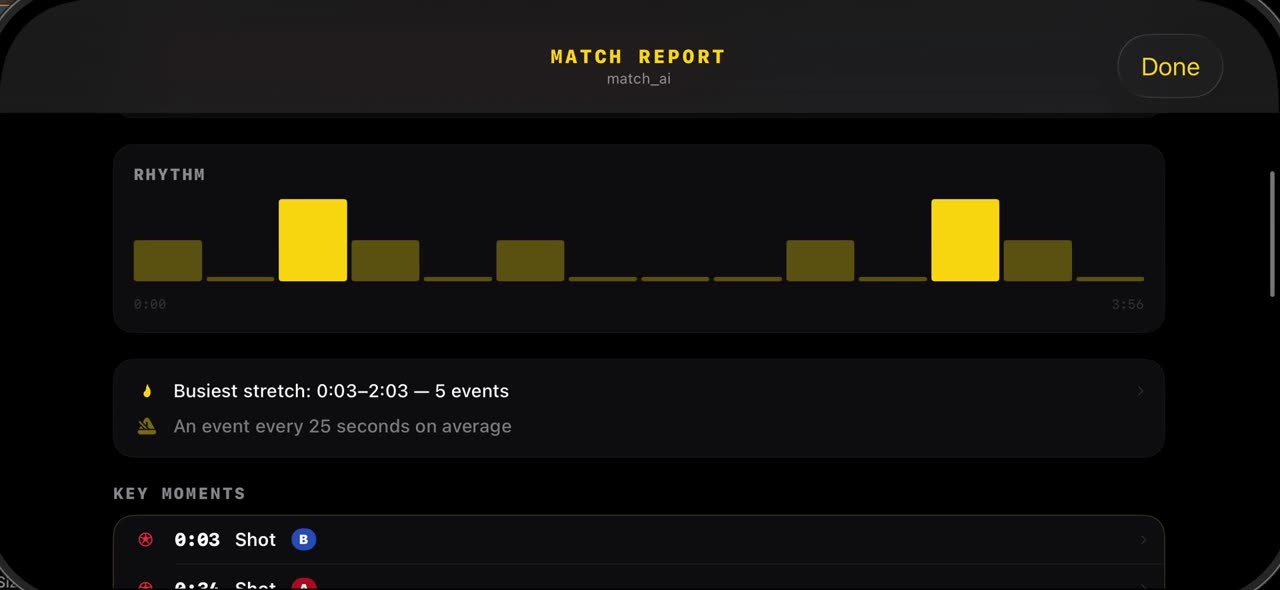
스캔이 끝나면 스튜디오를 열고 경기 리포트를 탭합니다.
 0:33
0:33TacticalSnap에서 우리 팀이 어디서 뛰었는지 보는 법 (공간 분석)
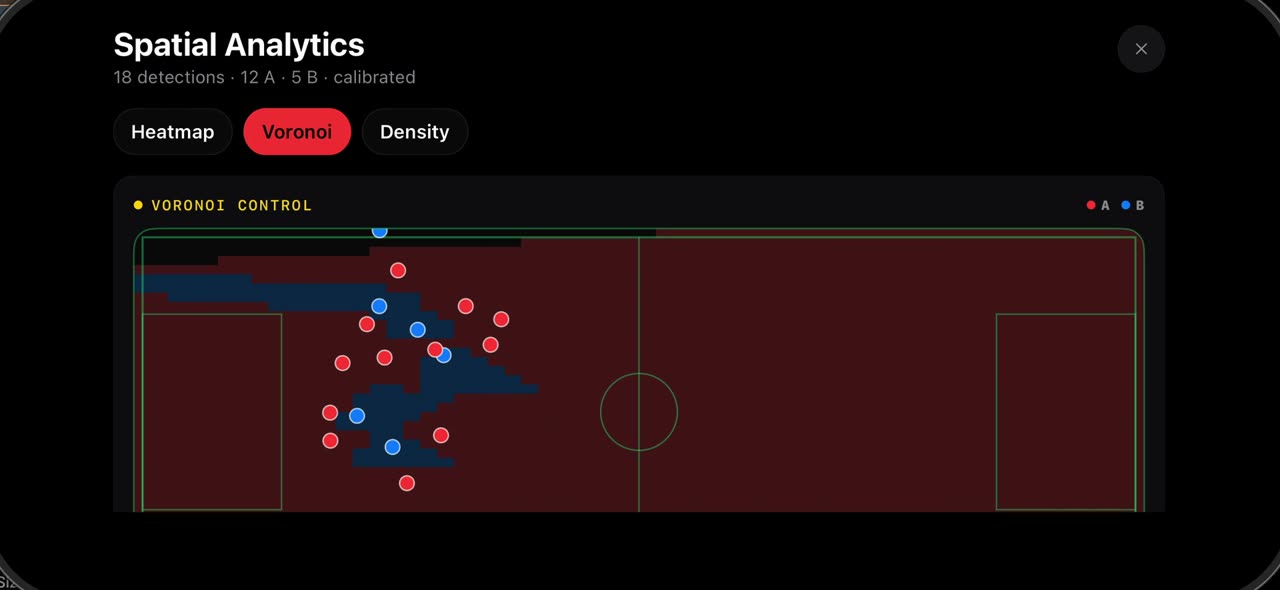
스튜디오를 열고 공간 분석을 탭합니다.
 0:40
0:40TacticalSnap의 전술판과 손그림 모드 (전술판)
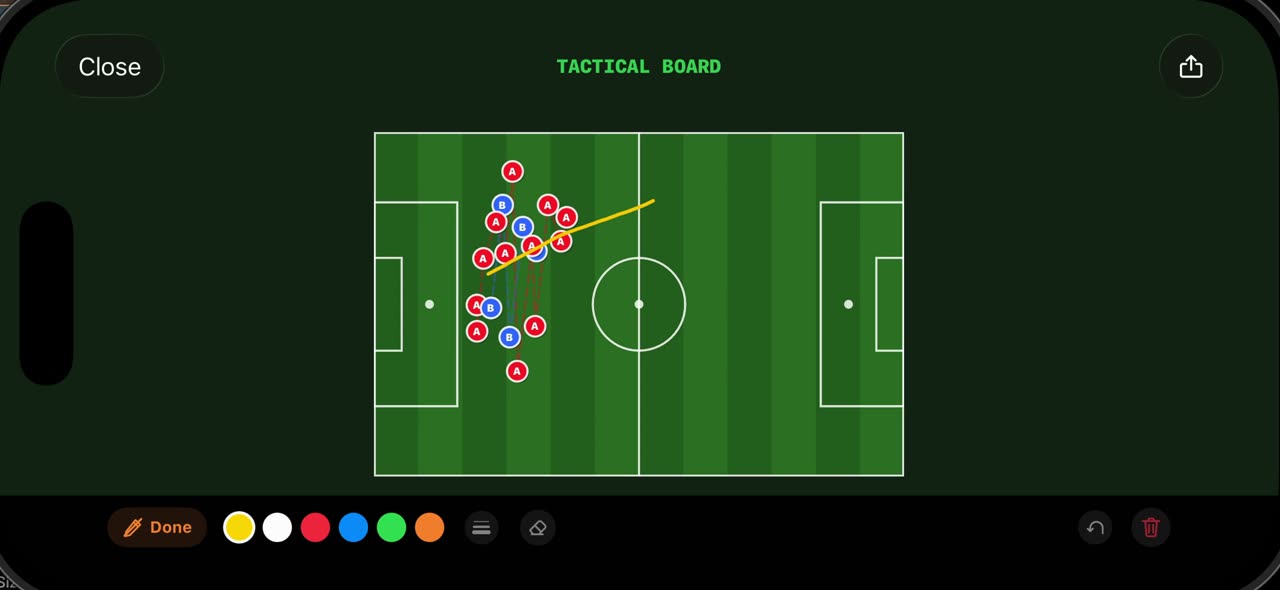
멈춘 프레임에서 스튜디오를 열고 Tactical Board를 탭합니다.
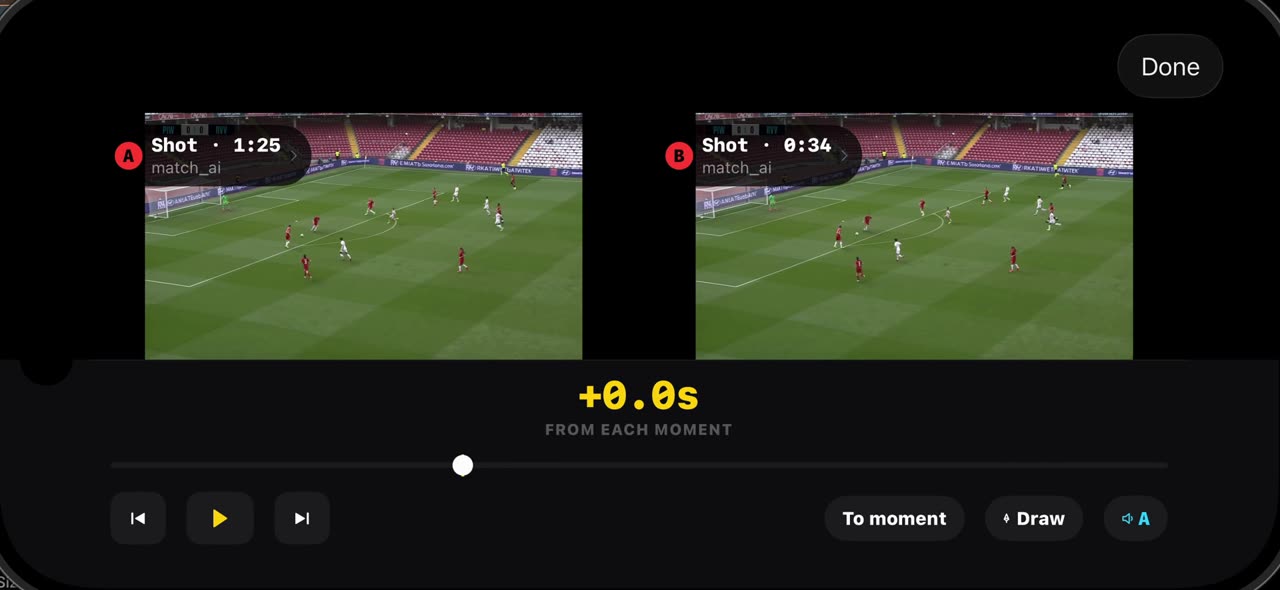 0:38
0:38TacticalSnap에서 두 장면을 비교하는 법 (비교)
비교는 내 경기의 두 장면을 나란히 놓습니다.
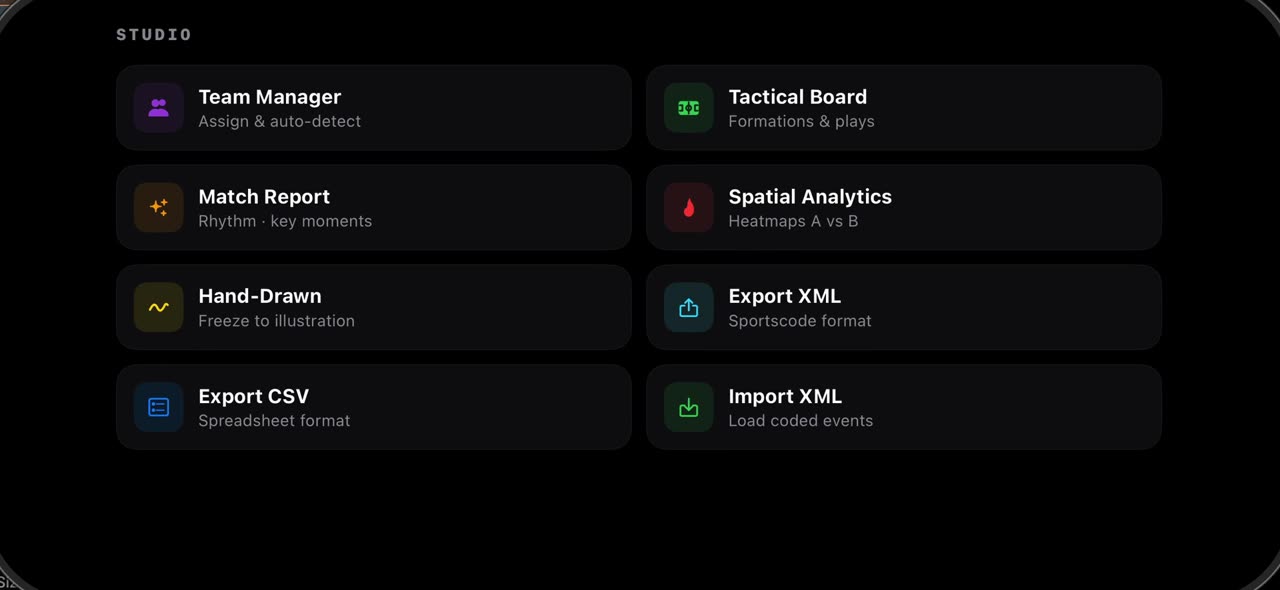 0:38
0:38TacticalSnap에서 XML과 CSV를 내보내고 코딩된 이벤트를 가져오는 법 (XML 내보내기)
멈춘 프레임에서 스튜디오를 열고 XML 내보내기를 탭합니다.
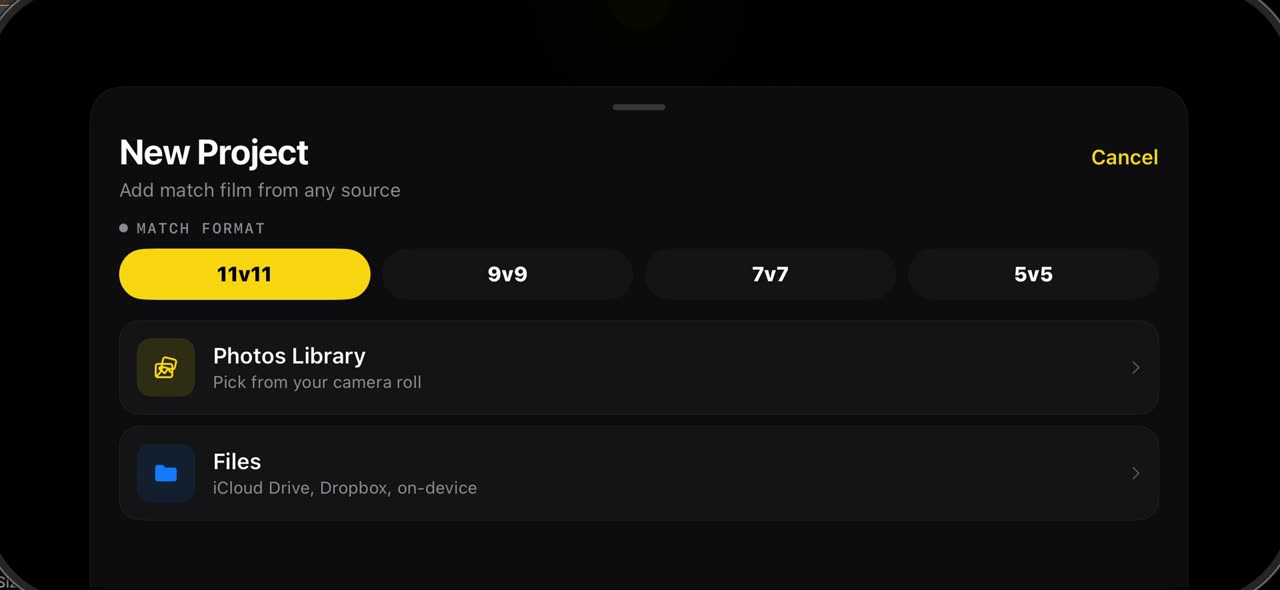 0:52
0:52TacticalSnap 설정에는 무엇이 있나 (설정)
라이브러리의 톱니바퀴를 누르면 설정이 열립니다.
경기 촬영하기
미식축구 (미국 영어)
 0:32
0:32Import a football game film and let it find every play
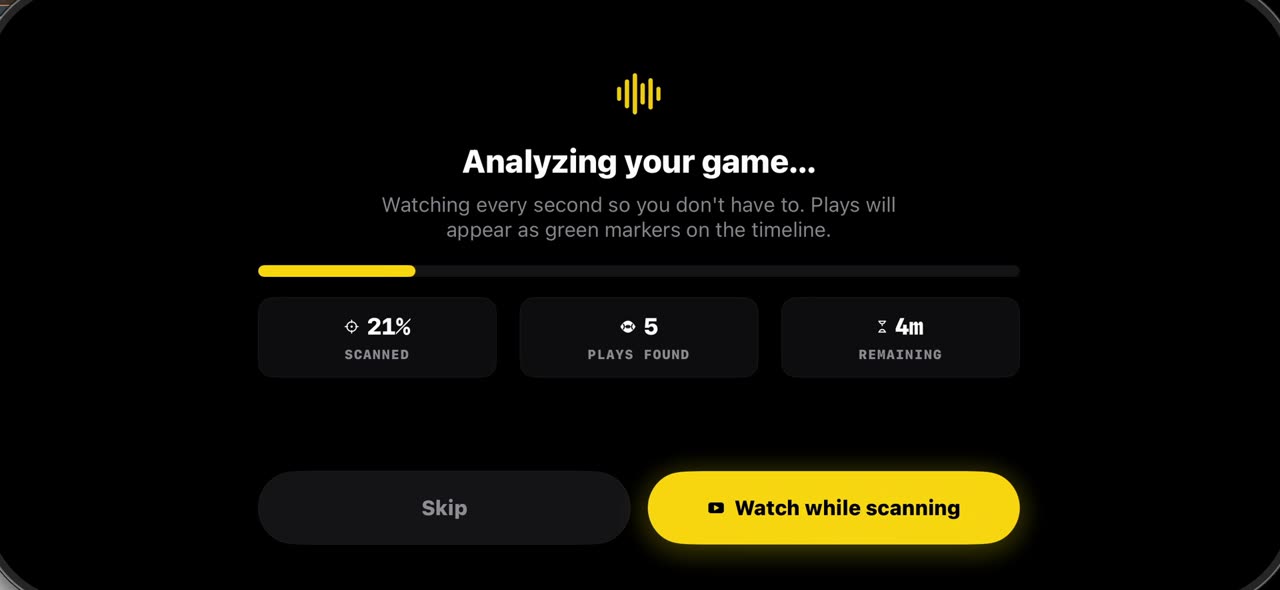
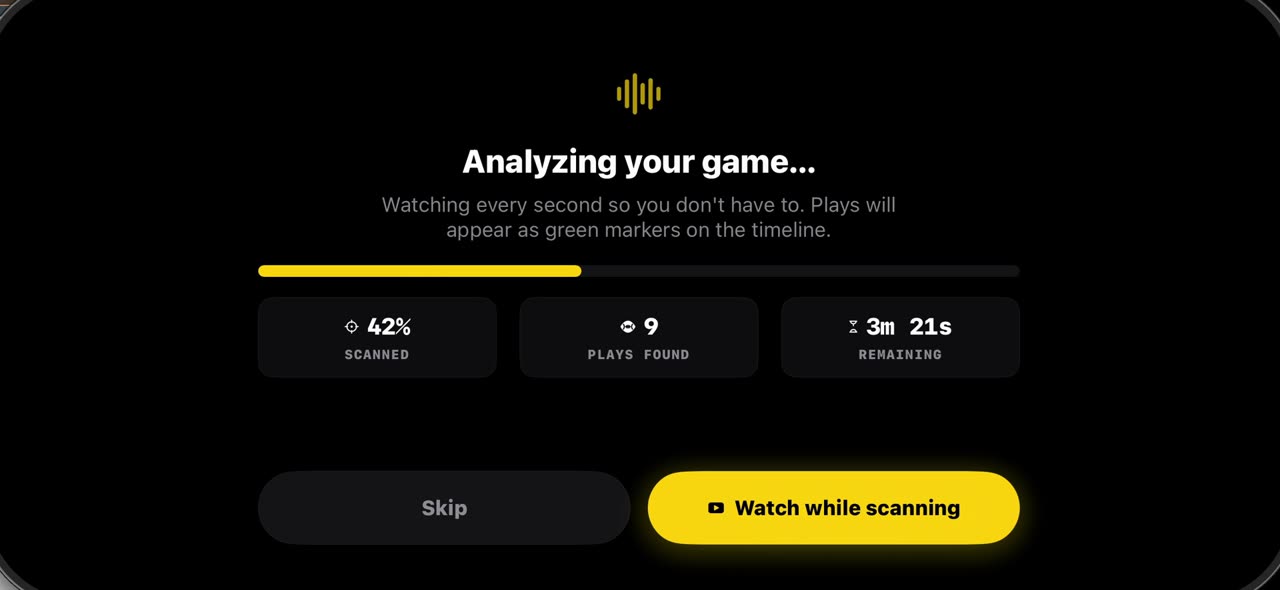
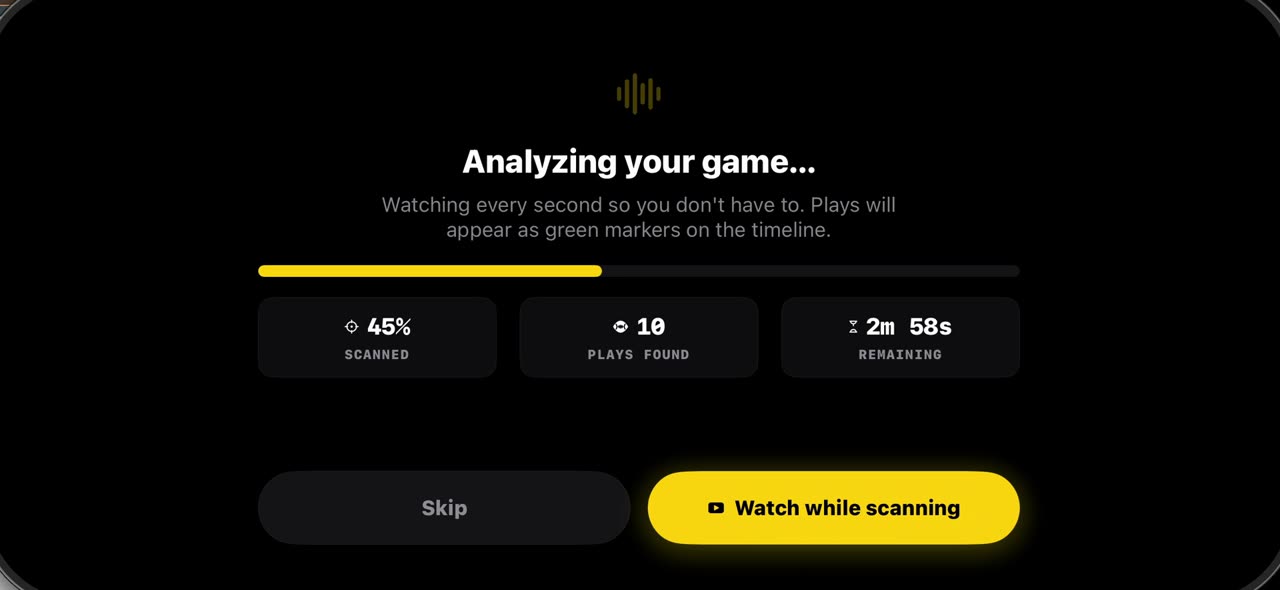
Pick the game film from Photos and the pre-scan watches every second, marking each play on the timeline: snaps in green, big plays in purple.
 0:31
0:31Freeze a snap and see every player, offense and defense
Open the timeline under your game film: green markers are snaps, purple ones big plays.
 0:30
0:30Record a play breakdown with your voice on the frozen snap
Freeze the snap and draw the plan first: from the palette pick the arrow and draw the blocks, and everything on the frame opens your video.
 0:36
0:36Build a football game plan step by step and record it
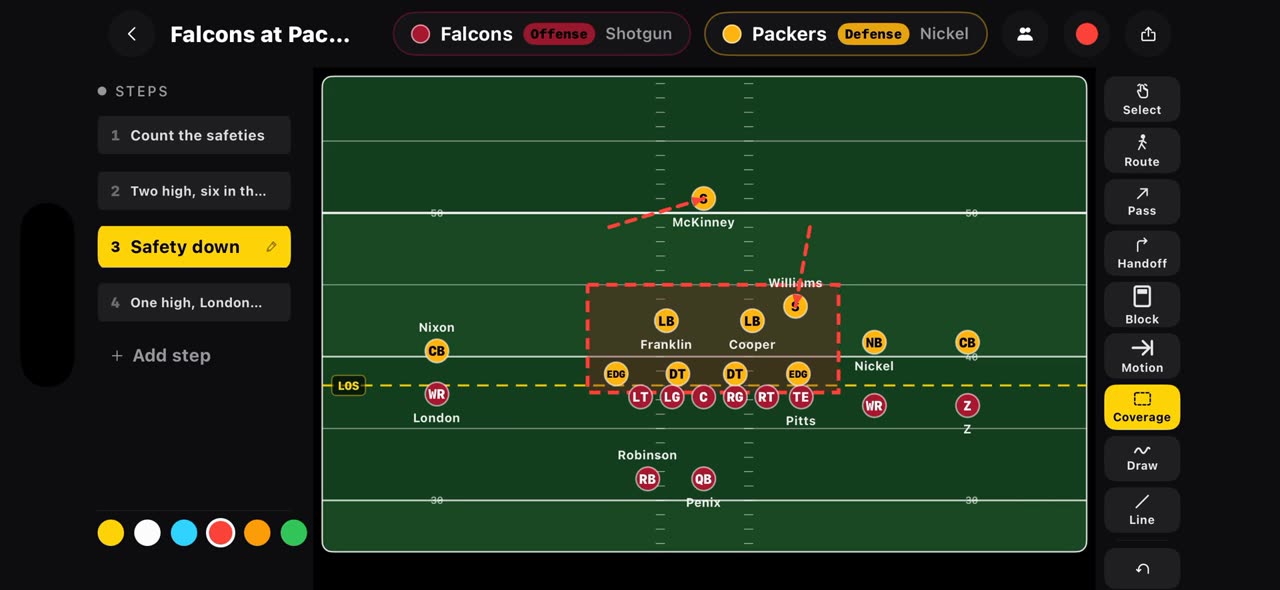
On a football board every step is a snap.
 0:36
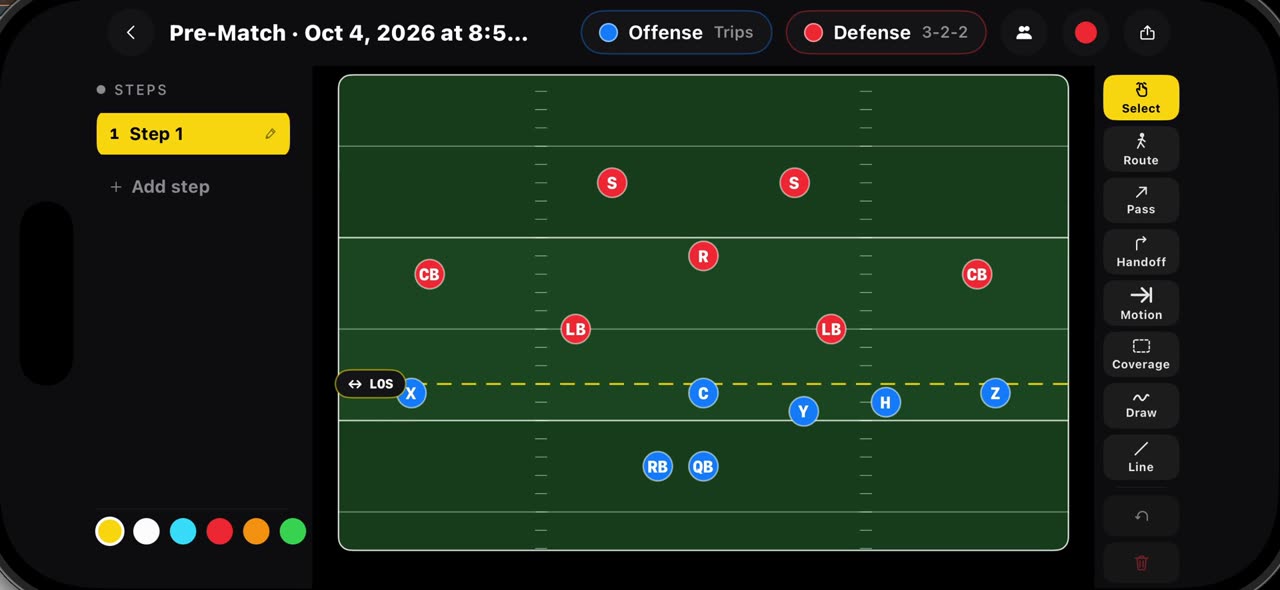
0:36Draw flag football plays on a real flag field, 7v7 and 5v5
Hold your finger on Pre-Match and pick a flag board: seven on seven starts with Trips against a three, two, two, five on five with Trips against a…
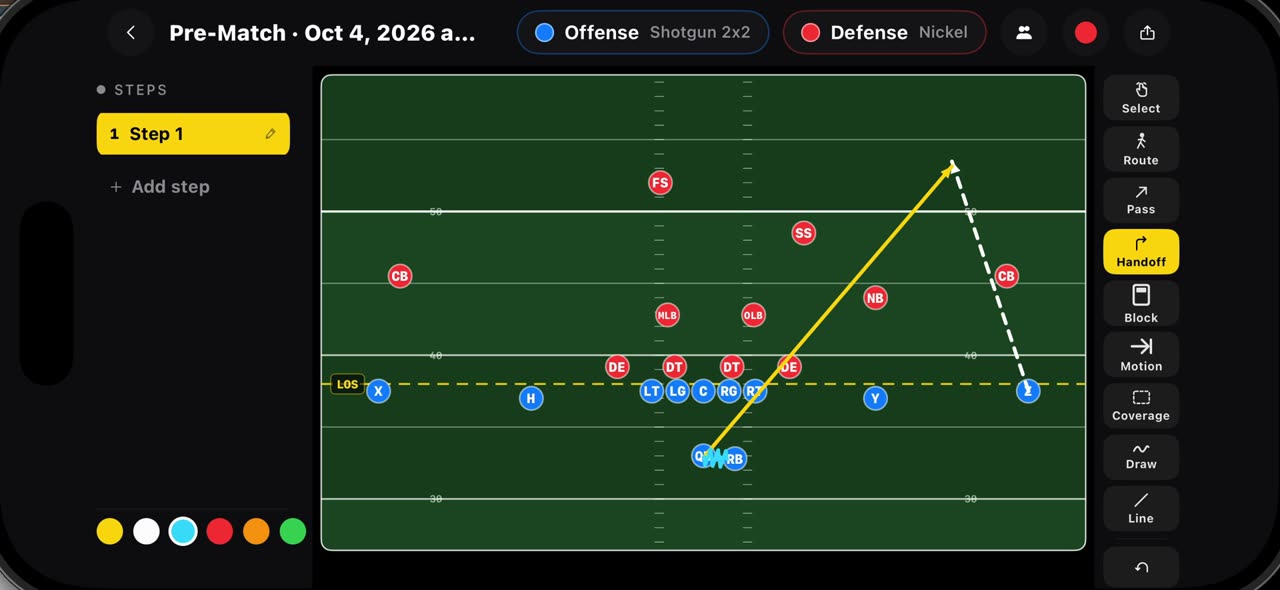 0:35
0:35Draw routes, passes, handoffs, blocks, motion and coverage
Every mark on the football board has its own tool.
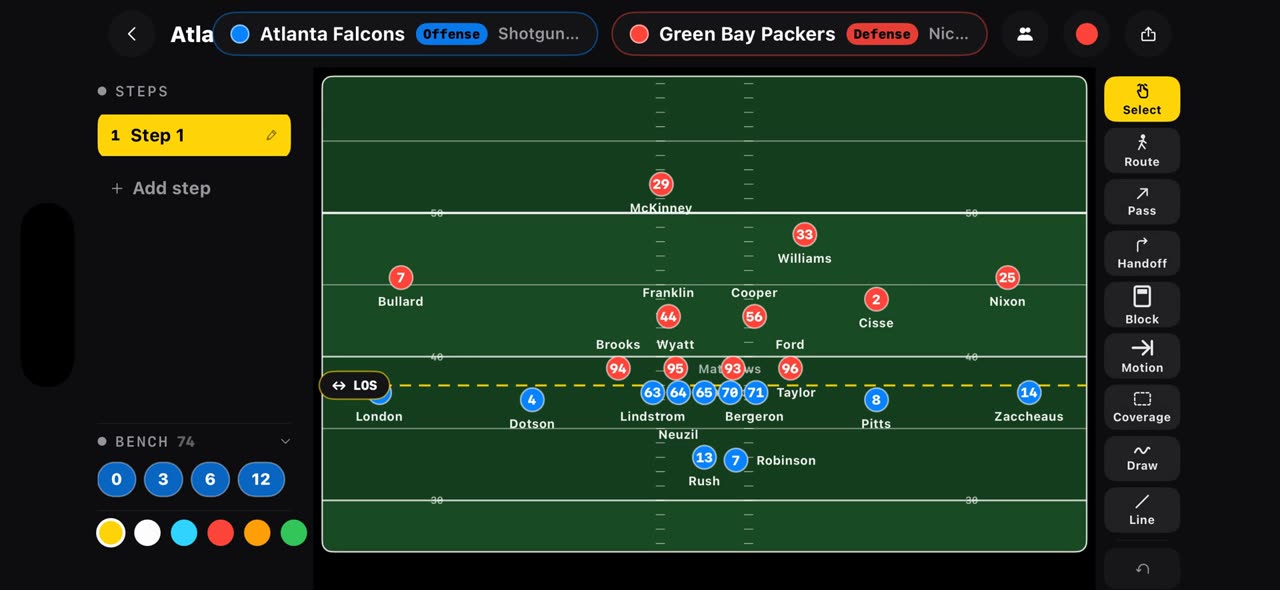 0:35
0:35Open any NFL matchup on a play board from one link
Put the offense and the defense in one link, tactikalsnap.com/prematch?offense=ATL&defense=GB, and the app opens the board on an NFL field: the…
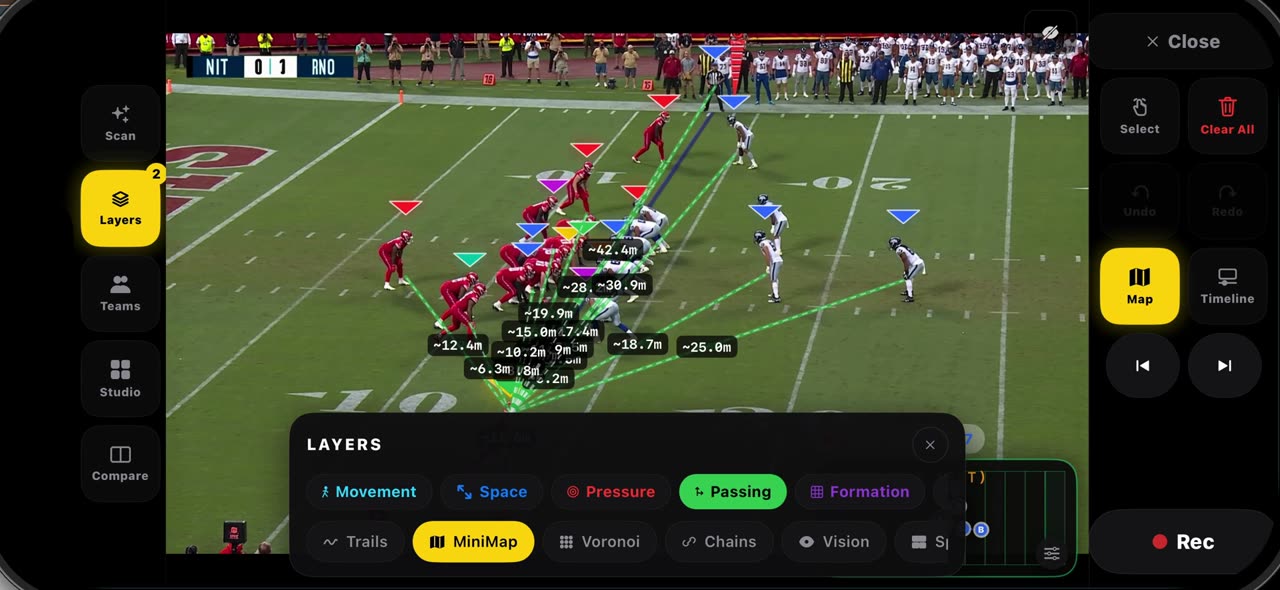 0:37
0:37Read a frozen snap with layers, then check the game report
Freeze a snap and open Layers: Formation connects each side's players so the shape at the snap is clear, and Passing draws every lane from the…
 0:36
0:36Export your play breakdowns and join them into one reel
The export button on the watch screen opens every recording of the game.
 0:44
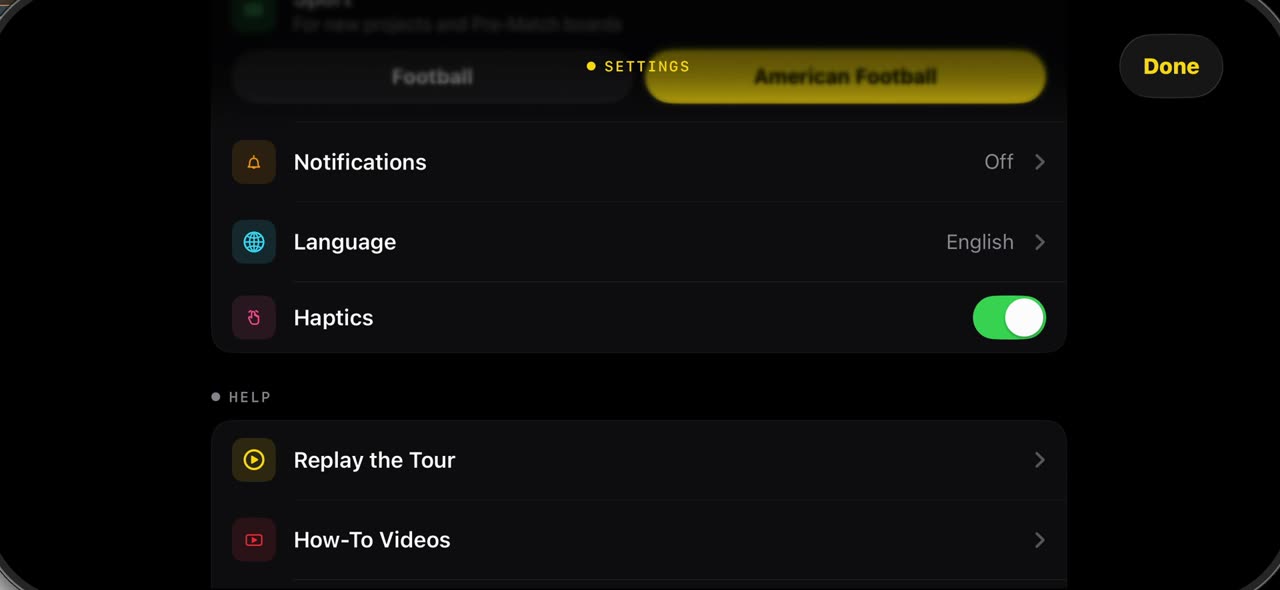
0:44What is in Settings when the sport is American Football
The gear in the library opens Settings.