
In short
U10 soccer is usually 7v7, or 5v5 in some countries, on a small field with goalkeepers and rules that encourage playing out from the back. It is the best age to start using video: a few seconds of your own game show kids where the space was, and the coach sees patterns that are invisible from the sideline. Film from the midfield line, up high, with the whole field in frame, and show kids seconds, not minutes.
What changes at U9 and U10
Around eight and nine, kids start to see teammates as well as the ball. Passing becomes a choice rather than an accident, goalkeepers appear, and players can hold a rough position for a few minutes. They can understand one simple idea per week, especially if they can see it.
This is still an age for lots of touches and equal playing time. Rotate positions, including goalkeeper, so every child learns the whole game.
- Passing and receiving start to matter.
- Simple positions: defense, midfield, attack.
- Goalkeepers who play with their feet as well as their hands.
- Short attention for talk, big appetite for play.
Typical formats at U10
Check with your association, as rules change. As a guide: US Soccer recommends 7v7 at U9 and U10, with a build-out line that gives the goalkeeper's team time to play out. In England, U9 and U10 soccer is also played 7v7. Other countries use 5v5 or 8v8 at this age.
A 7v7 field is roughly 45 by 30 to 55 by 35 meters (about 49 by 33 to 60 by 38 yards), with goals of about 3.6 by 1.8 meters (about 12 by 6 feet). Many leagues do not publish standings at this age.
- 7v7 with goalkeepers, or 5v5 in some leagues.
- Size 4 ball.
- Build-out or retreat lines to encourage playing out from the back.
- Rolling substitutions and equal playing time.
- Common 7v7 formations: 2-3-1, 3-2-1, and the 2-1-2-1 diamond.
What to coach at this age
The priority is still the individual player with the ball, now in the context of a small team. Pick one theme per week and let the game teach it.
- 1v1 attacking and defending.
- Receiving on the half-turn, ready to face forward.
- Passing to feet and into space.
- Support: creating an angle so the ball carrier has an option.
- Playing out from the goalkeeper.
- Simple defending: pressure on the ball, cover behind.
How to film a U10 game
One phone is enough on a 7v7 field. Stand on the midfield line, outside the sideline, five to ten meters (16 to 33 feet) back, and raise the phone to three or four meters (10 to 13 feet) on a tripod with a pole. Keep the whole field in a locked frame, and do not follow the ball: at this age, the team's shape tells you more than the ball does.
Landscape, 1080p at 30 frames per second, the main lens, focus and exposure locked, airplane mode on. The full guide, with what the phone sees from each position, is in the how-to video below.
How to use video with nine-year-olds
Kids this age learn from seeing, but only in small doses. Pick two or three moments, freeze them, and draw the one thing you want them to notice: the open teammate, the space behind, the angle that would have helped. Show them for ten minutes before practice, on a tablet or a laptop, and then go out and play it.
Always start with something that went well. Never single out a child's mistake in front of the group; show the situation, not the person.
- Two or three clips per session, never a whole half.
- One idea per week, the same idea at practice.
- Freeze, draw an arrow, ask a question.
- Positive clip first, teaching clip second.
How TacticalSnap helps at U10
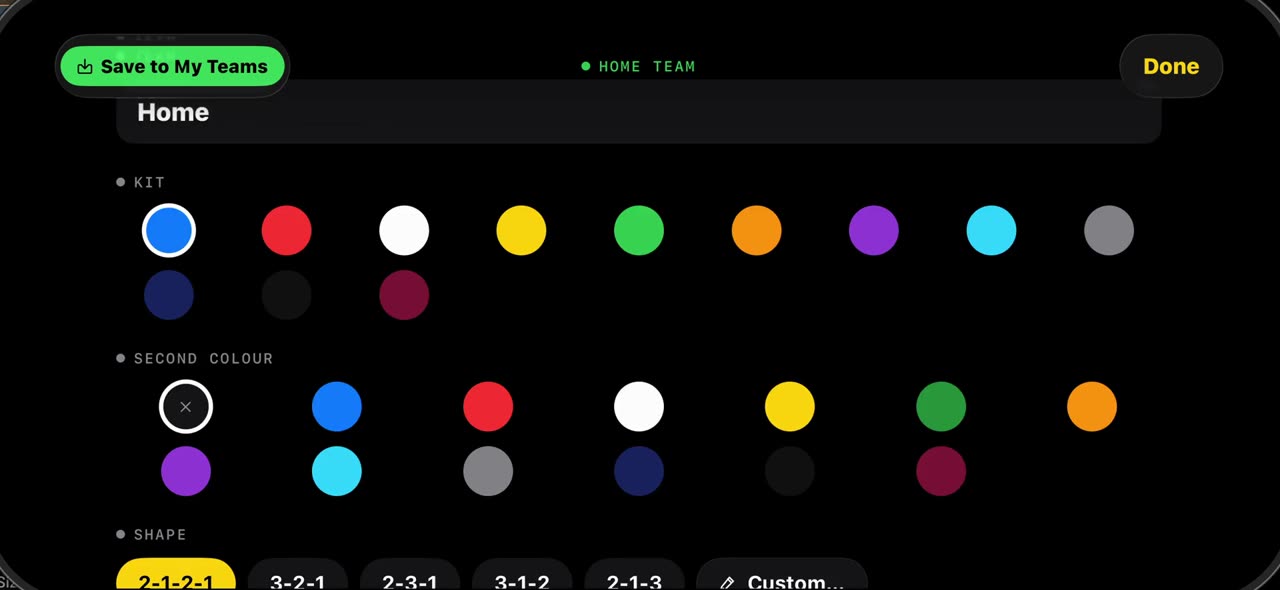
Choose 7v7 (or 5v5) when you import the game, and the scan finds the players and marks the shots on the timeline. Freeze any moment, fix the team colors if needed, and draw arrows, zones and labels. Record a short voiced take over the frozen frame, and the explanation is ready for the next practice.
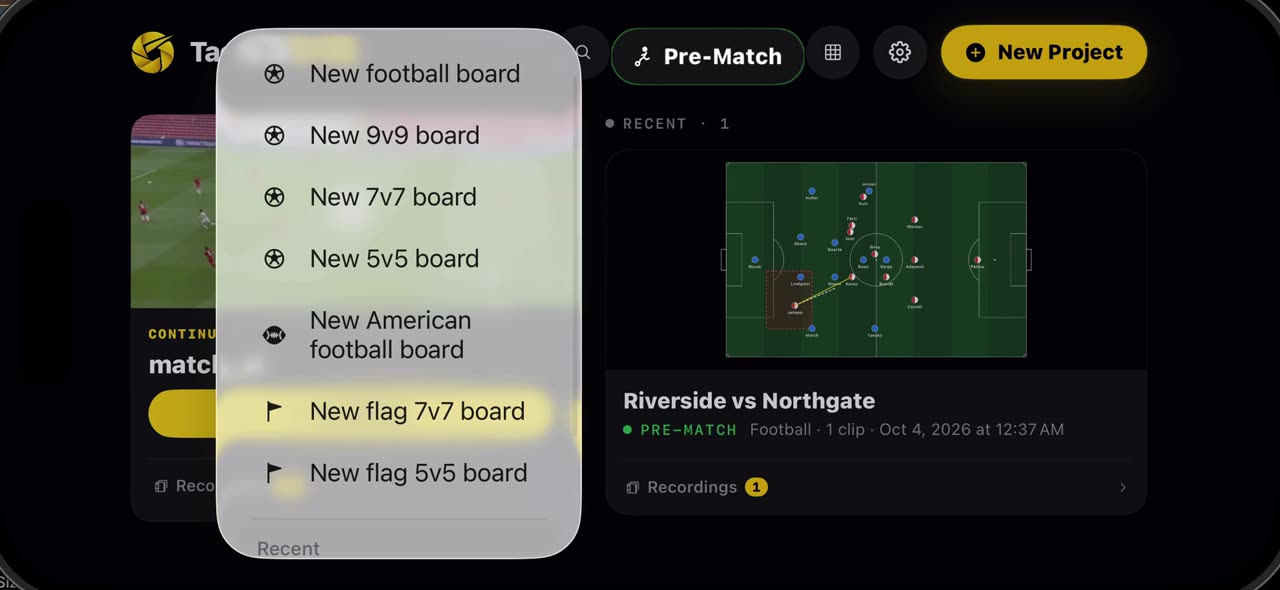
Before the game, the Pre-Match board opens with a 7v7 or 5v5 field and the common formations, including the diamond. Save your roster once in My Teams and put names on the players, so every board and every clip shows who is who.
A weekly routine
- Saturday: film the game from the midfield line.
- Sunday: import it, let the scan run, pick three moments.
- Freeze each one, draw the idea, record a short voiced take.
- Before practice: show the clips for ten minutes.
- Practice: a game that repeats the same situation.
Kids, consent and privacy
U10 players are children, so the rules for footage stay strict. Follow your club's policy first, get written consent from parents before the season, use footage for coaching only, share it privately rather than through public links, and delete what you no longer teach from. TacticalSnap analyzes video on the device; nothing is uploaded.
How-to videos for this age group
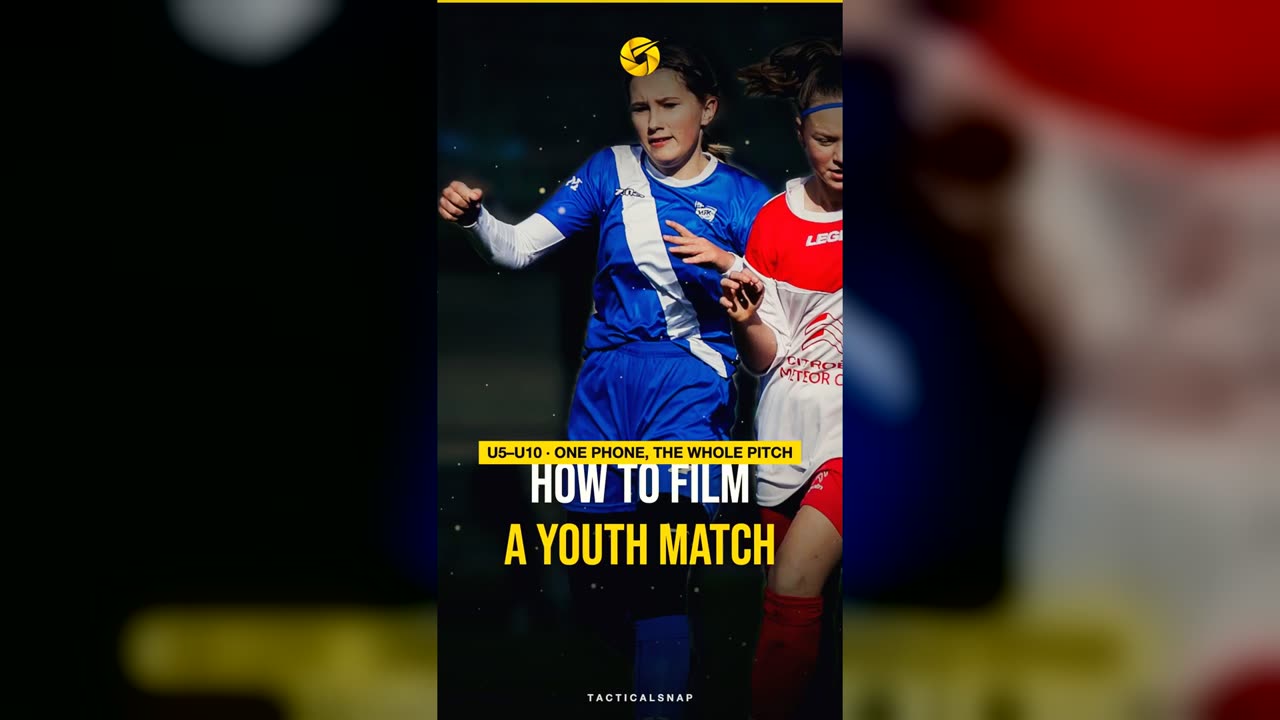
How to film a youth football match (U5–U10) so the video is actually useful
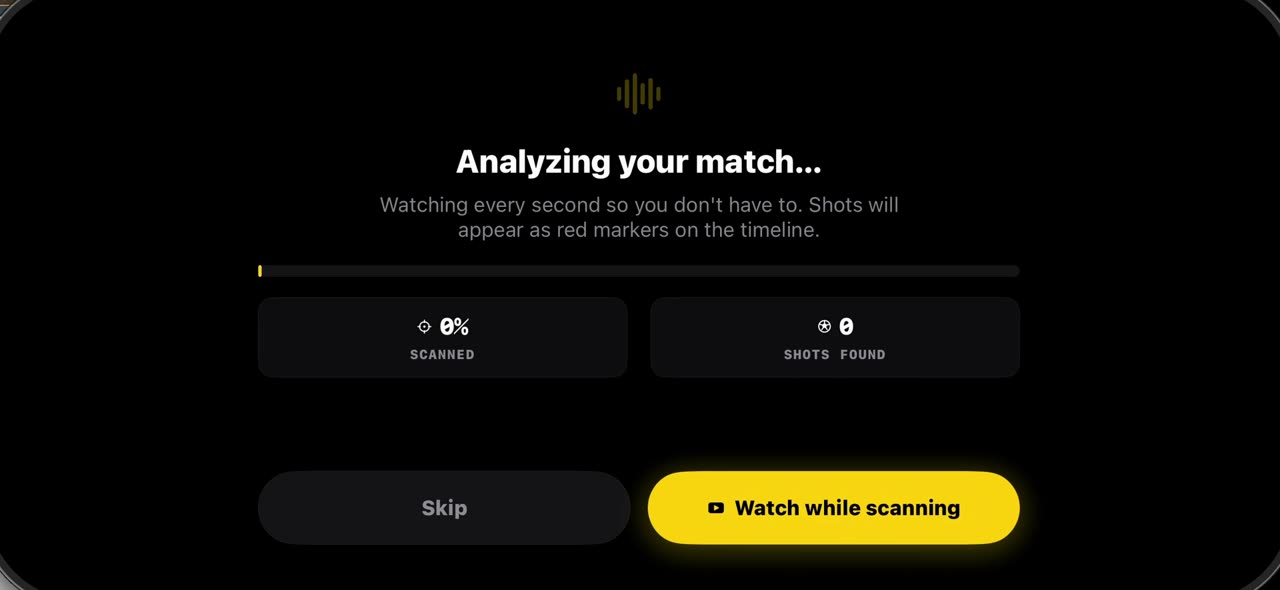
How to import a match into TacticalSnap (and what the first scan finds)
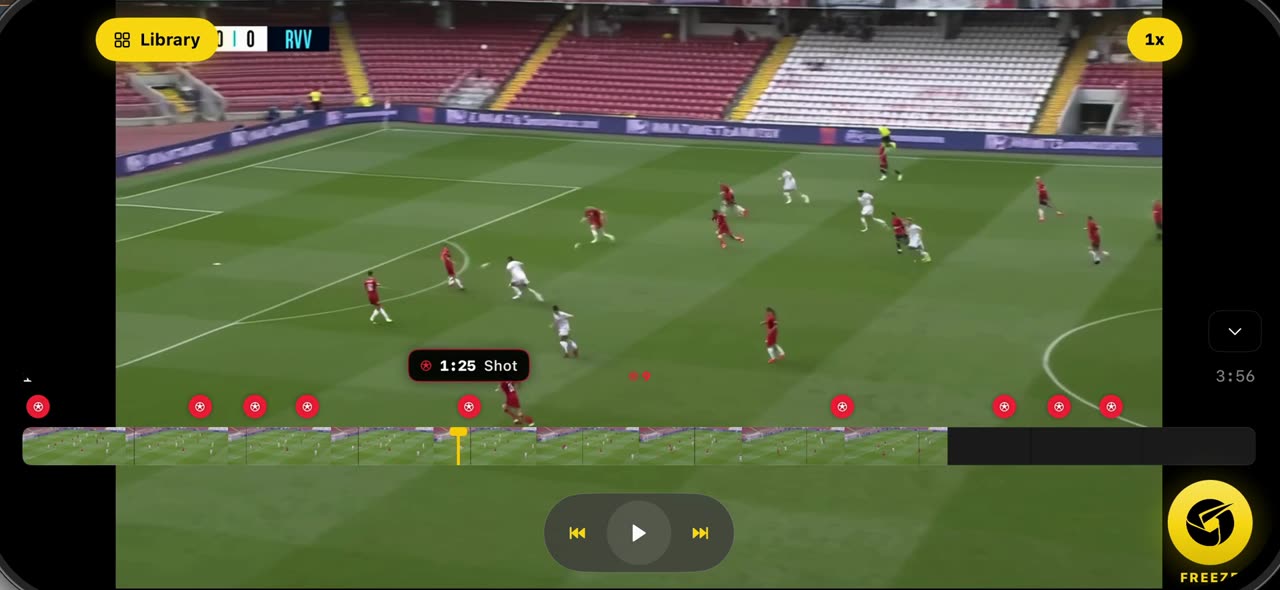
How to freeze a moment and scan the players in TacticalSnap
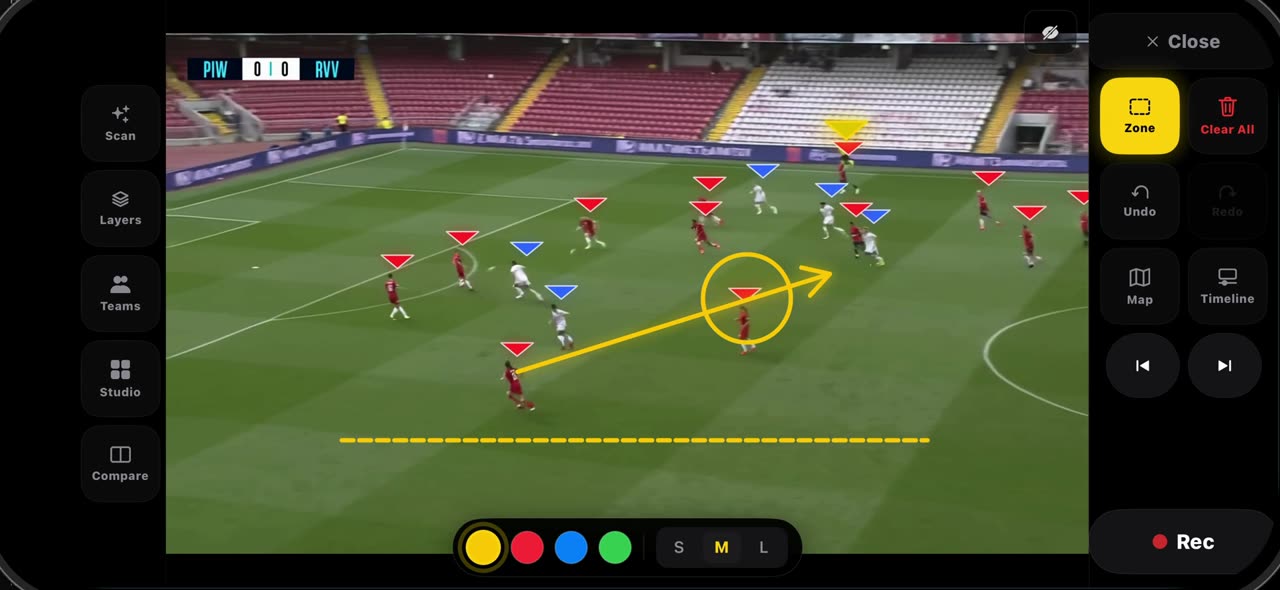
How to draw on a frozen frame in TacticalSnap (arrow, line, circle, zone, freehand)
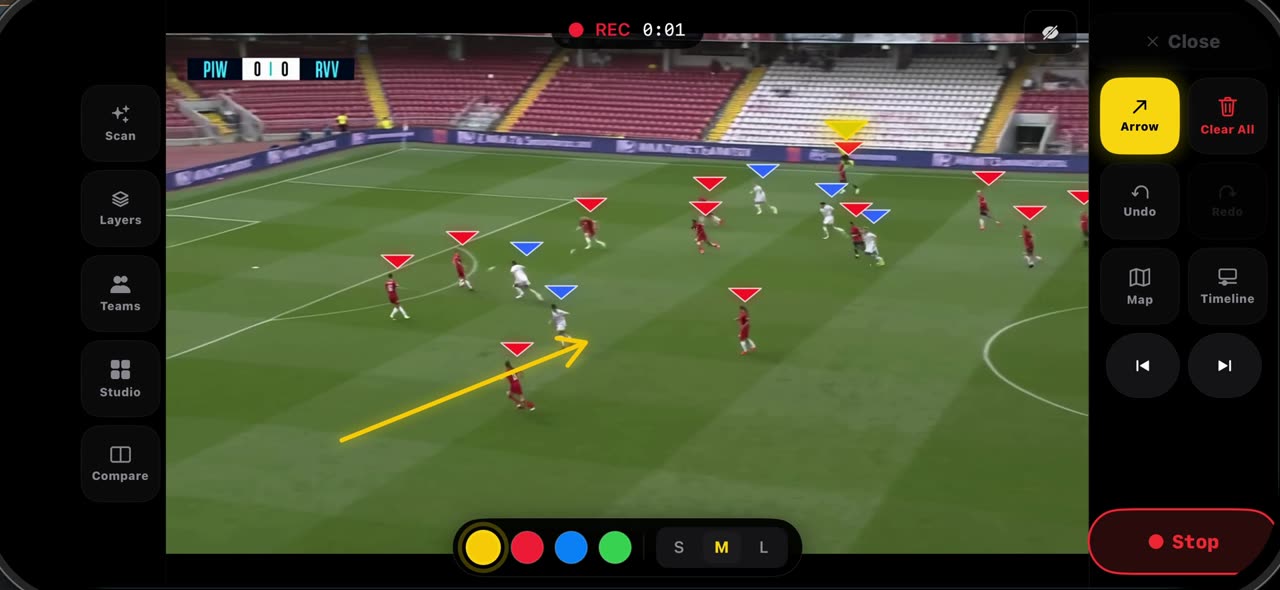
How to record a take on a frozen frame in TacticalSnap
How to set up a 7v7, 9v9 or 5v5 board in TacticalSnap
How to save your team and use it on any board in TacticalSnap
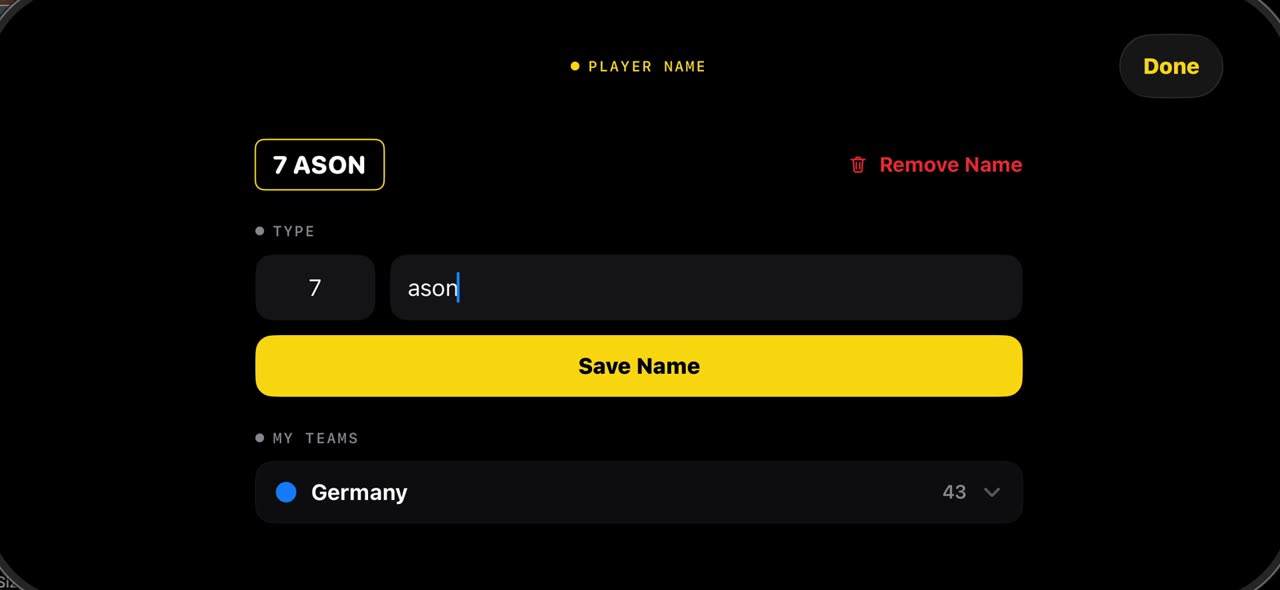
How to put names on the players in a match video with TacticalSnap
Questions coaches ask
Do U10 players play 7v7 or 9v9?
In US Soccer's guidance and in England, U9 and U10 play 7v7, and 9v9 starts at U11. Some countries use 5v5 or 8v8, so check with your association.
What is a good 7v7 formation for U10?
2-3-1 and 3-2-1 are the most common, and the 2-1-2-1 diamond gives every player a clear neighbor. Rotate positions so every child learns the whole field.
How long should a video session be for nine-year-olds?
About ten minutes, with two or three short clips around one idea, followed right away by a practice game on the same theme.
Should I show kids their mistakes on video?
Show situations, not individuals. Start with a clip that went well, freeze the moment, and ask what else was possible rather than who got it wrong.
Can TacticalSnap analyze a 7v7 game video?
Yes. Choose the 7v7 or 5v5 format when importing. The scan, freeze, drawing tools and the Pre-Match board all support small-sided formats.
Use it on your own games
TacticalSnap runs on an iPhone or iPad, entirely on the device. Every analysis tool is free; exporting video is the only paid step.